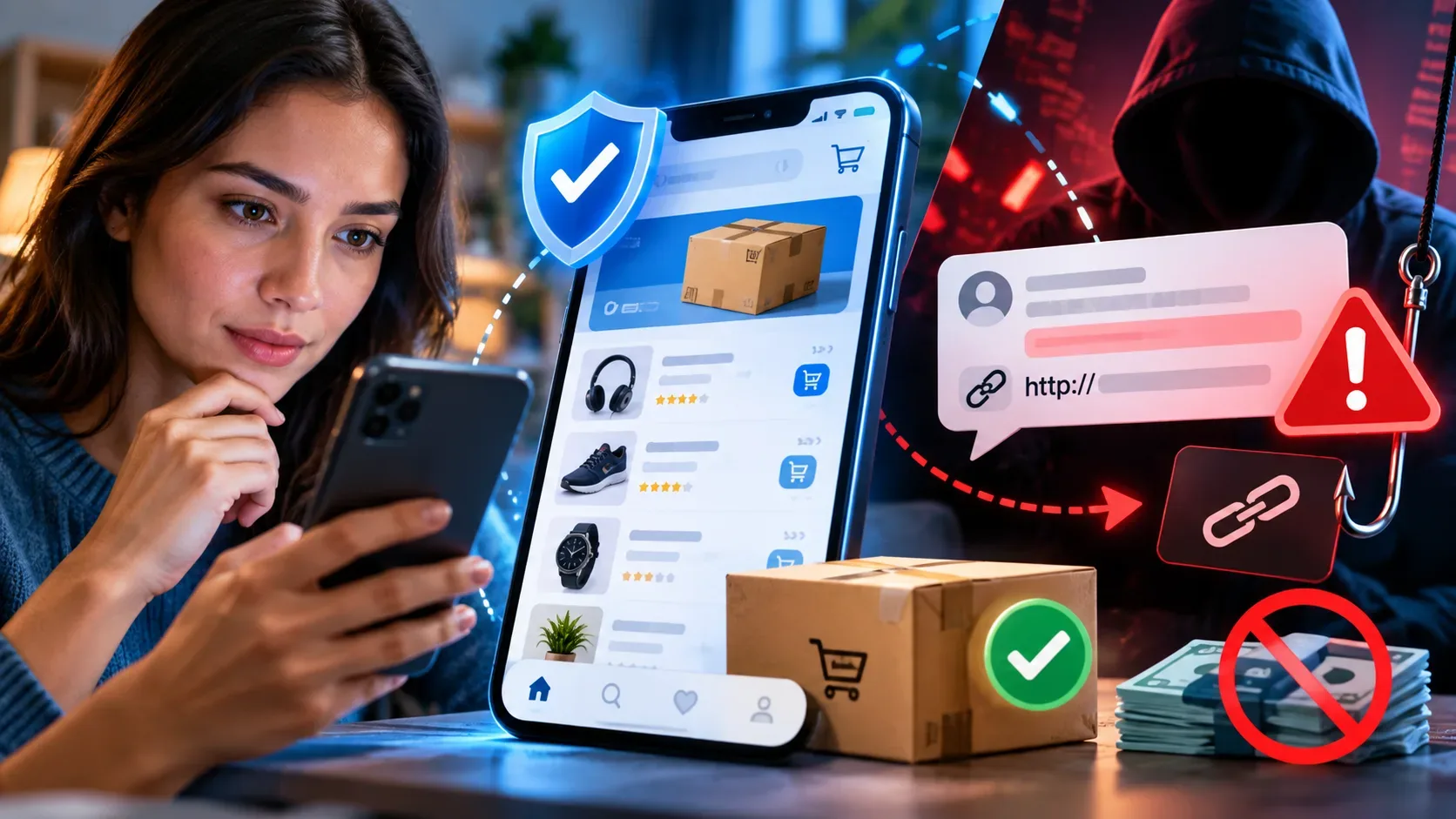
If a marketplace purchase is followed by a payment request through WhatsApp, SMS, email, a phone call or an external link, treat the charge as suspicious until you verify everything inside the official app or website. Scammers exploit the trust created by a real order or a convincing listing to move the victim outside the platform's protected environment. The practical rule is simple: do not pay based only on the message you received. Open the app yourself, find the order and check whether the same charge appears in the official flow.
The main warning sign: the charge exists only outside the platform
In this type of scam, the message often claims that the payment failed, an extra delivery fee is due, the parcel must be released, the order must be confirmed, an address must be corrected or a Pix payment is required to avoid cancellation. Pix itself is not the problem. The risk signal is the attempt to move the payment away from the flow you started in the marketplace.
Official Brazilian digital security guidance recommends making payments only on the original purchase platform. Brazil's Federal Revenue Service also warns that, for orders handled by e-commerce companies, charges and order-related actions should be verified directly on the official website or app rather than through links received in messages.
Signs that a payment request may be fake
- Request to pay elsewhere: the contact asks for Pix, bank transfer, QR code, boleto or card payment on an external page even though the purchase started inside the marketplace.
- Artificial urgency: phrases such as “pay now”, “last chance”, “the parcel will be returned” or “the purchase will be canceled in minutes” are meant to stop careful verification.
- Unexpected fee: a release, reshipping, insurance, validation, account update or delivery fee appears even though it was not shown at checkout.
- Link sent by message: the contact asks you to open a page received by WhatsApp, SMS or email instead of entering the official app yourself.
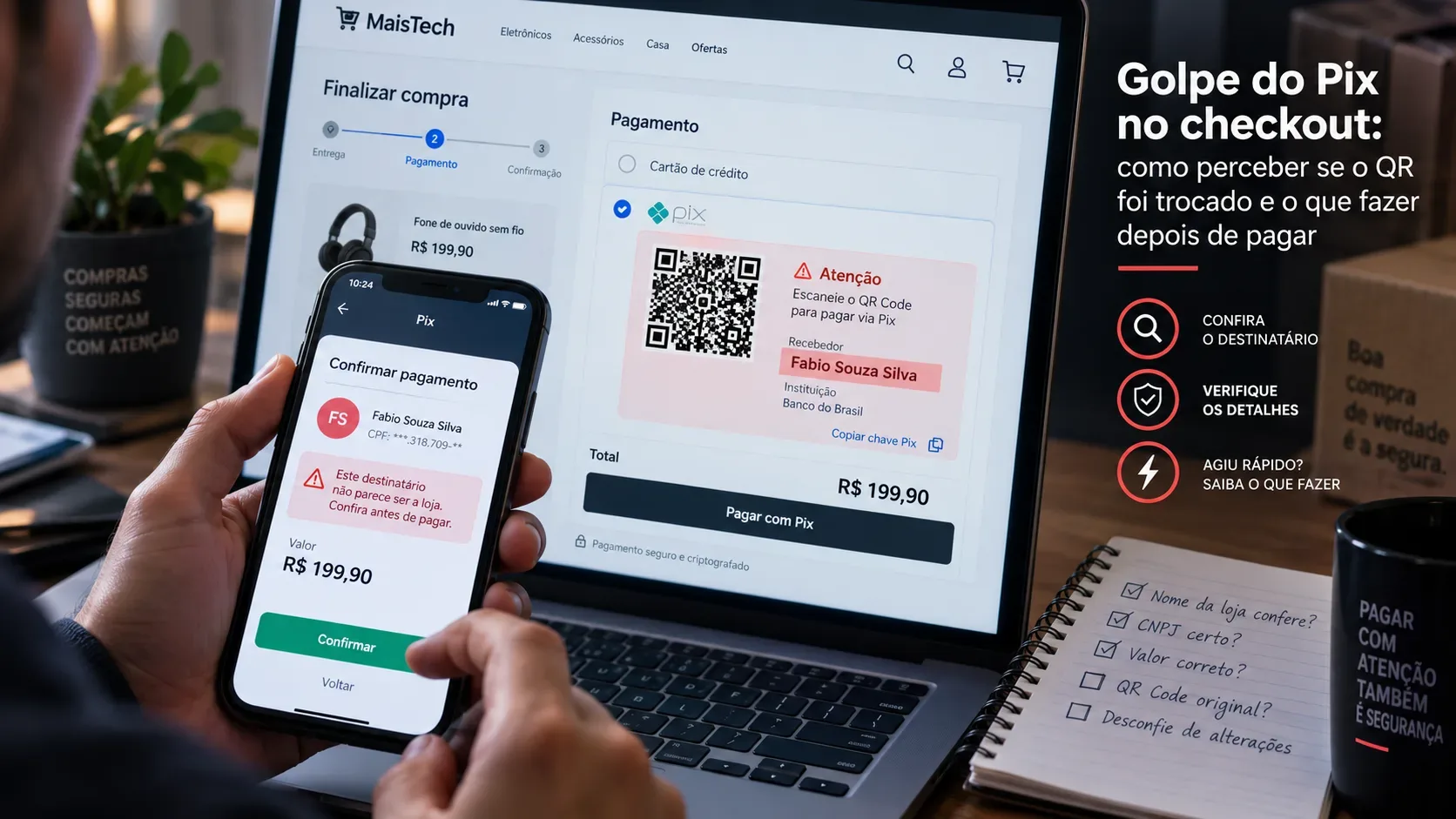
- Personal account or different recipient name: the recipient of the Pix or transfer does not match the entity shown in the platform's official flow.
- Request for sensitive data: the person asks for a password, SMS code, authentication code, full card number, CVV, document photo or installation of an app.
- A receipt is the only proof: the person sends an image, email or message claiming the payment was approved, but the marketplace status has not changed.
How to verify the charge without using the received link
- Close the suspicious message. Do not click the link and do not use the QR code it contains.
- Open the installed app or type the official address yourself. Avoid entering through links in messages or ads.
- Find “My purchases”, “Orders” or the equivalent section. Check the actual transaction status, amount and any pending charges.
- Check the payment channel. If there is a legitimate amount due, the instruction should appear in the official purchase flow or in a formal channel identified by the platform itself.
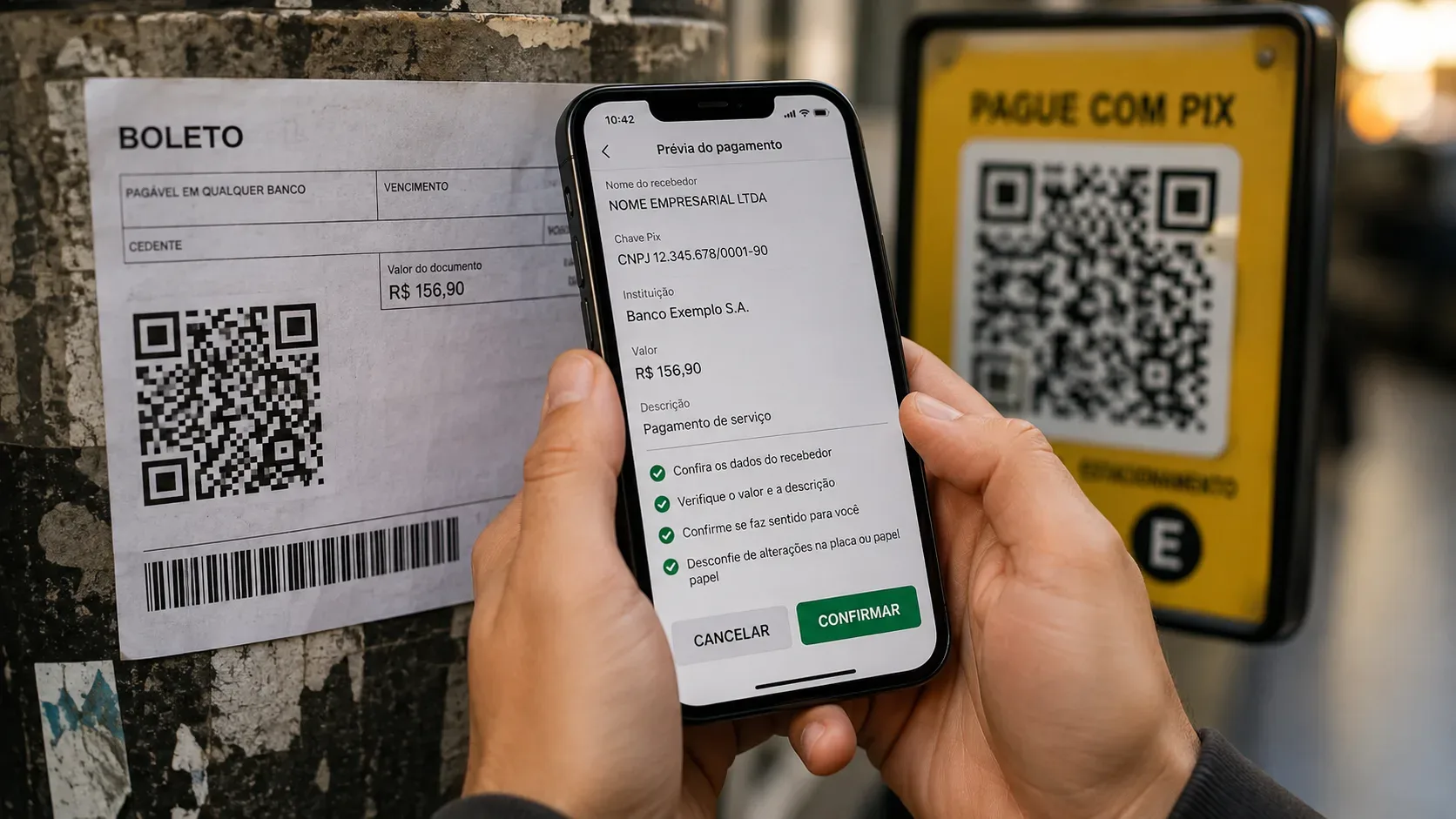
- Compare recipient, amount and description. Before authorizing Pix, card or boleto payment, confirm who will receive the money and whether the amount matches the order.
- Use the official help center if there is a mismatch. Seek support inside the app or by typing the company's known address, never through the contact that sent the suspicious charge.
A useful example: what official platforms recommend
Rules differ from one marketplace to another, so recipient names, deadlines and screen flows should not be generalized. Still, the security guidance is consistent. OLX's official help center, for example, advises users to pay only through official channels, avoid QR codes sent by message, never make Pix payments to “release” a purchase or sale, and keep negotiations inside the platform. This example illustrates a broader verification method: compare any charge with what the service itself shows in your authenticated account.
A real order can still be used as bait
A convincing message may contain your name, address, purchased item, tracking code or other correct details. That does not prove the charge is legitimate. Brazil's Federal Revenue Service warns that scammers can use real order data and even create fake tracking pages. Verification therefore has to happen by entering the official service directly, not by checking only whether the message appears to “know” details of your purchase.
Paid outside the platform: what to do now
Acting quickly may improve the chance of blocking funds and limiting further losses. The next steps depend on the payment method.
If you paid by Pix
- Immediately use your bank's official app or contact channel and report that the transfer resulted from fraud.
- Ask the institution to open the Pix Special Return Mechanism, known as MED in Brazil, when the case fits the rules.
- According to the Central Bank of Brazil, the return request may be filed within 80 days of the transaction, but victims should act as quickly as possible.
- MED does not guarantee recovery. A refund depends on the case assessment and the availability of funds in the accounts involved.
If you paid by card
- Contact the bank or card issuer immediately through official channels and dispute the transaction.
- If you entered card details on a suspicious page, consider blocking or replacing the card according to the institution's guidance.
- Review recent purchases and enable notifications for new transactions.
If you used a bank transfer, boleto or another method
Notify your bank immediately, explain the fraud and ask which dispute or blocking measures apply to the method used. In every case, preserve receipts, messages, URLs, phone numbers, profiles, recipient name, Pix key, date, time and amount.
Report the scam
In addition to contacting the bank, file a police report with the Civil Police in your Brazilian state, in person or through the state's online police service when available. Brazil's Ministry of Justice recommends gathering screenshots, call logs, transfer details and other evidence. You should also report the account, listing or conversation inside the marketplace so the platform can review the profile and preserve relevant records.
If you only clicked the link but did not pay
Do not complete the transaction. If you entered a password, authentication code or bank information, change credentials through official channels and contact the financial institution. If you installed an app at the request of the suspicious contact, remove it and treat the device as potentially compromised until you review permissions and security. If you only opened the page and provided no data, close it and verify the order directly in the official app.
Checklist before authorizing any payment
- Does the charge appear inside my marketplace account?
- Did I enter the app or website myself, without using the received link?
- Is the amount exactly what I expected?
- Does the recipient name match the official flow shown by the platform?
- Is there pressure to pay quickly or a threat that I will lose the order?
- Am I being asked for a password, code, document or app installation?
- Did I access support through an official channel?
If any of these checks fail, stop the payment and confirm the situation directly with the platform. The scammer's goal is to make the external charge look like a normal continuation of the purchase. The safest response is to separate the incoming message from the real order and trust the status shown in your authenticated account.