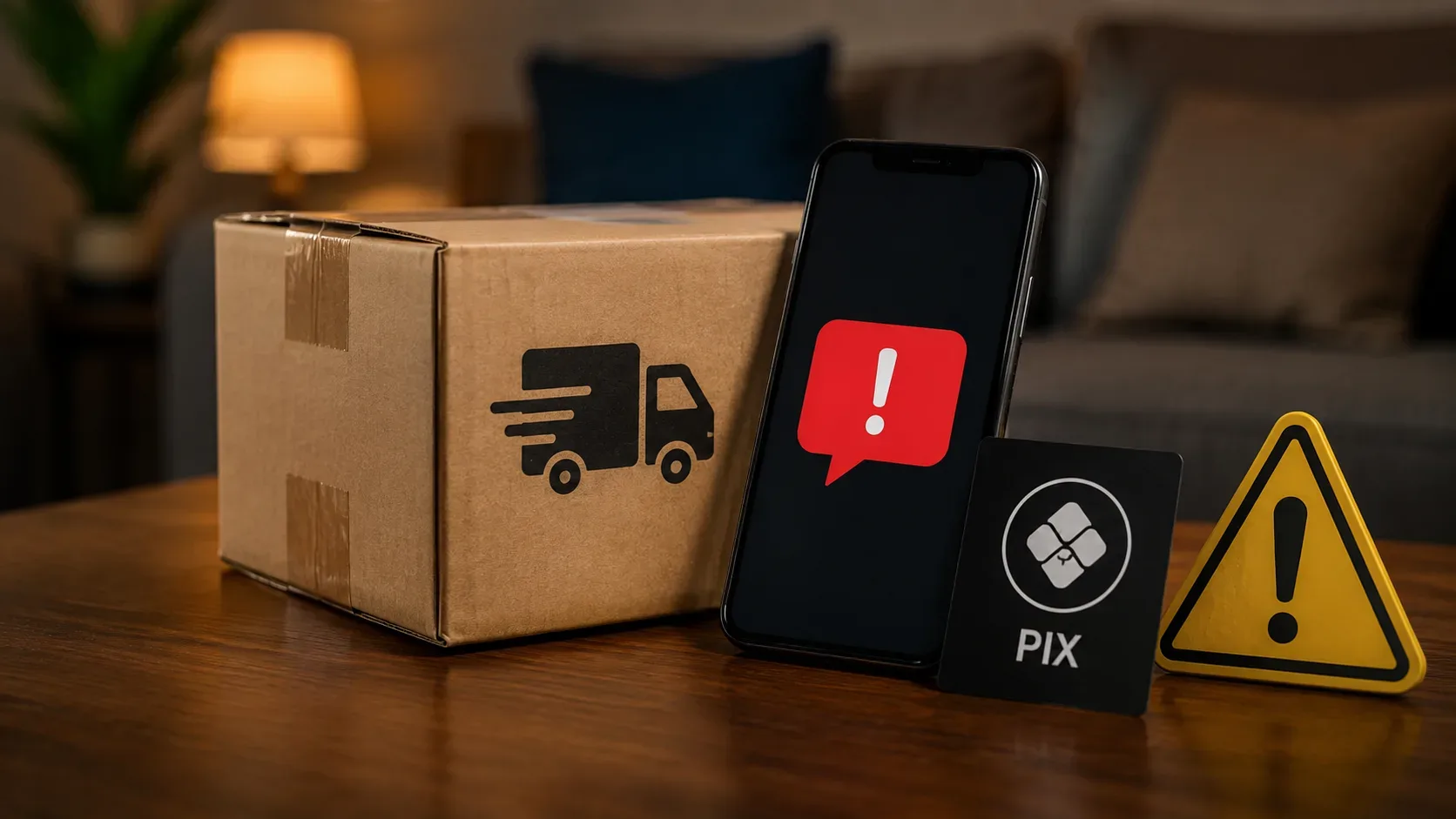
Did you receive an SMS, email or WhatsApp saying that your order is stuck and that a small Pix fee needs to be paid before delivery? Do not click on the link and do not make payment via the message. Open separately the store app, the carrier tracking and, if necessary, the bank app.
The message could just be a legitimate warning, but it could also lead to a fake page. The confirmation is not in the logo, the recipient's name or the code presented: it is in the registration of the same order and the same charge within the official channels.
The IRS warns that fraudulent messages may contain the correct name, CPF, address, carrier and even tracking code. It also notes that the charges for these scams tend to be low. The Ministry of Communications adds that phishing pages can use urgency to capture passwords, authentication codes and banking details. So a small fee may be just the first loss.
Pix in a delivery does not automatically mean scam
There is an important difference between receiving a Pix request by message and generating a Pix within an official environment.
In international orders delivered by Correios, taxes and postal services can be paid by bank slip or Pix, but the charge must appear in Minhas Importações or in the official Correios application. The IRS does not directly receive these payments via Pix. When the shipment is transported by a courier company, regularization must take place on the official website or app of the responsible carrier.
The Post Office informs that it can send a notification via SMS in certain situations, but payment continues to be made via Minhas Importações or the official app. The company also states that it does not send emails requesting payment of import taxes. Therefore, the channel that brought the warning should not be used as a payment environment.
7 checks before paying a delivery fee
1. Confirm if there is a purchase in transit
Start with the simplest question: do you really expect this order?
Open the app or store website using an already known address. Do not use the link in the message. Check it out:
- product purchased;
- order date;
- delivery address;
- deadline informed;
- order number;
- contracted carrier;
- tracking code registered upon purchase.
If there is no corresponding order, do not try to “find out what it is” by clicking. Stop contact, preserve the message in case you need to report it, and block the sender.
Also be suspicious when the message only mentions an “order”, without clearly identifying the store and the order. Many people have on-the-go shopping close to business dates, which makes a generic approach more convincing.
2. Treat SMS, email and WhatsApp as warnings, not evidence
Receipt through a known channel does not prove the origin. Numbers, sender names, images and text can be used to imitate a company.
A legitimate message must be confirmed by a second path. Close the received contact and open it directly:
- the official store app;
- the official application of the carrier;
- a previously saved address;
- the website entered manually into the browser.
Anatel recommends not opening links or files sent by unknown contacts and checking requests directly with the institution through official channels. The Ministry of Communications also recommends typing the address in the browser, instead of using links received.
3. Confirm who is transporting the order
The store must inform which company was responsible for delivery. Don't assume it's the Post Office just because the message uses terms like “object”, “shipment”, “distribution center” or “inspection”.
Compare the carrier name shown:
- on store order;
- in the note or confirmation of purchase;
- in the tracking opened by the official channel;
- in the message received.
If the names do not match, contact the store through the customer service found in the app or on the official website.
In international purchases, the Federal Revenue advises identifying the carrier and checking the order in that company's tracking. If the shipment is not with the Post Office or with a company qualified to operate this type of transport, the case requires additional attention.
4. See the code in the official tracking
Only copy the tracking code registered in the store order and check it on the carrier's official app or website.
Compare the result with the message:
- does the object exist?
- does the destination match your city?
- Does the status really indicate something pending?
- is there a registered charge?
- are the value and reason the same?
- Is the stated deadline compatible?
A code that works does not end the check. The IRS warns that scammers can present true purchase and tracking data. Therefore, the decisive factor is the existence of the pending issue within the account or the official environment, not just the coincidence of the code.
If the code sent by message does not appear in the original order, do not use it as a starting point. Confirm with the store the correct identifier.
5. Find out exactly what you're being charged for
The generic expression “delivery fee” can hide different situations. Before paying, classify the charge.
Domestic purchase: check the order if shipping, special delivery, retry or any additional expenses were foreseen. A subsequent charge that does not appear on the customer's account must be confirmed with the store and carrier.
Import by Post: any taxes, postal dispatch, documents and review requests must appear in Minha Importações or in the official Correios application. The boleto or Pix is generated in this environment.
Import by courier: the procedure takes place through the official channel of the contracted carrier. Do not pay for an address obtained only from the message.
Tax already collected upon purchase: some platforms collect the amounts at the time of sale. A new charge must not be accepted without checking the order, tracking and the official channel responsible for delivery.
Messages that talk about “immediate release”, “last attempt”, “discard”, “denial” or loss of the order within a few hours try to reduce the conference time. The IRS states that tax debts for international orders are not sent for negative payment at SPC or Serasa and advises you to be wary of clearance charges sent by message.
6. Compare Pix domain and recipient
Before entering any data, note the full domain of the site. The address must be exactly the one published by the company on its official channels.
Stop meeting:
- additional letters, numbers or symbols;
- company words mixed with another domain;
- shortened address;
- page opened within a messaging application browser;
- unexpected redirects;
- request to install an application;
- request for bank password or authentication code.
A well-designed page or one with a padlock in the browser does not replace confirmation of the identity of whoever controls the address.
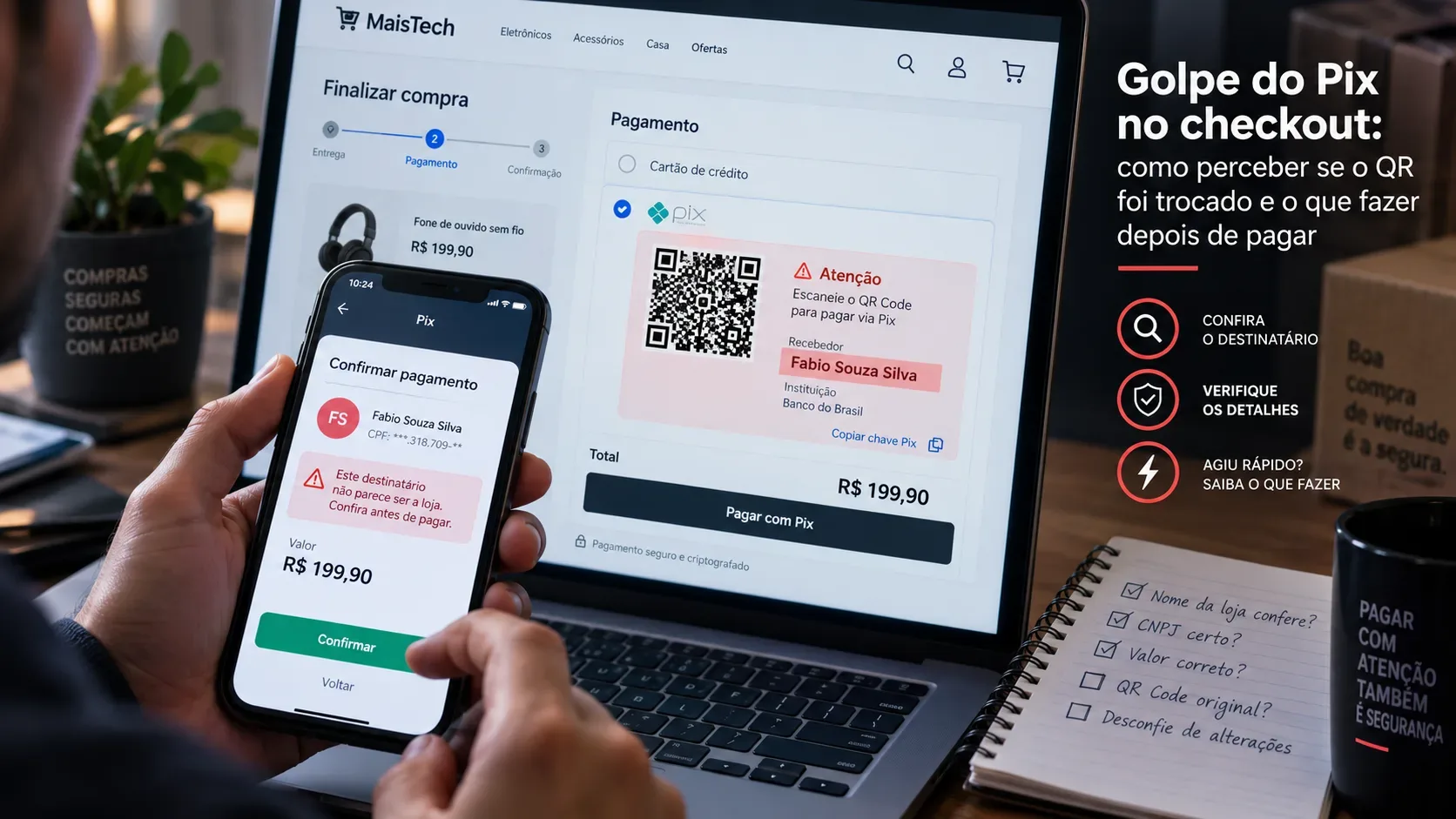
If the charge is registered in the official environment and you start Pix, make a final check on the bank screen. Compare the amount, the name of the recipient and the CPF or CNPJ displayed, when available, with the company that should receive the payment. Anatel recommends checking the recipient's data before completing a transfer.
A company can use an intermediary or a different corporate name than the brand. This does not prove fraud, but the relationship needs to be explained through the official channel before confirmation.
7. Make independent confirmation before deciding
The last check brings together all the previous ones. Ask:
- does the order exist in my account?
- does the carrier check?
- does the code appear in the official tracking?
- Is the issue registered in this tracking?
- Is the charge compatible with the type of delivery?
- was the payment generated within the application or official website?
- does the recipient correspond to the expected company?
If an essential response is pending, do not pay.
Contact the store or carrier using the phone number, application or customer service published on the official channel. Do not call the number sent in the suspicious message itself.
A true charge can be verified outside of the contact who submitted it. When a person demands immediate payment and tries to prevent this conference, the safest decision is to interrupt the operation.
Response flow: stop, check, access and decide
STOP
Don't click, don't respond, don't scan the QR Code and don't Pix the message.
CHECK
Open your store account and confirm order, carrier and tracking code.
ACCESS
Enter the carrier's official application or website via an independent route. Search for the pending issue and generate any payment only in this environment.
COMPARE
Check reason, value, term, domain and recipient data presented by the bank.
PAY OR STOP
Pay only when all data matches. If the charge does not appear on the official channel or there is a discrepancy, do not pay and seek legitimate assistance.
CONTEST
If the Pix has already been carried out, immediately contact the bank via the official app and register the dispute.
What to do if you have already clicked or paid
Clicked, but did not enter data
Close the page and do not open new links. The Ministry of Justice recommends interrupting contact and, in the event of suspected exposure, temporarily disconnecting the device from the internet, checking the device and monitoring related accounts.
Do not return to the address for more information. Save the original message and the screenshots already available.
Informed password, card or authentication code
Use another device considered safe for:
- enter the institution's official application or website;
- change affected passwords;
- terminate unknown sessions or devices;
- block or replace exposed cards;
- enable two-step authentication;
- monitor new movements.
Notify the bank through official channels about the possible exposure. The Ministry of Communications and the Ministry of Justice recommend changing the affected credentials, communicating the financial institution and monitoring the accounts.
Made the Pix
Open the bank's official application and dispute the transaction immediately, requesting the activation of the Special Return Mechanism, the MED.
The Central Bank informs that the request related to fraud can be presented within 80 days after the transaction, but acting quickly increases the possibility of blocking the resources. MED does not guarantee recovery: the refund depends on the analysis of the institutions and the existence of a balance in the accounts involved.
Preserve:
- Pix receipt;
- name and document of the recipient;
- number and profile that sent the message;
- date and time;
- conversation captures;
- page address;
- tracking code;
- bank and carrier protocols.
Also register a police report, in person or at your state's virtual police station, including proof and sequence of contact. The Central Bank and the Ministry of Justice recommend notifying the bank and formalizing the occurrence with the available evidence.
The rule for any delivery message
The message may initiate verification, but should not lead to payment.
When in doubt, leave the conversation and access the store, carrier and bank only through official applications. Pix should only be confirmed when the order, pending status, value and recipient can be validated through an independent path.
To check risks before starting a purchase, also consult the guide on eight checks before paying for an offer from an unknown store on Father's Day. If the scam has already caused other attacks or losses, follow the containment guide for the first 30 minutes after a digital scam.