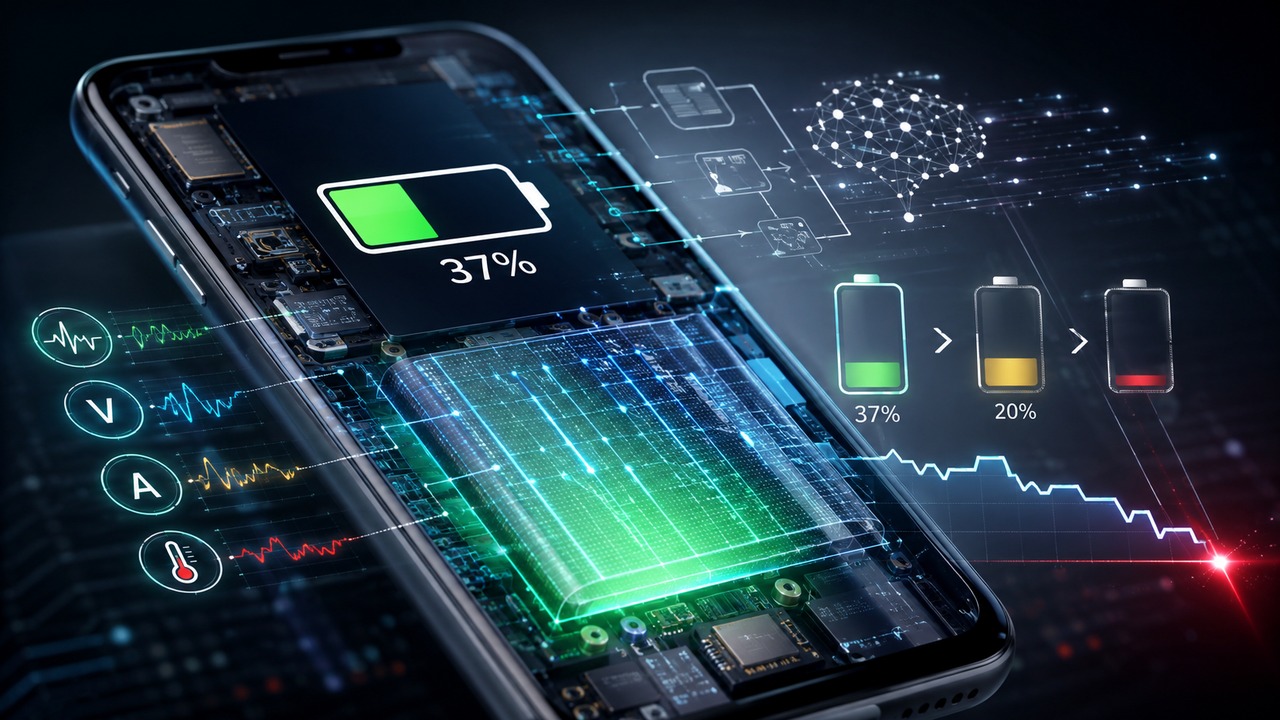
When the cell phone shows 37% battery, it is not consulting a sensor that directly sees 37% energy inside the cell. The number is an estimate of state of charge, calculated by a battery meter from electrical signals and a model that tries to answer a practical question: how much usable charge is left under current conditions?
This difference between measuring and estimating explains much of the behavior that appears to be a defect at first glance. The percentage may remain stationary for a few minutes, drop two or three points at once, change after a period of rest or, in more severe situations, the device may turn off before reaching 0%. The value remains useful, but it does not work like the fuel gauge on a rigid and perfectly known tank.
The 37% is an estimate of state of charge
In battery electronics, the percentage displayed usually represents the state of charge, or SOC. Dedicated meters, known as fuel gauges, can report remaining capacity, percentage, voltage and other data to the operating system. Texas Instruments, for example, describes meters that combine current, voltage and temperature measurements with algorithms that also adjust the estimate according to aging, self-discharge and variations in use.
This already shows why there is no single “percentage sensor”. The device observes quantities that can be measured and transforms these quantities into a prediction. The quality of the number depends on both the accuracy of the measurements and the model used to represent the actual battery that is aging inside that phone.
The Coulombs count keeps track of what goes in and out
One of the central techniques is Coulomb counting. The meter monitors the current entering during charging and the current leaving during use and integrates this flow over time. In simple terms, it maintains a kind of electrical accounting: it adds charge when the battery receives energy and subtracts it when the device consumes it.
The technique is very good for tracking short-term changes, but it is not perfect. Small measurement errors can accumulate. Furthermore, the total capacity used as a reference is not fixed forever. A new battery, an aged battery, a cold battery, and a heavily discharged battery do not necessarily provide the same amount of usable power up to the point where the phone needs to stop.
Tension helps, but needs context
The other important clue is tension. In a lithium ion cell there is a relationship between the state of charge and the open circuit voltage, called OCV. When the battery is sufficiently stable, the voltage reading can help the algorithm find the correct position on the charge curve and correct the error accumulated by the current count.
The problem is that the voltage measured while the phone works is not the same as the voltage of a battery at rest. When opening the camera, starting a game, using the modem at high power or placing heavy demands on the processor, the current increases and the voltage at the terminals may drop. This drop depends, among other factors, on the internal resistance or impedance of the battery. Therefore, more advanced algorithms combine charge counting, voltage, resistance, temperature and cell models instead of simply converting “x volts” to “y percent”.
Temperature and aging change what is available
The battery also does not behave the same in all conditions. Low temperatures can temporarily increase impedance and reduce the ability to deliver power. Chemical aging reduces the amount of charge a cell can store and can also decrease its ability to deliver peak energy.
Apple explains this effect directly in its battery and performance documentation: a battery with higher impedance suffers a greater voltage drop when the device demands power. The risk increases when the charge is already low, the battery is chemically aged or the temperature is cold. The system needs to maintain a minimum voltage for the components to continue functioning.
Why the percentage may stay still and then jump
If the estimate were updated with every small electrical variation, the percentage could fluctuate annoyingly. Real meters use filters and smoothing mechanisms to deliver a stable number. At the same time, they need to correct deviations when they find a better reference.
That's where the leap appears. Texas Instruments has published a specific application note on state of charge jumps in smartphones. The document shows that voltage and current errors can accumulate and that certain self-correction routines depend on conditions in which the voltage is sufficiently stable. In one of the field examples, the indicator jumped from 9% to 0%. The important point is not that specific number, but the mechanism: when the algorithm discovers that its previous estimate has become optimistic or pessimistic, it needs to reconcile the displayed value with the new estimated state.
Therefore, a drop of several points does not necessarily mean that that amount of charge disappeared in one second. It may mean that the system has revised the estimate. Likewise, a percentage that appears “stuck” for some time may be the result of smoothing, too low or too high load, usage conditions not conducive to correction, or an estimate being held until there is sufficient evidence to change.
How can the cell phone turn off while still showing 20%
This is the case that makes it most clear that remaining energy and available power are not exactly the same thing. The meter may believe that there is still a chemical charge in the battery,
but the phone needs to receive instant power without letting the voltage drop below the minimum required by the system.
When the internal impedance is high, a strong demand causes a greater voltage drop. In an aging battery, with little charge or in a cold environment, this margin may be small. If the voltage drops beyond the safe limit, power management may shut down the device to protect component operation. Apple describes precisely this type of unexpected shutdown when the battery is unable to deliver the necessary peak of energy.
So, “turned off at 20%” does not alone prove that there was exactly 20% usable energy and the cell phone ignored it. There may be a difference between the estimated remaining charge and the capacity of that battery, at that moment, to sustain the power requested by the device. When this happens again and again, especially with an older battery, battery health information and manufacturer support guidance become more helpful than trying to force discharge cycles.
Battery health is not the same thing as charge
Another common confusion is treating 100% charge and 100% health as if they were the same indicator. They are not. The charge percentage tells you how much is left in relation to the usable capacity that the system considers available at that moment. Maximum health or capacity compares the current battery to the capacity it had when new.
An aging battery can charge up to 100% on the screen and still store less total energy than it did when it was new. Google and Apple treat battery capacity as an estimate and recognize gradual loss with use and cycles. This also changes the reference used by the meter to interpret the remaining charge.
Discharging to 0% “calibrates” the battery?
The generic recommendation to repeatedly drain the phone until it turns off to “teach” the battery mixes two different things: cell chemistry and estimation calibration. A deep cycle does not recover capacity lost due to aging and does not repair a degraded battery.
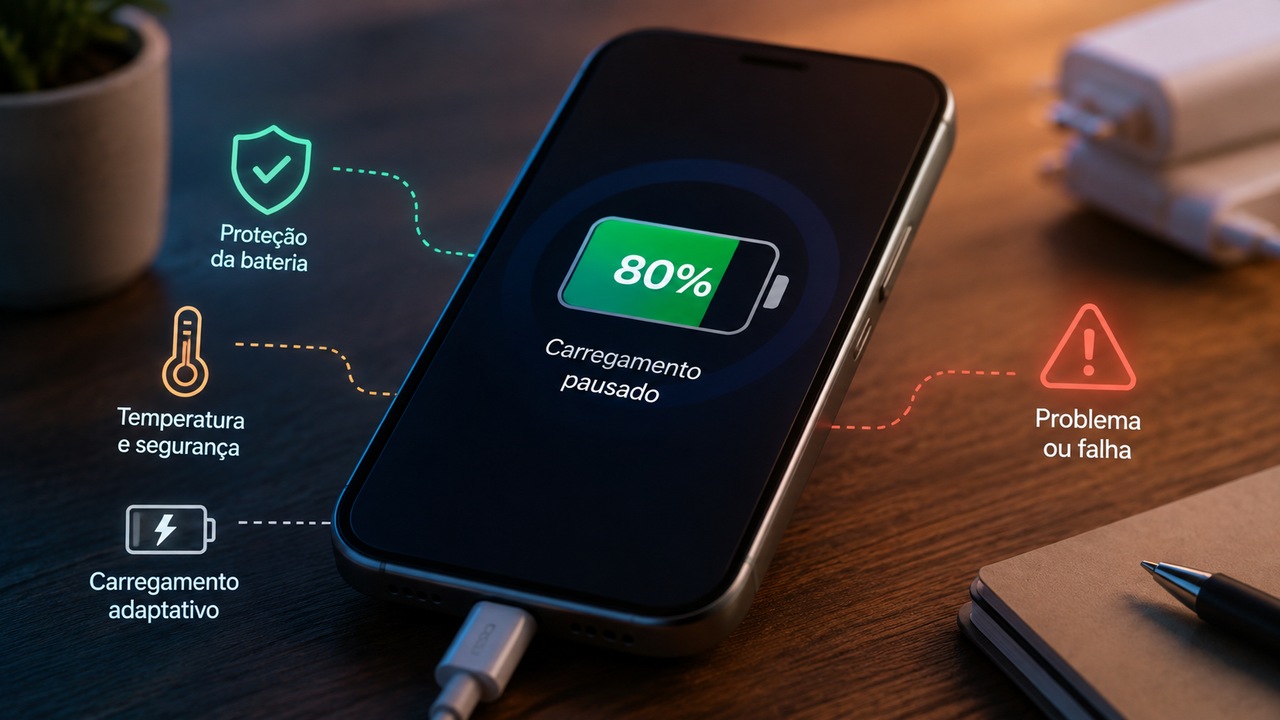
In current Pixel support, Google states that it is not necessary to discharge the smartphone from 100% to 0% or fully charge it to teach the device its capacity. The guidance itself, however, shows how calibration may have specific rules for each product: on compatible Pixel models with an 80% charge limit, Google informs that the device needs to reach 100% occasionally to maintain the accuracy of capacity readings. This is different from recommending repeated flushes down to 0%.
Samsung also advises users of devices with lithium-ion batteries not to let the battery completely discharge and to prefer partial charges when possible. The practical conclusion is that “calibrating” should not become a universal ritual of going from 100% to 0%. When a manufacturer provides a reading adjustment procedure, it is worth following the rule for that model, not an old recipe applied to any cell phone.
When a jump is just a correction and when it deserves attention
A small eventual correction may be part of the normal operation of an estimator. The scenario changes when the percentage drops dozens of points frequently, the device turns off repeatedly with the indicated load, the duration becomes much shorter or the battery health screen shows reduced capacity. In these cases, the important data is the recurring pattern, not a single isolated jump.
Current manufacturers treat frequent shutdowns and severe loss of autonomy as reasons to check the battery condition and, when necessary, seek assistance. This is
Safer than trying to “fix” the reading by forcing extreme cycles, because the problem may involve cell aging, estimation error, temperature, software, or a combination of these factors.
How to interpret the number next time
When you look at 37%, think of it as the best estimate available at that time, not a direct measurement of a reservoir. The cell phone monitors the incoming and outgoing charge, observes the voltage, considers the temperature, estimates the internal resistance and adjusts the model as the battery ages. In many projects, it also uses stability periods to correct accumulated error.
This makes the percentage very useful for everyday life, but not infallible. It can be revised, it can react differently under heavy load and it may no longer represent well the power that a degraded battery can deliver. Understanding this difference helps to interpret a percentage jump or an early shutdown without confusing the indicator with a perfect sensor - and without automatically resorting to the idea of discharging the device to 0% to “recalibrate”.