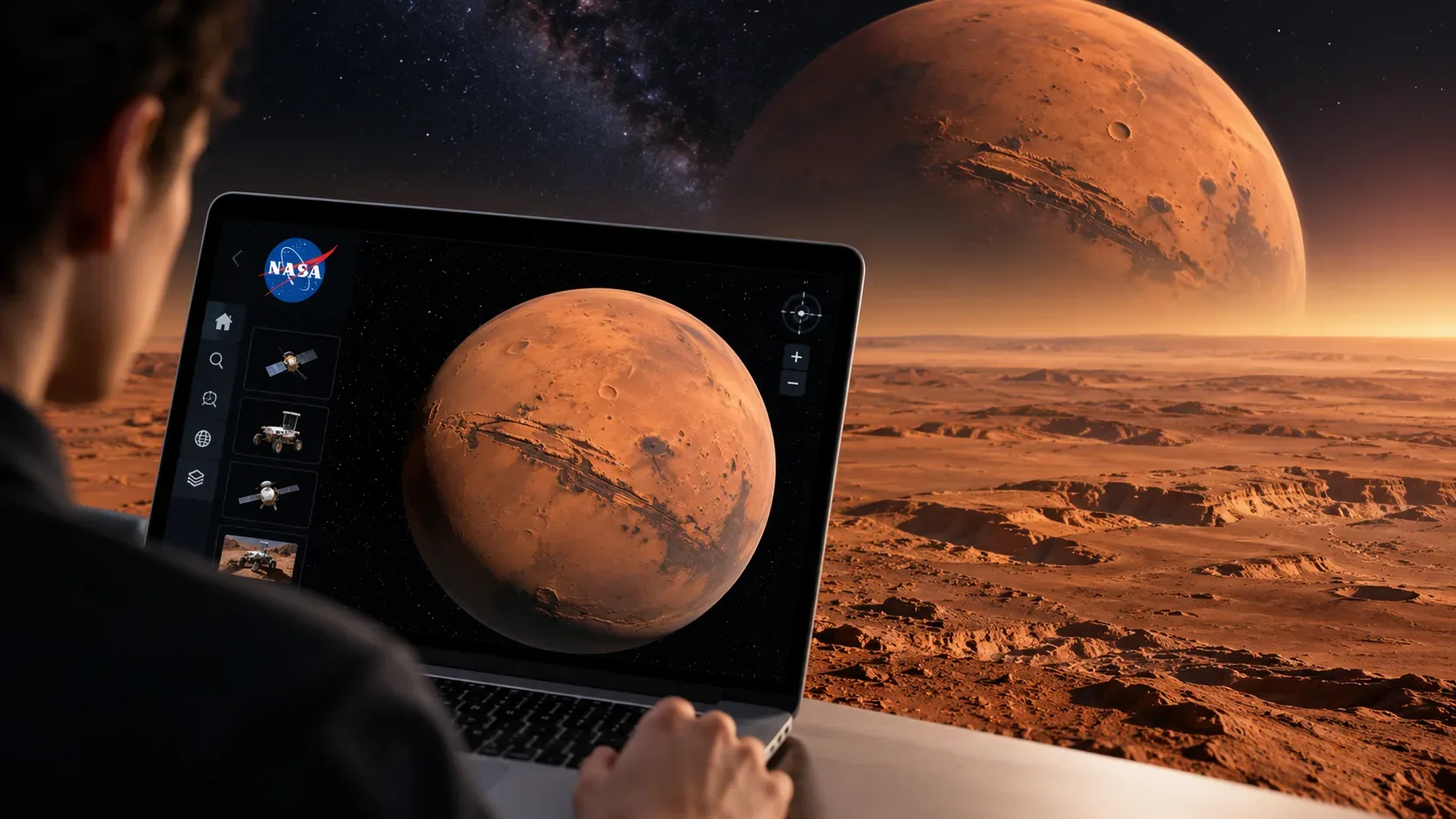
NASA's Eyes on the Solar System now offers a much freer way to explore Mars. An update released on August 4, 2026 added full terrain for the planet, and release notes published by NASA on September 3 detailed a free-flight mode, called free-fly, that lets you bring the camera down to the surface and travel through the 3D scene.
The feature is especially useful if you want to move beyond guided navigation around planets and missions and explore Mars on your own. NASA makes an important distinction, however: landing the camera on the surface and exploring the entire planet was announced for desktop and laptop computers. The app still runs in a browser on other devices, but the officially documented free-fly controls rely on a keyboard and mouse.
What changed in NASA Eyes for Mars
According to NASA's official August release notes, Eyes on the Solar System now includes full Mars terrain. Users could already follow the planet and different missions in 3D; on a desktop or laptop, they can now descend to the surface and explore any region with a free camera.
Free-fly is not limited to Mars. NASA says it works anywhere in the Solar System represented in the app and at any time available in the simulation. The same controls can therefore be used to leave Mars, move through space, and visit other objects loaded into Eyes.
How to enter free-fly and start exploring Mars
- Open the NASA Eyes hub and choose Eyes on the Solar System, or use the direct app link.
- Navigate to Mars or open a view related to a Mars mission. You can also turn on free-fly anywhere in the app and then travel toward your destination.
- Press K. Eyes displays a message confirming that you are entering free-fly mode.
- Click and drag with the mouse to point the camera in the direction you want to travel.
- Use W, A, S, and D to move. Hold Shift while pressing those keys to travel much faster.
- Use Q/E to move up and down, and Z/C to roll the camera view.
- To leave free-fly, press K again.
Official control map
| Control | Free-fly function |
|---|---|
| K | Enters or exits free-fly mode. |
| Mouse: click and drag | Points and repositions the camera direction. |
| W / A / S / D | Moves the camera through the scene. |
| Shift + W/A/S/D | Moves at a much higher speed. |
| Q / E | Moves the camera up or down. |
| Z / C | Rolls the camera view. |
A simple way to stay oriented is to set your direction with the mouse before accelerating. Near the ground, use normal movement; for long distances, combine Shift with the movement keys and slow down as you approach the destination.
Desktop, laptop, phone, and tablet: what changes
The NASA Eyes page says its apps run in a regular web browser and can be accessed on devices with an internet connection. That does not mean every feature has identical controls on every screen.
In the full-Mars-terrain announcement, NASA explicitly ties surface exploration to desktop or laptop and describes free-fly with keyboard and mouse commands. A computer is therefore the officially documented platform for this tutorial. On phones and tablets, Eyes can still provide browser-compatible views, but NASA did not document an equivalent set of touch gestures in this update for K, WASD, Shift, Q/E, and Z/C. It is safer not to assume full feature parity until NASA documents it.
What is worth exploring on Mars
1. Descend from the global view to the terrain
Start with Mars as a globe and, once in free-fly, move gradually toward the surface. The key improvement in this update is the ability to transition into full terrain rather than staying with a distant planetary view. The experience is easier to control if you alternate between fast movement at altitude and slower movement near the ground.
2. Fly near Perseverance
NASA's own release notes show free-fly being used above the Perseverance rover and include a view of the rover on the surface. That makes it a good first destination for understanding scale: open the mission view, enter free-fly, and experiment with camera height and angle around the area.
3. Compare surface exploration with a mission trajectory
Eyes can also present mission events and trajectories. One Mars-related example is Psyche's flyby, which received its own visualization in 2026. NASA explains that targeted events can keep the camera following the celestial body and that missions with events include a timeline in the information area. The Psyche Mars flyby event is a useful comparison between manual exploration and a mission scene prepared by the app.
4. Leave Mars without leaving free-fly
After testing the terrain, use the faster movement option to pull away from the planet. Because free-fly works throughout the Solar System represented in Eyes, the same session can become a tour of other objects and missions. NASA describes Eyes as a 3D visualization built from mission data and imagery, with controls for moving backward and forward in time and following different trajectories.
A short route to test the feature in about 10 minutes
- First 2 minutes: open Mars and practice K, mouse movement, and WASD away from the surface.
- Minutes 3 to 5: descend toward the terrain and compare normal movement with Shift + WASD.
- Minutes 6 to 8: open a Perseverance view and make a low, slow flight around the area.
- Minutes 9 and 10: exit free-fly with K and open an event or mission, such as Psyche's Mars flyby, to compare free navigation with a guided visualization.
What free-fly should not be confused with
The feature turns the simulator camera into a free-navigation tool; it is not remote control of a real rover or a continuous live video feed from the surface. Eyes is valuable because it combines mission models, data, imagery, and trajectories in an interactive 3D visualization. You also do not need a separate installed app for this experience: Eyes on the Solar System runs in the browser.
To check future changes to controls or support on other devices, follow the official NASA Eyes blog. The August update went live in the app on August 4, 2026 and was detailed in the September 3 release notes, so the documentation may continue to evolve as the feature is refined.