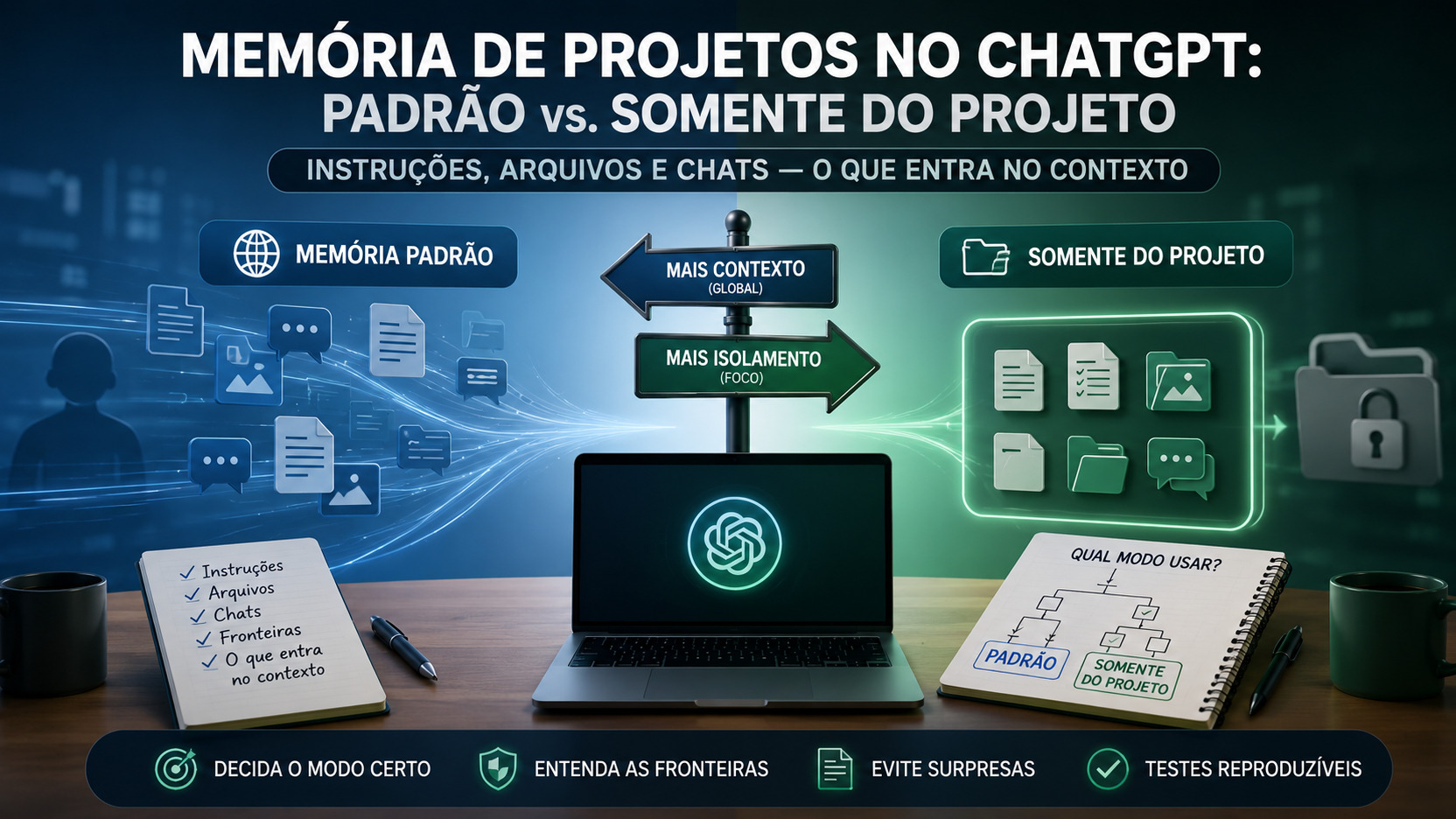
A Project's memory setting in ChatGPT defines a context boundary, but it does not work on its own. Project instructions, added files, previous chats, saved memories in the account, the subscribed plan, and workspace rules can all change what a new conversation is able to consider. In August 2026, this distinction became even more important because OpenAI began allowing compatible existing projects to switch between Default memory and Project-only memory.
The change fixes a limitation that still appears in search results and older copies of the documentation. The August 14, 2026 release notes state that eligible existing projects can change memory mode without creating a new project. The current Projects page confirms the same rule and warns that the change may take a few hours to take effect. That is why any guide on this topic needs to be checked by date, not only by whatever text happens to be indexed.
The short answer: which mode should you use
Use Project-only memory when the priority is to keep outside chats and memories from influencing that work and to keep content from that project from being used as memory outside it. It is the simplest option for creating a predictable boundary between clients, research, editorial projects, studies, or activities that should not mix.
Use Default memory when it is useful to benefit from personalization and, depending on the plan, conversations outside the project. On non-Enterprise accounts, the current documentation says that chats in a project with default memory may use conversations from the same project and also conversations outside it, except when the other project is protected by project-only memory. In Enterprise and Edu, the rule is different: even with default memory, references to other chats remain contained within the project itself.
The deciding point is that "default" does not mean the same thing on every plan. It also does not mean "everything in the account always enters." The documentation uses the idea that ChatGPT may use certain sources as references. That indicates context eligibility, not a promise that every file, memory, or conversation will be retrieved in every response.
What changes with Project-only memory
In project-only mode, saved memories previously stored in the account are not consulted in that project's conversations. Other chats in the same project may be used as references, but general ChatGPT conversations and conversations from other projects cannot be used as references. The separation also works in the opposite direction: conversations outside the project cannot consult the project's conversations.
This mode also preserves existing chats and files when the setting is changed. When a project is switched to project-only, its content remains inside it and can provide context there. What changes is the boundary through which that content can influence memory and conversations outside the project.
There is an important practical consequence in 2026: ChatGPT Work is not available inside projects configured with Project-only memory. That makes the choice a real trade-off between context isolation and access to that specific experience.
Shared projects are a special case. They are automatically configured with Project-only memory and cannot be converted to Default memory. The documentation also states that these projects do not access each member's context, global custom instructions, or individual memories from outside the project.
What changes with Default memory
With Default memory, saved memories from the account may be used as references, and project chats can draw on other conversations in the same project. From there, the boundary depends on the plan.
On non-Enterprise accounts, including Business, the current documentation allows chats in private projects using Default memory to reference conversations in the project and conversations outside it. The reverse may also happen: chats outside the project may use conversations from that project as references. This does not apply to content protected inside another project configured with Project-only memory.
For Plus and Pro, the Projects page adds that ChatGPT may use previous chats from the project to deliver more relevant responses and that, when answering inside the project, it prioritizes that project's chats and files.
Enterprise and Edu follow a different matrix. Chats inside Projects using Default memory do not use conversations from outside the project and are not used by outside conversations as references. ChatGPT memories may remain available when enabled, but references to other chats are restricted to the same project. This is why a generic comparison between "default" and "project-only" that does not separate plans can be misleading.
Project instructions are not the same as memory
Project instructions have their own rule. They apply only inside that project and replace global custom instructions. Therefore, choosing Default memory does not make global instructions override project instructions.
This matters when you use Projects to enforce a format, voice, editorial rules, technology choices, or work procedures. If a global rule is essential in that space, the safer approach is to repeat it in the project instructions rather than relying on inheritance that the documentation says is replaced.
It is also useful to separate "instruction" from "memory." An instruction says how to respond inside that Project. Memory and history determine which previous information may be considered as context. Changing memory mode does not automatically delete the project's instructions.
Project files: an explicit source inside the boundary
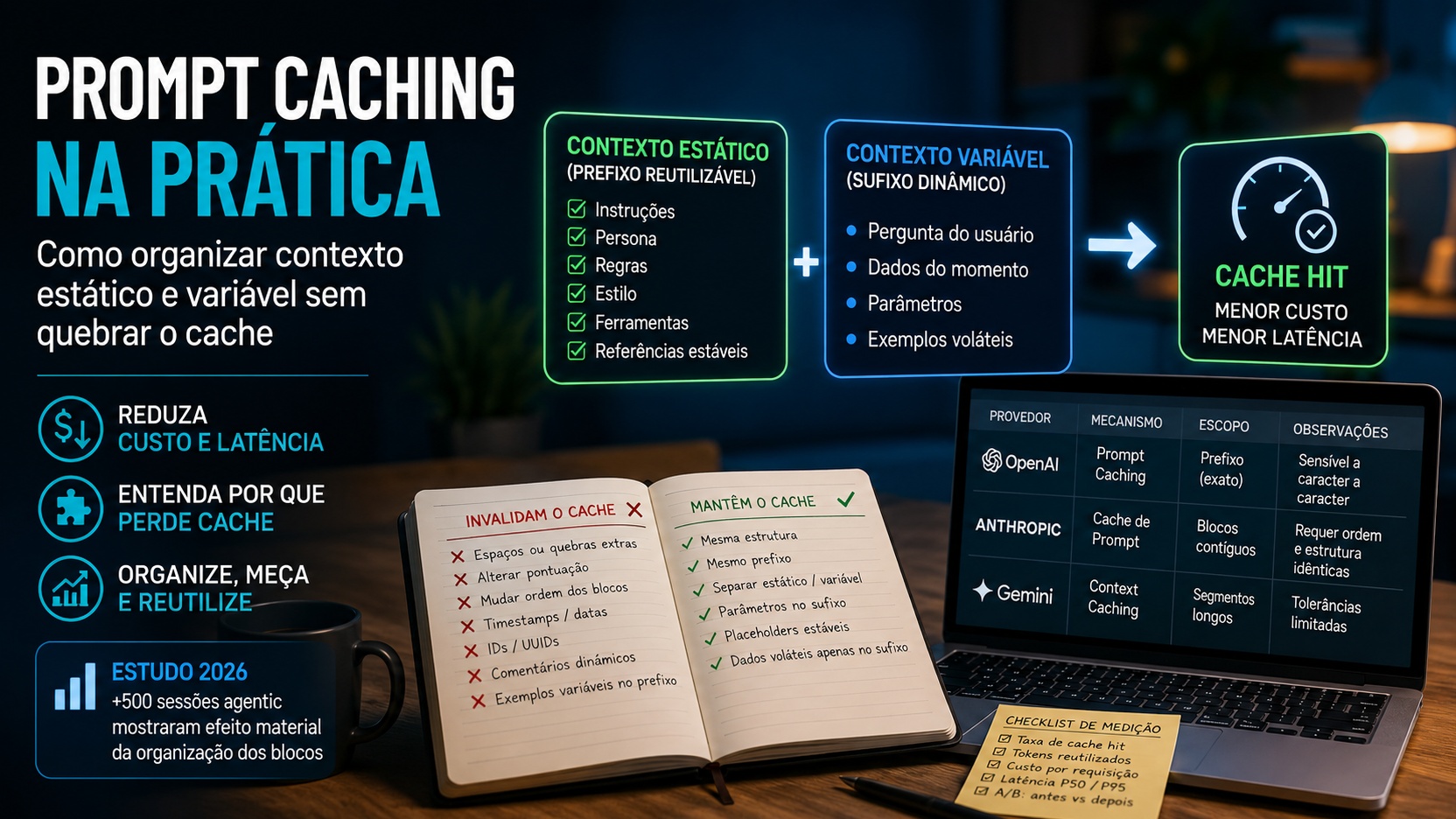
Files added to a Project work as sources for the project itself. OpenAI allows PDFs, spreadsheets, documents, images, and text to be added, and says ChatGPT may use that material to produce better-grounded responses. Project files do not have to be stored as personal memory to be useful there.
If an existing chat is moved into a project, it starts inheriting the project's instructions and the context from that space's files. This detail matters for migrations: moving the conversation is not just reorganizing the sidebar; the conversation begins operating under the Project's rules and sources.
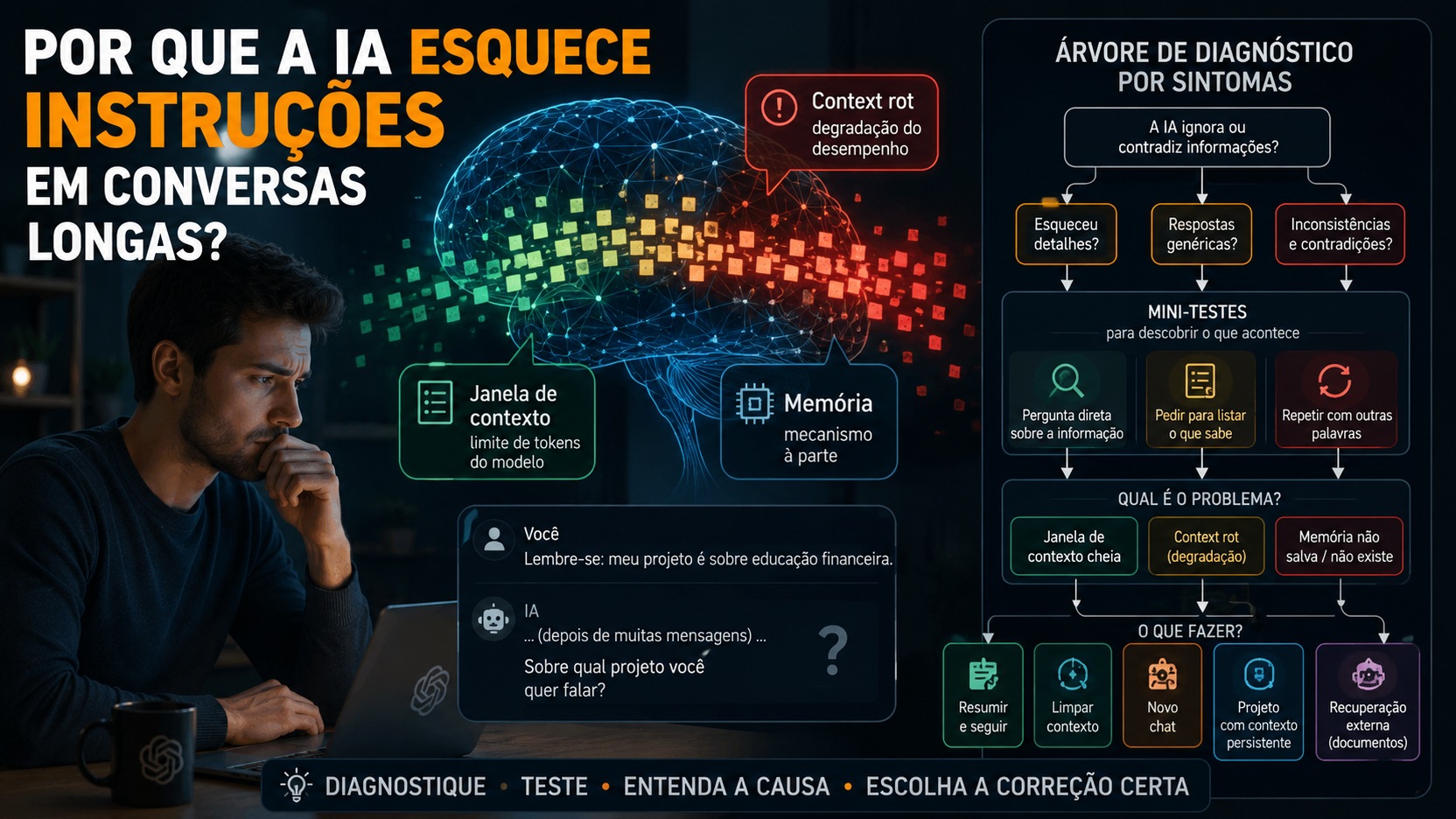
Even so, "file available" should not be confused with "entire file present in every response." The documentation promises that content may be used as a reference. In practice, a test should verify whether a specific piece of information can be retrieved when requested rather than assuming that every document is active at the same time.
Chats: the boundary that changes most between modes
Chats in the same project are the basis for continuity across conversations. In both memory modes, they may serve as references inside the project when the memory requirements are enabled. The critical difference is the traffic across the Project boundary and the rest of the account.
With Project-only memory, that traffic is blocked in both directions for conversations. With Default memory, non-Enterprise accounts may cross that boundary; Enterprise and Edu cannot cross it through other chats, even when using the default mode.
Temporary chats sit outside this architecture: the documentation says they cannot be added to Projects. This helps avoid a common expectation that a temporary conversation can later be incorporated into project memory as a normal chat.
The account's memory settings still matter
The memory option selected inside the Project does not replace the account- or workspace-level controls. For non-Enterprise accounts, the current documentation requires both Reference saved memories and Reference chat history to be enabled in order to use project memory.
In Enterprise, Reference saved memories must be enabled in personal settings and Memory must also be enabled in the workspace. If the Project-only memory selector does not appear, the first diagnostic step should be to check these controls before concluding that the feature is unavailable on the plan.
This dependency explains why two people can open visually similar Projects and observe different behavior. The boundary is the result of the combination of project mode, plan, personal memory, and workspace policies.
"Project-only" does not mean offline mode
The phrase can give the impression that nothing external can enter, but that reading is too broad. Projects can still use compatible tools, including web search and connected apps when available. The documentation itself explains that, when an app is used in a project, ChatGPT may ask for confirmation before searching outside the project and retrieving content.
Therefore, Project-only memory should be understood as isolation of memory and references between conversations, not as a guarantee that no external tool will ever be used. If the goal is an auditable workflow, you also need to control which tools are enabled and which sources are added or consulted during the chat.
The operational matrix in plain language
Project instructions
They enter the context of the Project itself and replace global custom instructions. This rule applies whether the Project uses Default memory or Project-only memory.
Files added to the project
They may be used as sources inside the Project. They remain available when a project is converted to Project-only memory.
Chats in the same project
They may provide context to other chats in the same Project when project memory is enabled. This is the core of internal continuity in both modes.
Saved account memories
They may be used with Default memory when the required settings are active. They are not consulted in Project-only mode.
Chats outside the project
With Project-only memory, they do not enter. With Default memory, they may enter on non-Enterprise accounts, including Business, subject to the other settings. In Enterprise and Edu, other chats remain outside the boundary even in default mode.
Project content used outside it
With Project-only memory, it should not be used as a reference by outside conversations. With Default memory on non-Enterprise accounts, this traffic may occur. In Enterprise and Edu, project chats are not referenced by outside chats.
Shared projects
They use Project-only memory automatically and cannot switch to Default memory. This prevents each participant's individual context from being mixed with the shared space.
The August 2026 change and the version drift problem
Until recently, indexed documentation itself said that an existing project could not be converted to Project-only memory and that a new one had to be created. That information became outdated.
The August 14, 2026 release notes recorded the change: eligible, non-shared existing projects gained the ability to switch between Default memory and Project-only memory. The current Projects page repeats the instruction: open the project, go to Project settings, choose the mode under Memory, and save. The change may take a few hours to take effect.
This case is a good example of how product documentation can age faster than search results. For operational decisions, prioritize the current official page and release notes, recording the date of the check. This guide was checked on August 26, 2026.
How to decide without memorizing every rule
Do you want a strong boundary between this work and the rest of the account?
Choose Project-only memory. It is the appropriate mode when outside references could contaminate the task, when you manage multiple clients or independent subjects, or when you want clearer tests of where context came from.
Do you want outside preferences and history to be able to help?
On non-Enterprise accounts, choose Default memory and keep the required memory controls enabled. Accept that the Project stops being a rigid boundary for other chats in the account.
Do you use Enterprise or Edu?
Do not assume that Default memory behaves the same way as Plus, Pro, or Business. Other chats remain restricted to the same project. The main difference between the modes then involves, among other factors, the use of saved memories.
Will the project be shared?
Treat Project-only memory as the operating rule. Sharing forces this mode, and it cannot be reverted to default while the project remains in that condition.
Do you depend on ChatGPT Work inside this Project?
The current documentation says that Work is not available in Projects with Project-only memory. This limitation should be part of the decision before migrating.
Five reproducible tests to verify the boundary
Instruction precedence test
In global custom instructions, add an easily identifiable preference, such as ending test responses with a specific word. In the Project instructions, define a different word. Open a new chat inside the Project and ask a simple question. The expected behavior is to follow the Project instruction because it replaces the global instruction in that space.
Memory test between chats in the same project
In one Project chat, record an artificial, unique phrase with no personal data, such as "test code cedar 4821." Open another chat in the same Project and ask what code was defined in another conversation in that Project. With project memory enabled, that content is eligible for reference in both modes.
External chat input test
Outside the Project, create a second artificial phrase, such as "external code violet 731." In a Project with Project-only memory, open a new chat and ask for the external code. The response should not retrieve that content by referencing another conversation. With Default memory, the result depends on the plan: non-Enterprise accounts may use outside chats; Enterprise and Edu do not.
Project content output test
Define a third phrase only inside a Project configured with Project-only memory. Then open a regular chat outside it and ask for that phrase. The current documentation says that outside conversations cannot consult conversations from that Project. Use a phrase created specifically for testing, never confidential information.
File as an explicit source test
Add a small file to the Project containing a unique artificial fact and, in a new chat, ask ChatGPT to retrieve it while citing the file. This test separates file usage from personal-memory usage and confirms that the source was added to the correct space.
These tests should be run after waiting for any memory change to propagate. A single retrieval failure does not automatically prove that the boundary is wrong, because the documentation says ChatGPT may use sources as references, not that it will retrieve every eligible item in every question. For auditing, repeat the test with explicit wording and use the memory-sources indicator when available, remembering that OpenAI itself warns that this view may not show every factor that influenced a response.
The most important point for working with Projects in 2026
Memory mode is not a button for "more context" versus "less context." It is a boundary choice. Default memory favors continuity with the account, with behavior that varies by plan. Project-only memory restricts the movement of memories and conversations between that space and the rest of ChatGPT, while keeping the Project's own chats, files, and instructions as the working base.
For a Project that needs to be predictable, start with explicit instructions, add only the files you need, and use Project-only memory when outside references are undesirable. For a personal Project that benefits from your preferences and general history, Default memory may be more convenient. And whenever product behavior is part of the decision, check the official documentation by date: in August 2026, a rule that seemed fixed changed on exactly this point.