
Typing an ancestor's full name into the Hemeroteca Digital and getting zero results does not mean that person never appeared in a newspaper. The Brazilian National Library Foundation states that the Hemeroteca can be searched by title, period, edition, place of publication, and words. Text search depends on optical character recognition (OCR), meaning an automated transcription of the page image. The search should therefore be treated as a useful but imperfect index — not as proof of absence.
Start by changing the search question
Instead of asking only “where is João da Silva's name?”, build a broader question: “in which newspapers, places, dates, and events might João da Silva have been mentioned?” This shift helps you work around spelling variants, OCR errors, abbreviations, and namesakes.
Before opening the Hemeroteca, gather what you already know about the person. Even incomplete details can serve as anchors:
- full name and spellings already found in certificates, church records, or passenger lists;
- municipality, district, parish, neighborhood, or farm associated with the family;
- approximate dates of birth, marriage, death, arrival, relocation, or professional activity;
- names of spouse, parents, children, siblings, business partners, or godparents;
- occupation, rank, public office, company, school, association, brotherhood, or address.
1. Build a search sheet before testing names
| Anchor | What to record | How it helps |
|---|---|---|
| Name | Main form, surnames, initials, and variants | Prevents dependence on one spelling |
| Place | City, district, parish, neighborhood, and nearby places | Reduces namesakes and helps identify likely newspaper titles |
| Period | Exact date, probable year, or interval | Lets you start with a narrow window and then expand it |
| Relationships | Spouse, parents, children, siblings, and associates | Creates alternative routes when the main name fails |
| Context | Occupation, address, institution, or event | Helps confirm whether a result belongs to the right person |
2. Search the name as it might have appeared in print
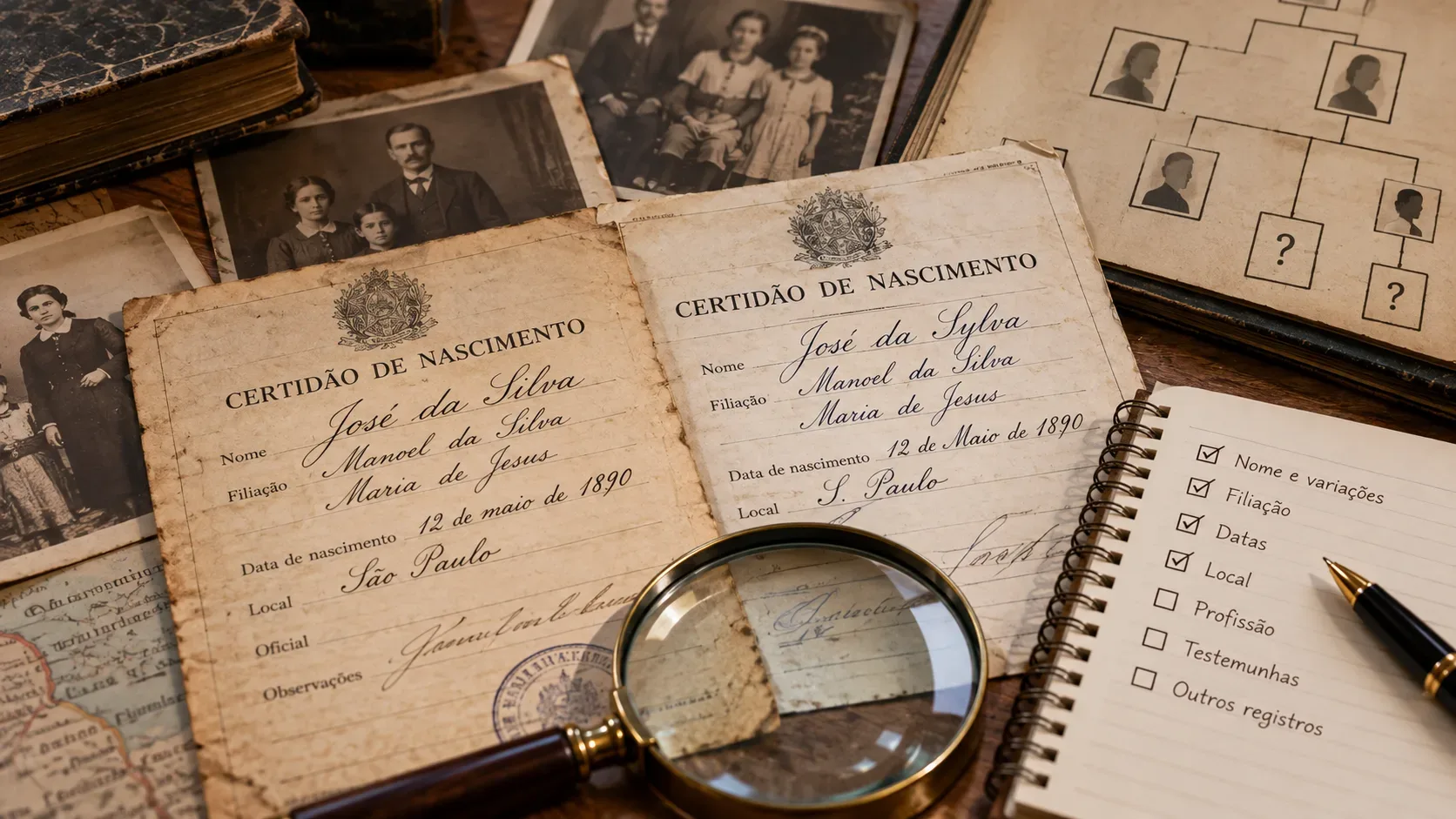
The name used today is not necessarily the form printed decades ago. Typesetters, reporters, clerks, and families themselves could vary the spelling. OCR can also drop accents or confuse letters.
- Try accented and unaccented forms: “José” and “Jose”, “João” and “Joao”.
- Try historical or common variants when plausible: “Manoel/Manuel”, “Luiz/Luís”, “Thereza/Teresa”, “Sousa/Souza”.
- Search the first name with only one surname, especially if the person had several surnames.
- Search the surname alone within a tightly restricted place and period.
- Try initials and abbreviated forms that appear in contemporary records.
- For women, test maiden and married surnames as well as relational descriptions such as “wife of”, “widow of”, or the spouse's name.
- For foreign surnames, list phonetic spellings, Portuguese adaptations, and errors that already appear in family documents.
Run separate searches for each variant and keep a short log of what you tried. This prevents repeated work and helps reveal which spellings perform better in a particular newspaper or period.
3. Treat OCR as an imperfect index, not a transcription
The National Library explains that word searching in the Hemeroteca is made possible by OCR. The problem is that OCR for historical newspapers is not fully reliable. The Library of Congress, which manages another major digitized newspaper collection, notes that page markings, unusual typefaces, very small print, and problems with originals or microfilm can introduce errors into searchable text.
In practice, a name that is perfectly readable to a person may have been converted into a different string of characters. When a literal search fails:
- reduce the query to a distinctive part of the name;
- search for a relative with a less common name;
- search for an address, occupation, company, ship, school, parish, association, or another term tied to the episode;
- try contextual words that would likely appear in the same notice;
- if you already know the newspaper and approximate date, open likely issues and visually scan the relevant pages.
The key distinction is simple: “not found by OCR” and “not published” are not the same thing.
4. Use place and period to reduce noise
When a surname is common, searching the whole country across many years creates noise. A more efficient path is usually to narrow geography and time first, then expand.
| What you know | First scope | If nothing appears |
|---|---|---|
| Event with an approximate date | Probable city and a few weeks around the date | Expand to months and nearby places |
| Only the year is known | City or region + year | Expand to years before and after |
| Residence known, event uncertain | Local newspapers during the period the family lived there | Include regional centers that reported on the town |
| Migration or travel | Origin and destination in separate windows | Also search ports, stations, and transit cities |
Change one dimension at a time. If you simultaneously change the spelling, city, and decade, you lose the ability to understand why a search started working.
5. When the name fails, search the person's network
Newspapers were not written for genealogists. A person may appear only because they took part in a wedding, funeral, business transaction, examination, court case, trip, association, or local event. The surrounding network can therefore be more searchable than the individual.
- Relatives: spouse, parents, children, siblings, in-laws.
- Places: street, farm, district, parish, church, school, or business establishment.
- Affiliations: occupation, government office, company, club, brotherhood, union, military unit, or association.
- Events: marriage, death, birthday, appointment, election, trip, ship arrival, accident, probate, auction, court case, or commercial notice.
It can also be useful to test period vocabulary when it is known. An older notice may use “falleceu” instead of modern “faleceu”, or an administrative designation that no longer exists. The goal is not to guess every historical spelling, but to create alternative entry points to the same person.
6. Open likely issues and scan visually when necessary
If you have narrowed the search to a specific newspaper and a short date window, endlessly trying new word combinations may be less efficient than browsing the issues. Look in sections where the event would most likely appear: society notes, advertisements, obituaries, shipping movements, public notices, police reports, business pages, or news from surrounding towns.
Manual reading is especially important on pages with tight columns, faint print, stains, decorative type, or skewed images — exactly the conditions that make OCR harder.
7. Do not accept a namesake just because the name matches
Finding the name is only the beginning. Before adding a newspaper notice to the family tree, compare it with several independent anchors. For common names, try to confirm at least two or three elements beyond the name: locality, address, occupation, spouse, relative, age, position, company, or chronological fit.
If a 1912 notice mentions “Antônio Pereira, merchant on Rua X” while your documents place your ancestor in the same city but as a farmer in another district, treat the identification as a hypothesis rather than a fact.
8. Turn the newspaper item into a verifiable clue
A newspaper item can reveal dates, family relationships, addresses, occupations, and movements that point to other records. When you find something useful, record:
- newspaper title and place of publication;
- date, edition, and page;
- the relevant passage transcribed exactly, preserving original spelling;
- the page or issue link, when available;
- the search terms that led to the result;
- why you believe the person mentioned is your ancestor.
Then use the clue to seek confirmation in records suited to the fact: civil or church records for births, marriages, and deaths; passenger lists or migration documents for movements; court archives for probate and lawsuits; administrative archives for offices and appointments. Newspapers can be important evidence, but they should not automatically be treated as substitutes for certificates or original records.
A practical workflow when the literal search returns zero
- Confirm the approximate place and period outside the Hemeroteca.
- Search the main spelling of the name.
- Try unaccented forms, known variants, abbreviations, and initials.
- Reduce the query to a surname or distinctive part, while narrowing place and time.
- Search for spouse, parents, siblings, and other less common names.
- Search address, occupation, institution, or associated event.
- Select likely newspapers from the locality and open issues within a short window.
- Visually inspect promising pages when OCR quality is poor.
- Compare each find with two or more anchors before accepting the identity.
- Record the complete reference and look for a document that can confirm the clue.
When nothing appears even after that
There are several possible explanations: the relevant newspaper was not digitized; the issue is unavailable; the event was never reported; the paper used another name; OCR failed to recognize the passage; or the event was covered by a newspaper in a neighboring city. The National Library itself distinguishes the Hemeroteca, used for word searches in digital content, from the General Catalog of Serial Publications, which helps locate bibliographic information about newspaper holdings.
The advantage of genealogical newspaper research is precisely that it does not depend on a single key. Name, spelling, OCR, place, time, and relationship network form a system. When one fails, the others may still lead to the same page — turning an empty search into a clue that can be verified in other sources.