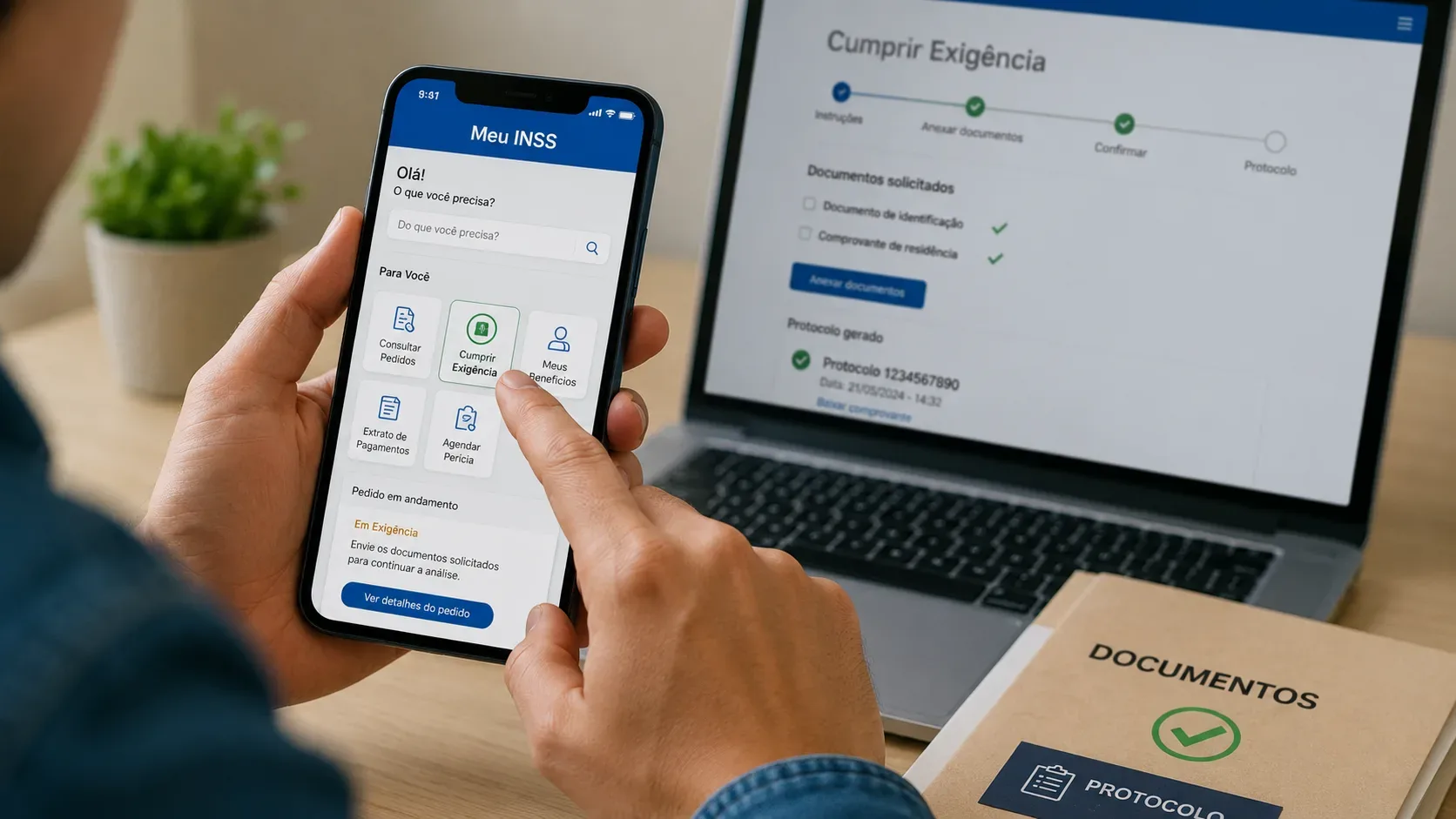
When Meu INSS marks an application as “under requirement” (“em exigência”), it means the review needs an additional document, piece of information or action. The most important point is not to start another application just to answer the same pending request: the response should be submitted through the application that is already under review, preserving that case’s protocol number and history.
INSS itself states that Meu INSS allows users to send scanned or photographed documents and track progress using the application protocol number. Its service-channel page also lists Requirement Fulfillment as available through Meu INSS, the 135 call center, a Social Security Agency (APS) and partner entities, depending on the case. See the official guidance at Saiba tudo sobre o Meu INSS and Serviços por canal de atendimento.
Before uploading: confirm which application has the requirement
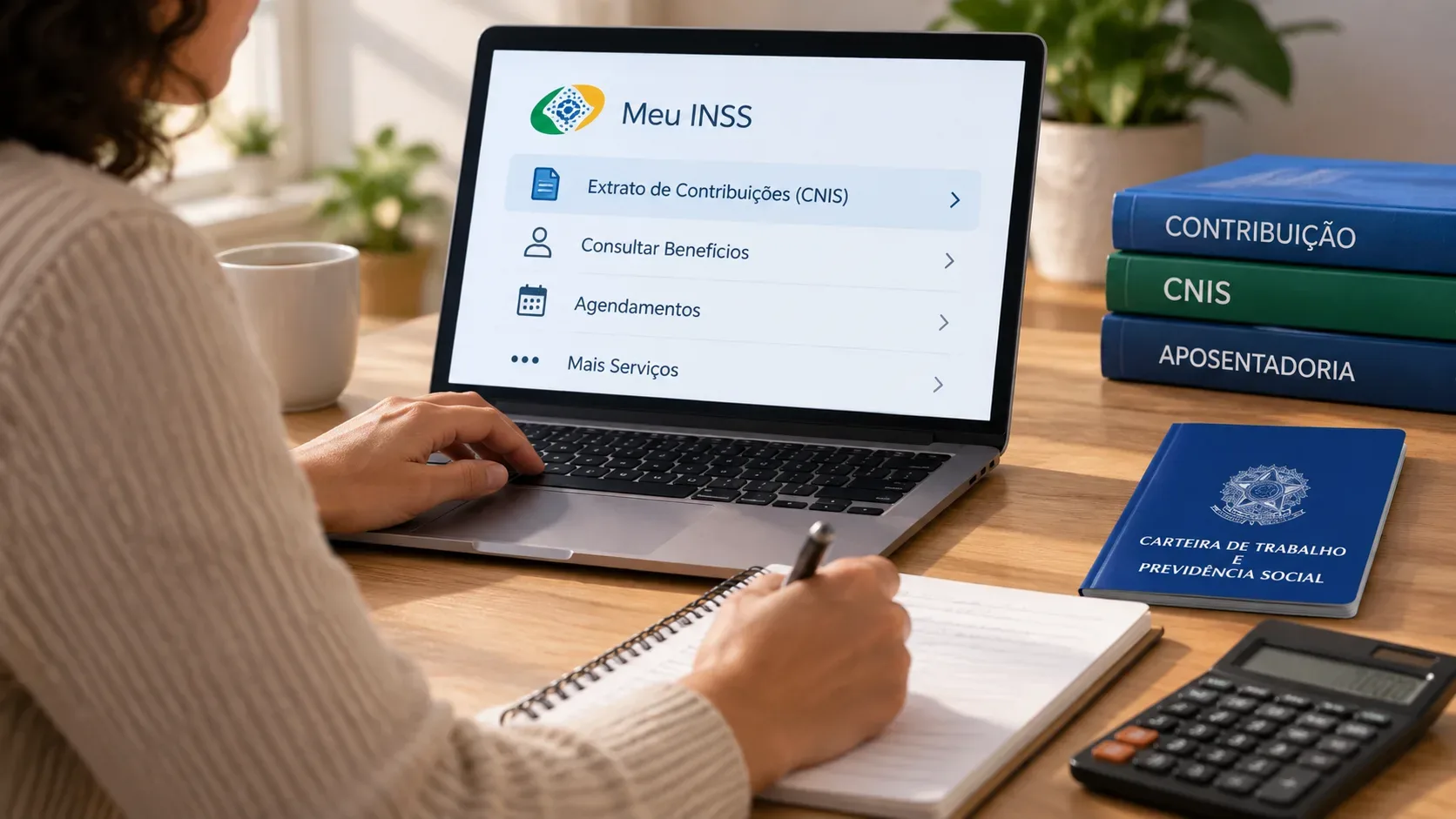
Sign in to the official Meu INSS app or website with your gov.br account and open the area used to track requests. Depending on the interface version, it may appear as “Consultar Pedidos” (Check Requests) or an equivalent requests area. Find the application with a pending requirement and open its details.
Use the request subject, date and especially the protocol number to avoid mixing up two similar applications. If more than one request is in progress, do not assume the requirement belongs to the newest one: read the details for each protocol until you find the message asking for documents.
How to fulfill the requirement without opening a new application
- Open the existing application. Go to Meu INSS and locate the request marked as “em exigência”.
- Open the details. Read the full requirement notice and identify exactly what INSS is asking for.
- Use the requirement-fulfillment option. When available, select “Cumprir Exigência” inside that request.
- Upload the requested documents. Use complete, legible files. If the system provides a comment field, briefly describe what you are submitting.
- Review before sending. Make sure every file matches the request, all relevant pages are included, and names, dates, numbers and signatures are visible when needed.
- Complete the submission under the same protocol. Then return to the request details to confirm that your response was recorded.
INSS also maintains an official resource specifically about this process, Meu INSS: Como Cumprir Exigência, reinforcing that missing documents can be sent digitally so the case can continue.
What to upload: follow the notice, not a generic checklist
There is no single document list that applies to every requirement. What is needed depends on the benefit or service and on the issue found during the review. That is why your primary reference should be the requirement message inside the application itself.
- If the message asks for a specific document, prioritize that document and all relevant pages.
- If it asks for a correction or supplement, confirm that the new file actually addresses the gap identified.
- If it mentions periods, employment links, dependents, activity, representation or registration data, make sure the evidence covers exactly the period or person identified.
- Avoid uploading many unrelated files “just in case,” because that can make the case harder to review.
According to INSS guidance, photographs can be used in Meu INSS, but they must be clearly readable. Before sending, open every file on your own phone or computer and check for cropped pages, glare, shadows or unreadable text.
Which deadline should you follow
Use the deadline shown in your own notice or protocol details. Do not replace that date with a generic deadline found in search results, old videos or third-party accounts. Requirements can arise in different situations, and your response should follow the communication issued for that specific application.
If the deadline is close and you cannot gather everything, seek guidance through official channels before it expires. INSS states that requests can be tracked through Meu INSS or the 135 call center, and requirement fulfillment is listed among the available service channels.
How to confirm that the right protocol received the documents
After submitting, do not rely only on the impression that “the file uploaded.” Return to the request and check:
- the protocol number shown is the same one linked to the requirement you received;
- you are still viewing the original application;
- the case details show your submission, comment or uploaded files, depending on the interface available;
- the status no longer depends on an unanswered requirement or begins to show that the requirement was fulfilled once the system updates;
- you keep a screenshot, receipt or other available record of the submission, especially when the deadline is close.
The protocol number is the reference used to track the request in Meu INSS or through 135. If you have two similar protocols, note which one received the documents and keep the records separate.
When you should not open a new application
If your only goal is to answer a request from INSS in a case that is already being reviewed, opening a new application for the same benefit or service may create a second protocol and separate the documents from the case that generated the requirement. The safer route is to respond inside the original request.
A new application should only be considered when there is an independent reason for it — for example, if the earlier request has already been completed and the correct next step is another service, an appeal or a new application. A requirement by itself is not a reason to restart the process.
When a human review is worth getting before you submit
If the requirement is unclear, involves documents you do not know how to interpret, or may materially affect recognition of your right, get a human review before completing the submission. You can start with INSS’s official channels and, when the situation requires technical or legal analysis, seek a qualified professional.
A review is especially useful when documents conflict with one another, work periods are complex, a proxy or legal representative is involved, documents were issued abroad, or the notice appears to request something you already submitted. The goal is not to delay your response, but to reduce the risk of answering the correct protocol with incomplete or unsuitable evidence.
Quick checklist before tapping “Send”
- Am I inside the application that generated the requirement?
- Did I confirm the protocol number?
- Did I read the entire requirement, including the deadline?
- Is every requested document legible and complete?
- Did I avoid opening another application only to upload the same documents?
- After sending, did I confirm the record under the correct protocol?
In short: treat the requirement as a stage of the case that already exists. Read the message in the application, upload what was requested, submit it under the same protocol and return to the tracking area to confirm the record. If there is a meaningful doubt about what the requirement asks for, seek human guidance before the deadline shown in the notice.