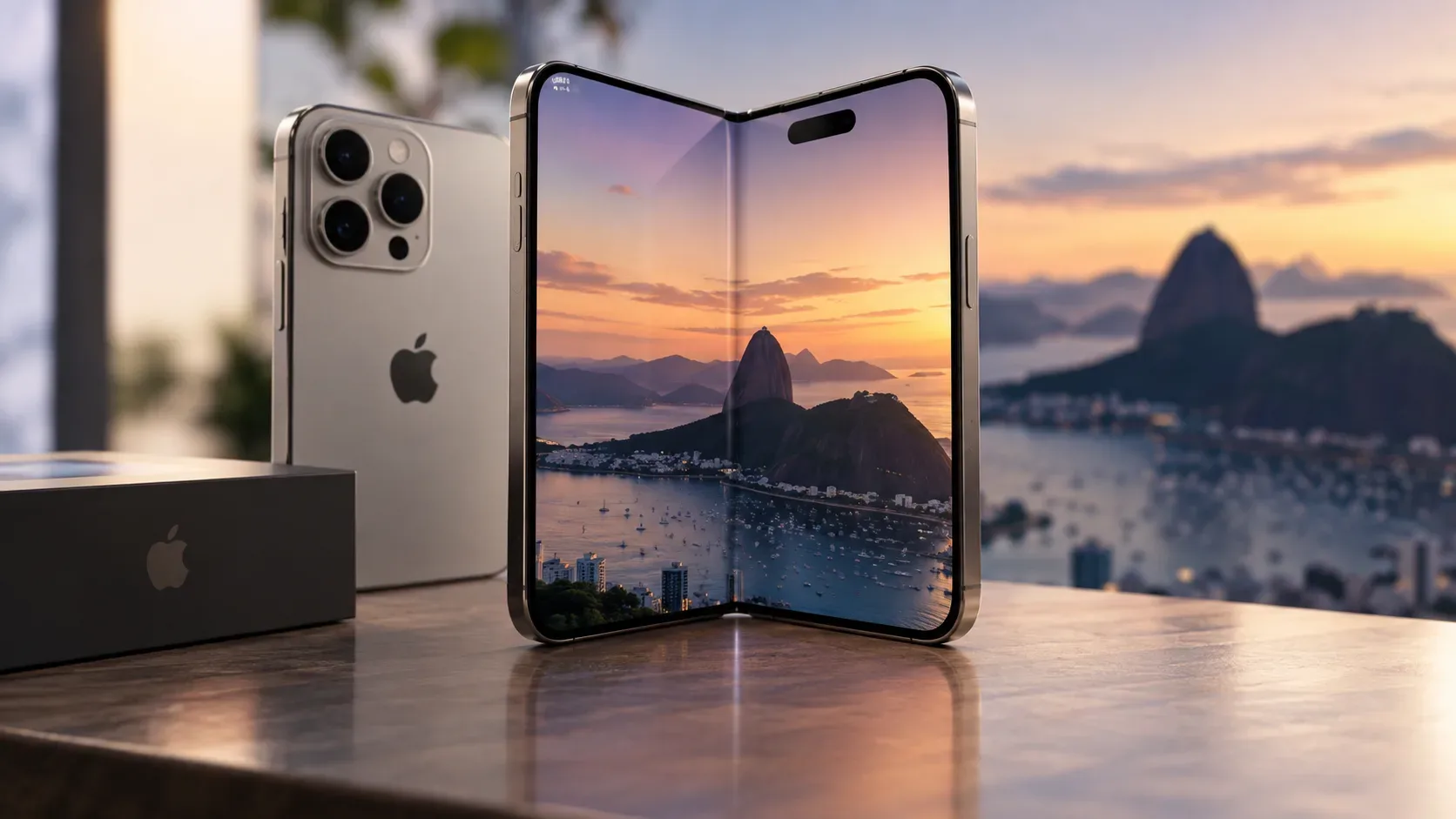
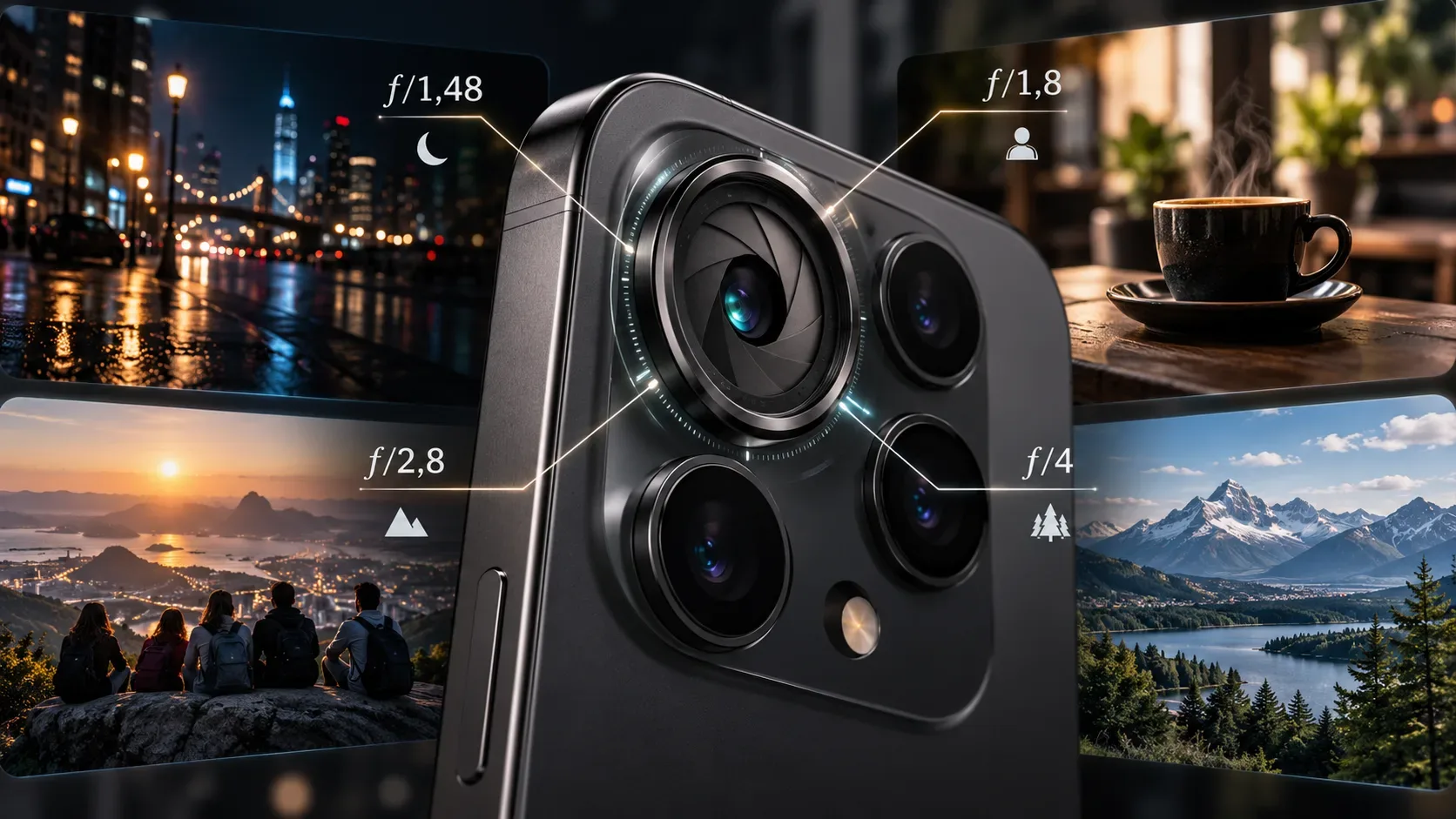
The iPhone 18 Pro goes up for preorder in Brazil on September 12, 2026 and becomes available on September 18. Among the camera changes, Apple now offers a variable aperture on the 48MP Fusion Main camera, with four settings: f/1.48, f/1.8, f/2.8 and f/4. In practical terms, they change how much light reaches the sensor and how much depth in the scene tends to remain sharp.
For most photos, you do not need to choose an aperture manually: Apple says the system adjusts lighting and depth of field automatically. Manual control becomes useful when you deliberately want to prioritize low light, separate the subject from the background more strongly, or keep more planes in focus. Apple also includes aperture among the new Pro controls in the Camera app, alongside shutter speed, white balance and a histogram.
What each aperture does
| Aperture | Best use | Practical effect | Main trade-off |
|---|---|---|---|
| f/1.48 | Indoors, night and low-light scenes | Lets in the most light and favors faster exposures; Apple highlights around 50% better low-light performance and faster Night mode photos. | Shallower depth of field: elements farther from the focus plane may appear less sharp. |
| f/1.8 | General use | It is the default aperture and aims to balance light gathering and depth of field. | It maximizes neither light nor depth; it is the most versatile compromise. |
| f/2.8 | Groups, environmental portraits and landscapes with multiple planes | The narrower aperture increases depth of field and helps retain more background detail. | Less light enters, which can require a longer exposure or higher sensitivity in dark scenes. |
| f/4 | Landscapes, architecture, groups in good light and effects with point light sources | It is the maximum-depth option. Apple also cites manual use for creating luminous patterns from bright lights. | It lets in the least light of the four settings; in low light it is not the natural choice unless there is a creative reason. |
When to use f/1.48
Choose f/1.48 when your priority is gathering as much light as possible: interiors, restaurants, parties, night streets and scenes where you want to reduce the exposure time required. It also favors a less prominent background when the subject is relatively close to the camera. Apple presents f/1.48 as the “maximum light” setting and claims around 50% better low-light performance.
That percentage is an Apple claim for the iPhone 18 Pro system, not a universal rule for every photo. The final result also depends on shutter speed, computational processing, subject movement and capture mode.
When to use f/1.8
f/1.8 is the simplest starting point for everyday shooting. Apple itself defines it as the default and as a balance between low light and depth. It is a suitable choice for people, objects, pets and general scenes when you do not have a clear reason to seek more light or more depth.
If you are learning the Pro controls, f/1.8 works well as a reference: after taking a photo, compare it with f/1.48 if the scene is dark, or with f/2.8 and f/4 if you want more planes to remain sharp.
When to use f/2.8
f/2.8 is useful when background information matters. In a group arranged at different distances, an environmental portrait or a landscape with an important foreground and background, narrowing the aperture helps extend the apparent range of sharpness.
The cost is light. In daylight this is usually less of an issue; indoors or at night the phone may need to compensate in other ways. For that reason, f/2.8 is best understood as a choice for more depth, not as a “sharper” setting in every situation.
When to use f/4
f/4 is the setting for prioritizing the greatest available depth of field on the Main camera. It makes sense for landscapes, architecture, well-lit groups or compositions where you want several planes to remain visually defined. Apple also suggests f/4 with Pro controls for creative luminous-pattern effects from strong light sources.
Because f/4 transmits less light than f/2.8, f/1.8 and f/1.48, it is more comfortable in bright scenes or when you accept that the system may compensate exposure. In night scenes with moving people, f/1.48 or f/1.8 are generally more logical starting points.
Automatic or manual: when to intervene
In automatic operation, the point of the iPhone 18 Pro is that you do not have to think about the f-number for every shot. Apple says the variable aperture adjusts automatically for lighting and depth of field. It does not, however, publish a rigid table saying that each light level always maps to one of the four apertures, so the scenarios above should not be treated as fixed rules for the algorithm.
Pro controls are for taking over when visual intent matters more than convenience. Aperture can be combined with shutter speed, white balance and the histogram. For example, on a night street f/1.48 favors light; for a daytime landscape f/4 favors depth; for a group at dusk f/2.8 can be a middle ground if there is still enough light.
Quick guide by scenario
- Low light and interiors: start with f/1.48.
- General use: use f/1.8 as a reference or leave the camera on automatic.
- Group or landscape with multiple important planes: try f/2.8.
- Maximum depth in good light: use f/4.
- No specific photographic intent: let the iPhone choose automatically and intervene only when the result does not match what you want.
What Apple has confirmed
Apple confirms four apertures on the 48MP Fusion Main camera — f/1.48, f/1.8, f/2.8 and f/4 — automatic adjustment for lighting and depth, and aperture access through Pro controls. It also describes f/1.48 for maximum light, f/1.8 as the default, f/2.8 for more depth and f/4 for maximum depth. The technical specifications list the Main camera at 24 mm and retain all four aperture values.
Sources: Apple — iPhone 18 Pro and Apple — iPhone 18 Pro technical specifications.