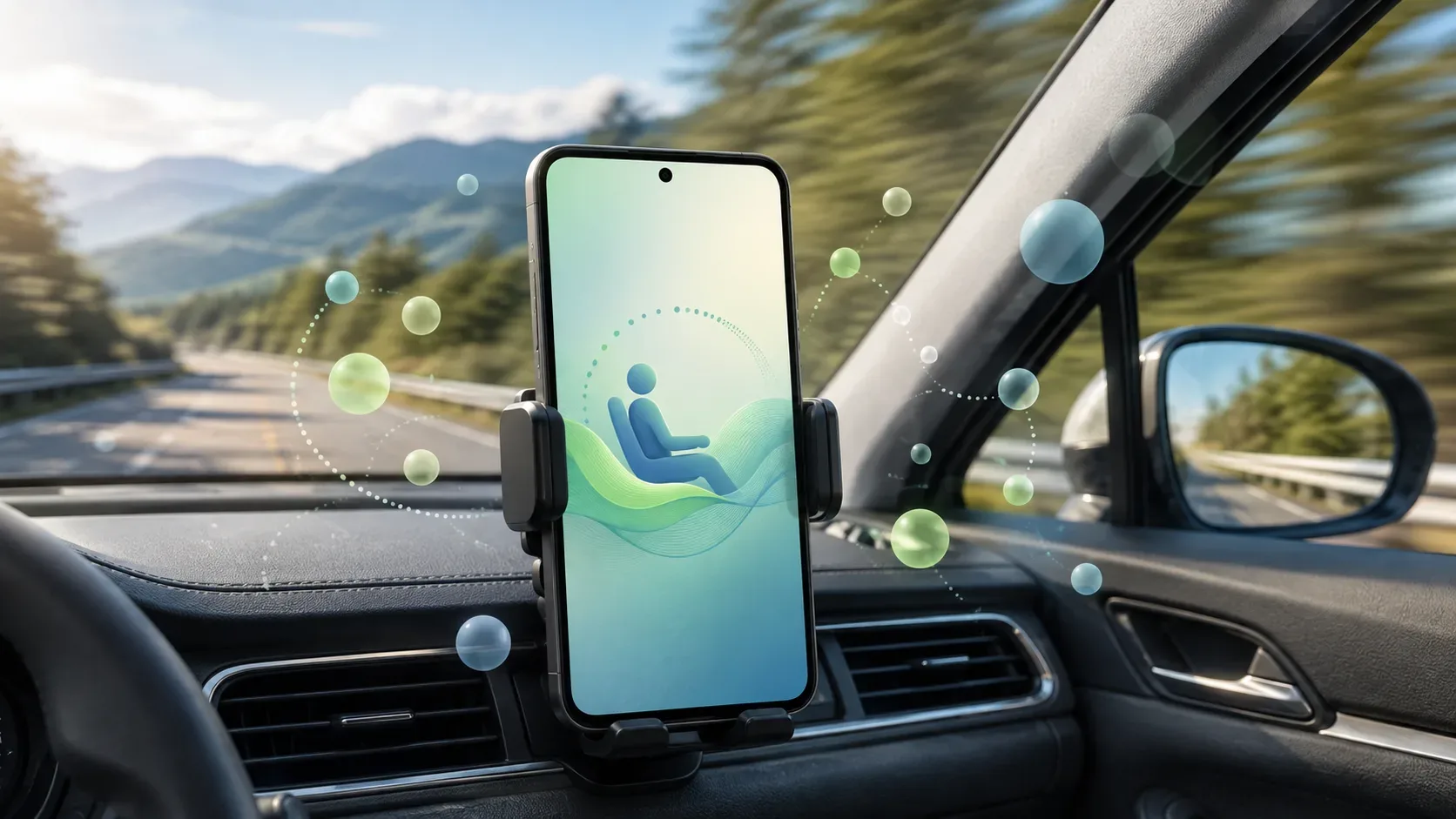
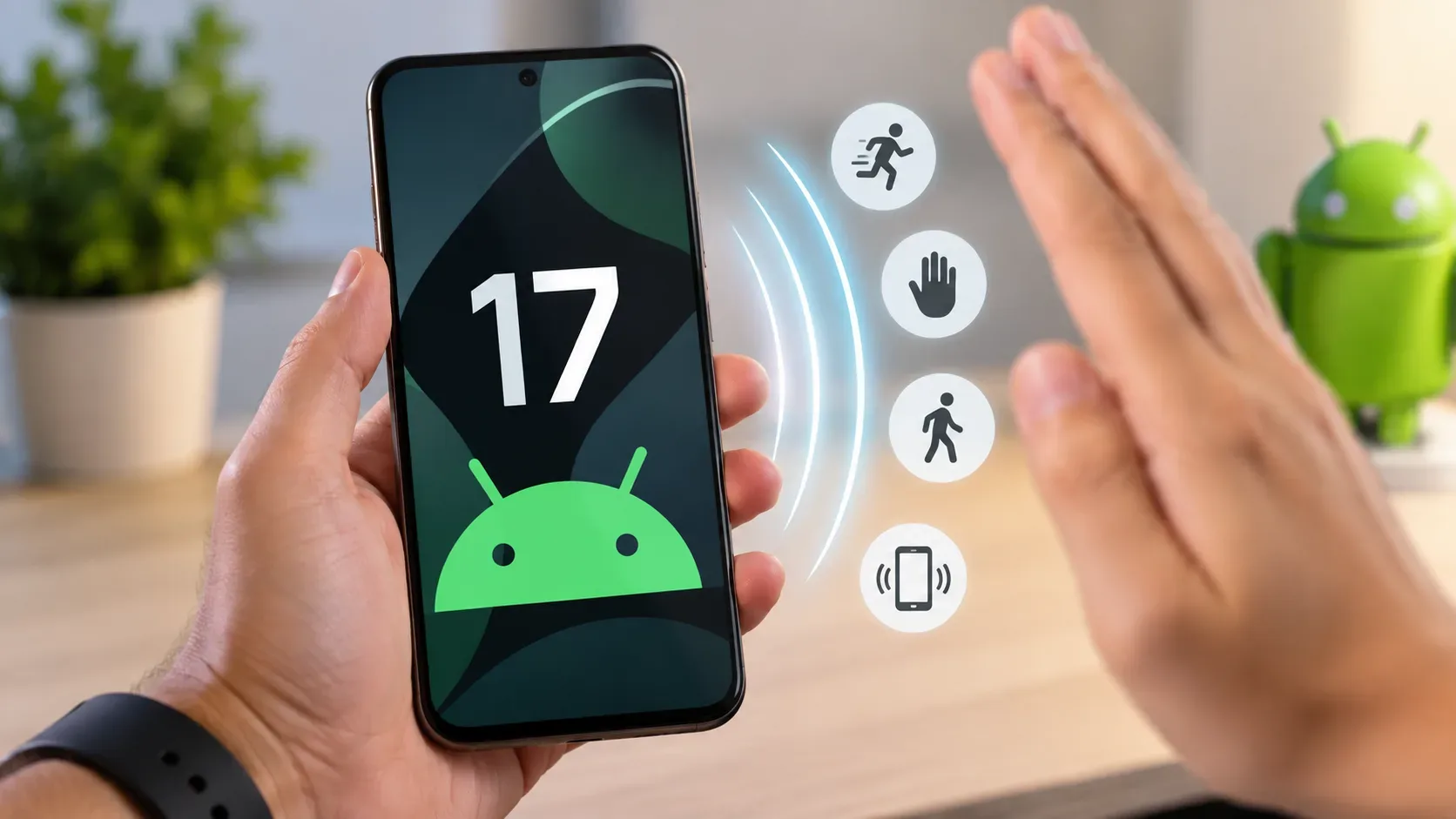
Motion Assist is an Android 17 feature created to help reduce movement discomfort when using a cell phone as a passenger in a vehicle. It displays small visual bubbles at the edges of the screen and uses the phone's motion sensors to make them follow turns, accelerations and braking. The idea is to reduce the difference between what the eyes see on the screen and what the body feels while moving.
To use the feature, Google informs two basic requirements: the device must be on Android 17 or higher and Google Play Services must be up to date. Automatic activation is also not guaranteed on every trip: Android's own help warns that the device may not always detect that it is in a moving vehicle. Therefore, the manual shortcut in Quick Settings is an important part of the configuration.
Checklist before looking for Motion Assist
- Confirm the Android version. Open Settings, go to About phone or About tablet and see Android version. Motion Assist requires Android 17 or higher. Google also remembers that the availability of new versions varies depending on device, manufacturer and operator.
- Update Google Play Services. On compatible devices, the path indicated by Google goes through Settings > profile > All services > Privacy and security > System services > Google Play Services. If Update or Install appears, complete the update.
- Use the feature as a passenger. The documentation introduces Motion Assist for those who need to use Android while traveling as a passenger. It is not a feature for using your phone while driving.
How to find and activate Motion Assist
- Open the Settings app.
- Tap your profile and then All services.
- In the area that Google help calls Personal & device safety, open Motion Assist. Depending on the device language, the translated name of the section may be displayed differently.
- Enable Start in a moving vehicle to allow the feature to attempt to start automatically when it detects a vehicle moving.
- Also add the Motion Assist block to Quick Settings. Google recommends keeping automatic activation and manual control available at the same time.
If you don't find the menu using the path above, use the search at the top of Settings and look for Motion assist. This is an alternative indicated on the help page itself.
When bubbles appear on the screen
With automatic activation turned on, bubbles appear when the phone detects movement consistent with vehicle travel. They are located on the edges of the screen and move in real time according to the device's sensors, following changes such as curves, acceleration and braking.
If the phone does not recognize the situation automatically, the feature can be turned on manually via the Quick Settings tile. In the initial configuration, Android may offer to include this block; If you skip this step, it can still be added later via the Motion Assist page or the Quick Settings editor.
Why Motion Assist may not start by itself
The most important reason is documented by Google itself: the device may not always be able to detect that it is in a moving vehicle. Therefore, having Android 17 and activating automatic mode does not mean that bubbles will appear on every trip without intervention.
Before concluding that there is a defect, follow this sequence:
| Symptom | What to check | Recommended action |
|---|---|---|
| Motion Assist does not appear in Settings | Android version and Google Play Services update | Confirm Android 17 or higher, update Google components and search for “Motion assist” in Settings. |
| The menu exists, but does not start during the trip | If “Start in a moving vehicle” is activated | Enable the option and keep the Quick Settings tile available, as automatic detection may fail. |
| The block is not in Quick Settings | If it was added during configuration | Open the Motion Assist page and tap add to Quick Settings, or use the dashboard editor. |
| Bubbles appear, but are difficult to notice | Visual settings | Open Customize and adjust opacity, color theme and format. |
How to customize what appears
In Customize, Google allows you to change the opacity of the bubbles, choose color themes, change the format and activate or deactivate randomization, which changes color and format periodically. The customization screen shows a live preview of your choices.
This step is useful if the feature is working, but the elements are too discreet to be easily noticed.
What the feature does — and what it doesn't promise
Motion Assist is a visual aid designed to reduce discomfort associated with using your phone while moving. The official page talks about helping to reduce motion sickness, not eliminating it for everyone. The function also does not replace safety precautions during the trip and must be used by passengers.
In the Android Drop of September 2026, Google presented the feature as one of the new features for phones with Android 17 and highlighted three controls: automatic start, quick settings shortcut and bubble customization.