Since September 8, 2026, Anatel has received new telecom product certification and homologation procedures through Certifica. On the same date, the former Certification and Homologation Management System (SCH) stopped accepting new applications. For someone buying a smartphone, router, charger, or another device, however, the change does not add a new step: Anatel itself says that nothing changed for the end consumer.
In practice, the key is to separate two things. Certifica is the platform used in conformity assessment and homologation procedures by manufacturers, importers, certification bodies, laboratories, and other parties involved in the process. A consumer who wants to know whether a product is properly approved should instead use Anatel's Product Query database and check whether the official record matches the exact item being advertised or held.
What changed with Certifica — and what did not change for buyers
According to Anatel's notice about Certifica going live, the new system started operating on September 8, 2026, and the SCH stopped accepting new applications. Certifica is used to submit and track conformity assessment and homologation procedures under the applicable requirements.
In its first version, the platform covers assessment models based on Technical Conformity Certification, with certificates issued by an Anatel-designated certification body (OCD), and Declaration of Conformity in the cases described by the agency. Some specialized models for products intended for personal use temporarily remain in the SEI system while new Certifica features are being developed.
This does not mean that a buyer must create a Certifica account or file a request to verify an ordinary purchase. The change is operational for the parties conducting certification and homologation. To check a device that has already been approved, the public Anatel product database remains the relevant reference.
Which products are worth checking before you buy
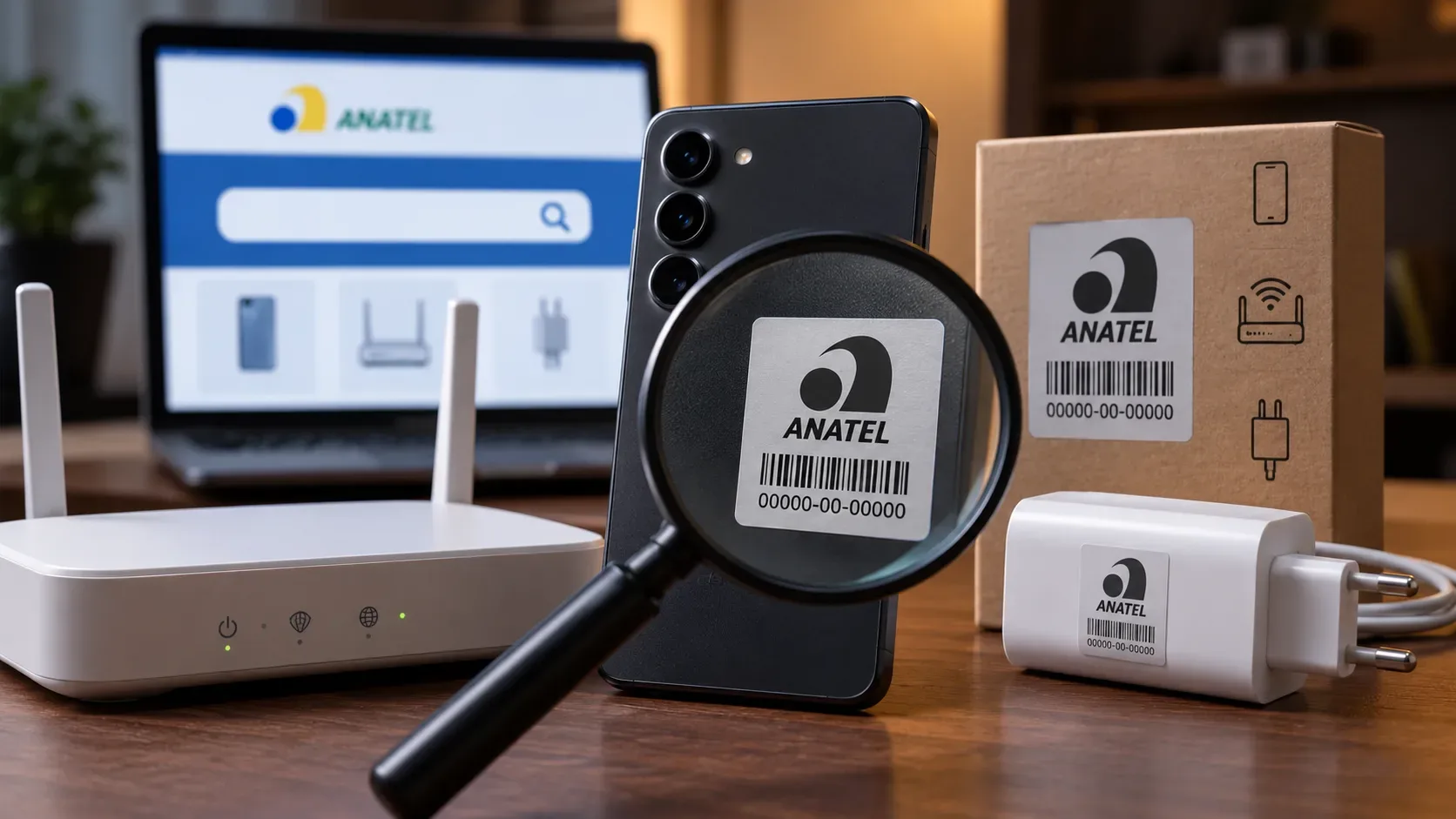
Anatel's frequently asked questions page says that, as a rule, telecom products are subject to homologation. Examples include equipment with Wi-Fi or Bluetooth, routers and other network devices, mobile phones, batteries, and mobile phone chargers.
The check is especially useful for marketplace purchases, imported products, unusually cheap offers, and devices whose packaging or listing does not clearly identify the exact model. Homologation does not replace checking the seller's reputation and, by itself, does not prove that a physical unit is genuine; it confirms that an official record exists for a specific product, and that record must match what is being sold.
How to check Anatel approval step by step
- Identify the product precisely. Note the manufacturer and exact model. Also look for the Anatel homologation number on the device, label, user manual, or documentation supplied with it.
- Open the public database. Go to Anatel's Product Query data panel.
- Start with the homologation number when available. Anatel's FAQ directs users to enter that number in the corresponding field. This is the most direct way to test whether the code shown by a seller exists in the official database.
- Use manufacturer and model to narrow the check. The panel provides information such as product type, model, manufacturer, homologation number, Technical Conformity Certificate number, and validity date. These fields help distinguish similar products or variants with similar commercial names.
- Compare the record with the actual product. It is not enough for the search to return some result. The manufacturer, model, and product type in the record must make sense for the device you intend to buy.
- If the data do not match, do not treat the label as confirmation. A code that exists but belongs to another model, manufacturer, or product type does not validate the advertised item. Ask the seller for clarification before paying.
Where to look for the Anatel number or identification
Anatel's guidance is to look for the homologation identification on the product itself or in the user manual. Depending on the device's size and physical design, the marking may appear in different forms. The useful step for consumers is to find the number and use it as a lookup key in the official database instead of trusting the appearance of a label alone.
For smartphones, routers, and chargers sold together, check each item that carries its own identification. An approved phone does not automatically make any charger or accessory approved; the records need to correspond to the products that are subject to the applicable requirements.
How to read a Product Query result
Anatel's public panel states that it provides, among other fields, the product type, model, manufacturer, homologation number, Technical Conformity Certificate number, and validity. These details are most useful when checked together.
| Field | What to verify before buying |
|---|---|
| Homologation number | Whether it matches the number shown on the device, manual, or information supplied by the seller. |
| Model | Whether it matches the exact model code, not merely the commercial name of the product line. |
| Manufacturer | Whether it is consistent with the brand and identification of the equipment. |
| Product type | Whether the record describes the correct category, such as a phone, router, or corresponding accessory. |
| Validity and certificate | Whether the official record is coherent and provides the expected certificate details. |
If a code from a listing returns a completely different product, the verification has failed even though the number itself exists. Cross-checking matters because a genuine code can be copied into a listing for another device.
Certifica is not the buyer's lookup screen
The system change can be confusing because older pages and search results may still mention the SCH. The September 2026 notice clarifies the current split: new procedures go through Certifica, while Anatel maintains a public query tool for certified and homologated products. The Product Certification section also separates certification guidance from product lookup options.
So, if your goal is simply to learn whether a smartphone, router, or charger is approved before buying it, you do not need to start a procedure in Certifica. Gather the homologation number, manufacturer, and model, search the public database, and confirm that the returned data describe the actual product.
Quick checklist before completing the purchase
- confirm the manufacturer and exact model code;
- look for the Anatel identification and homologation number on the product or its documentation;
- search the number in the Product Query database;
- compare the model, manufacturer, and product type with the official record;
- do not accept a code that points to another product as proof;
- if the listing omits essential data, ask for the homologation number and exact model before paying.
In short: Certifica replaced the SCH for new certification and homologation procedures from September 8, 2026, but the buyer's routine remains straightforward: identify the product and validate its data in Anatel's public database. The safest approach is to cross-check the homologation number against the manufacturer and model instead of relying only on a seal, photo, or listing description.