
The September 2026 Android Drop brings together five features announced by Google on September 1, but they do not share the same requirements or rollout schedule. The package mixes features tied to the Android version, Gemini, Find Hub and Google Messages. That is why “announced” does not automatically mean “already visible on my phone.”
The most useful way to read the release is to separate three questions: has the feature been released yet?, which Android version does it require?, and does it depend on an app or service that may receive the feature gradually?. The table below summarizes the status stated by Google.
The 5 features in the September 2026 Android Drop
| Feature | What it does | Stated availability | What to check |
|---|---|---|---|
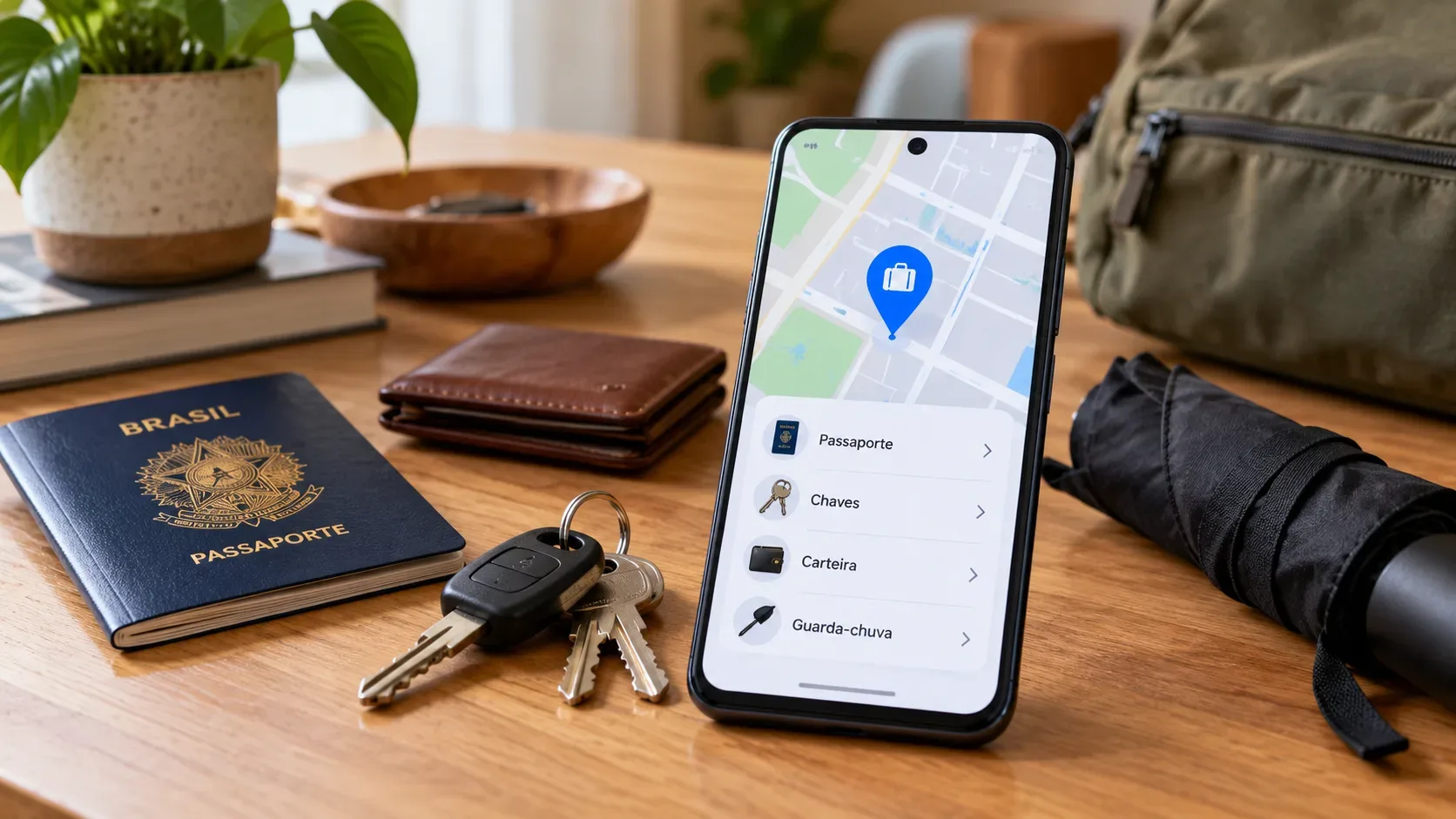
| Remembered items in Find Hub | Lets you ask Gemini to save where you placed items such as keys or a passport and retrieve that information later in Find Hub. | Coming soon; Android 16 or later; countries where both Gemini and Find Hub are supported. | Android version, sign-in to Gemini and Find Hub, and regional availability. |
| Motion Assist | Adds a moving bubble overlay designed to help reduce motion discomfort while a passenger uses the screen in a moving vehicle. | Requires Android 17. | Whether the phone is already on Android 17 and whether the option is available on that device implementation. |
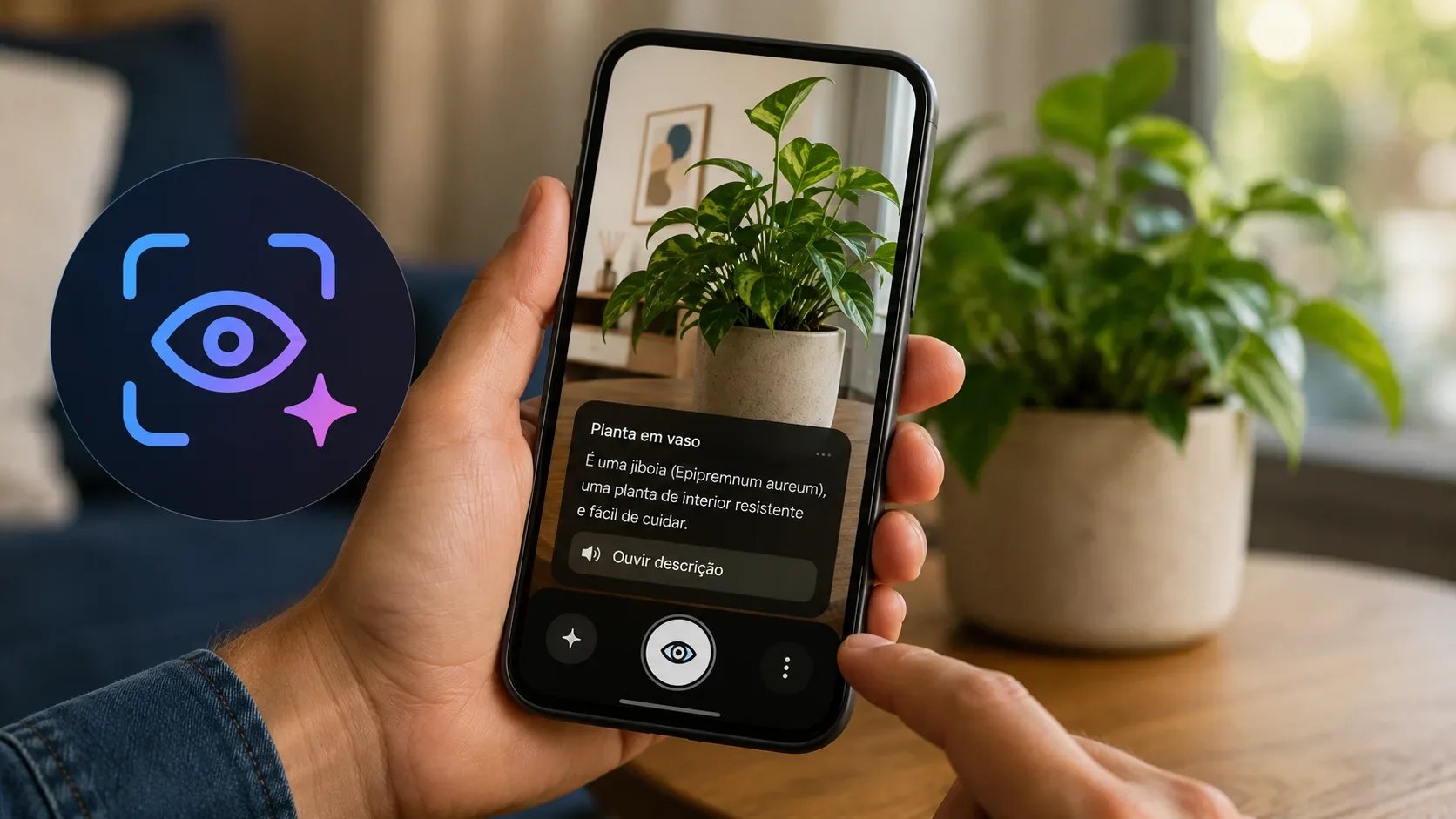
| Guided vision | Uses the camera in Gemini Live to provide spoken descriptions and framing guidance for objects or text. | Coming soon; Android 9 or later; countries where Gemini is available. | Android version, Gemini access, and availability for the account/region. |
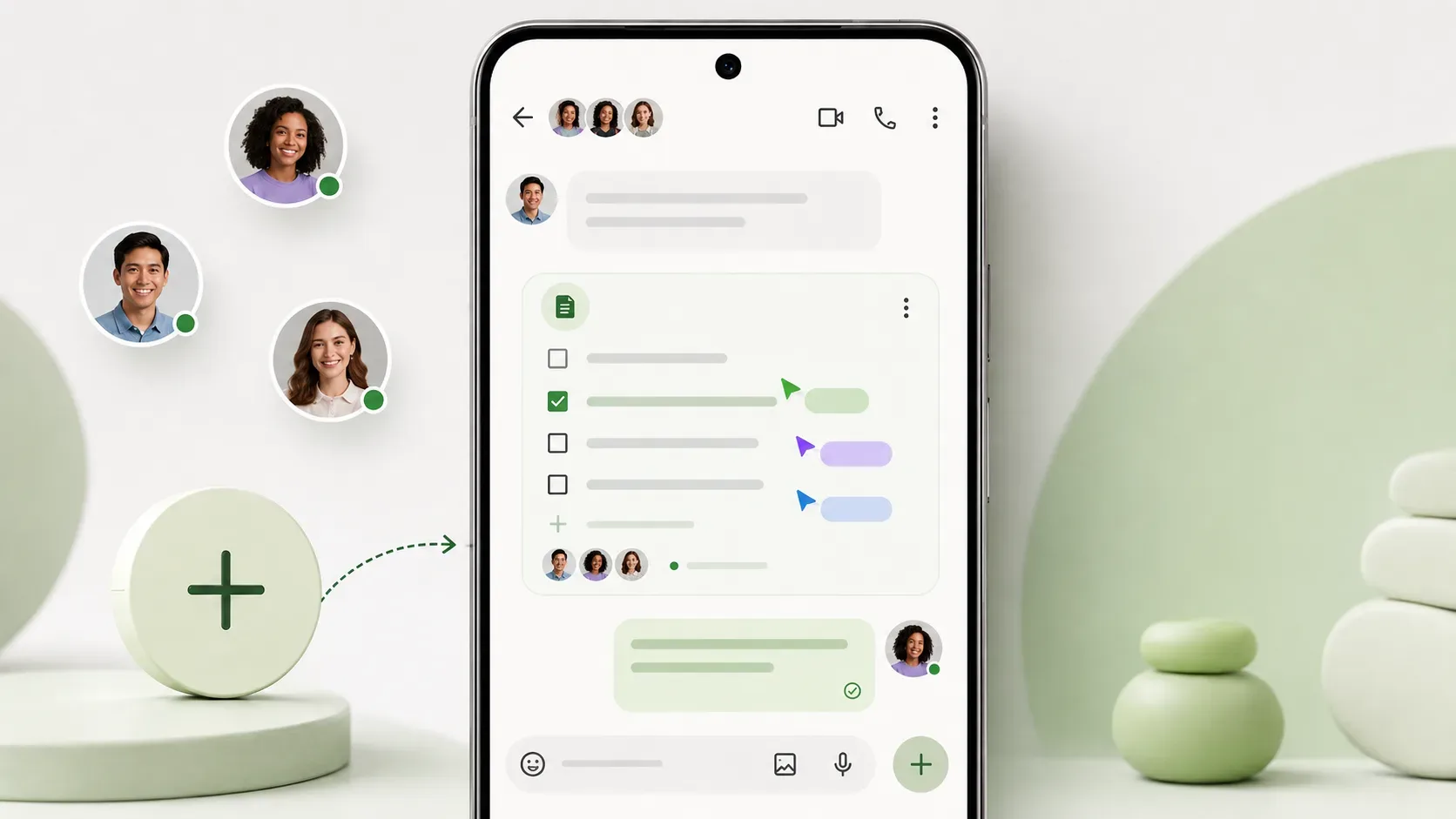
| Google Keep inside Google Messages | Creates and edits shared notes or lists from within a conversation. | Rollout started on September 1, 2026. | An updated Google Messages app and whether the feature has reached your app/account/device. |
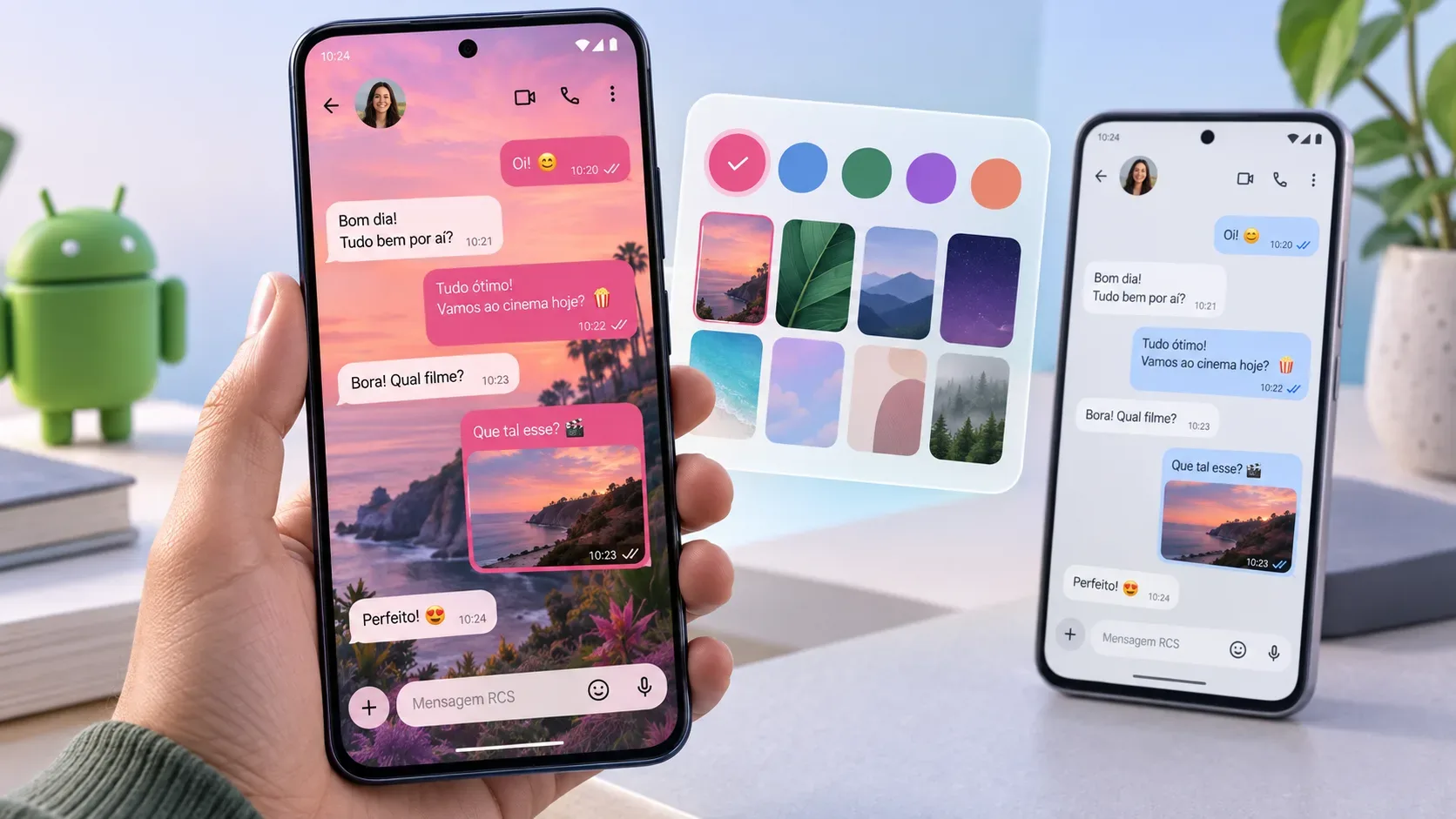
| Chat themes in Google Messages | Customizes the background and colors of individual conversations. | Google says it is available in Google Messages. | An updated app and whether the option appears in the conversation menu. |
1. Gemini can remember where you stored items in Find Hub
The first feature extends Find Hub to items that do not have a tracker tag. The idea is to tell Gemini where you left something — for example, a passport in a drawer — and retrieve that information later through Gemini or the remembered-items tab in Find Hub. Google also mentions the option to attach a photo to the saved entry.
The key detail is availability: Google says the feature is coming soon to devices running Android 16 or later in countries where Gemini and Find Hub are supported. Android’s feature page also states that users must be signed in to Find Hub and Gemini. So having an app installed is not enough; the feature depends on version, account and service support.
2. Motion Assist requires Android 17
Motion Assist is designed to reduce the visual conflict that can contribute to motion sickness when a passenger uses a phone in a moving car or other vehicle. The system displays subtle bubbles that move with the vehicle. Google says the feature can turn on automatically, be added to Quick Settings, and let users adjust bubble shape, color and opacity.
The requirement is clear: Android 17. If your phone is still on Android 16 or earlier, there is little value in looking for Motion Assist as if it were only an app update. Google’s general Android update documentation also notes that new-version schedules vary by device, manufacturer and carrier.
3. Guided vision uses Gemini Live and starts at Android 9
Guided vision is an accessibility feature designed to provide audio guidance for blind and low-vision users. By sharing the camera in Gemini Live, a user can ask for help reading fine print, identifying objects or understanding a scene. If the camera is not aligned properly, spoken feedback can guide the user to reframe, pan or center the object.
Google says Guided vision is coming soon to phones running Android 9 or later in countries where Gemini is available. Its OS requirement is therefore much broader than Motion Assist’s, but account, regional and feature-rollout dependencies still apply. Google also warns that Guided vision can make mistakes and is not intended for navigation, obstacle detection, medical use or as a substitute for safe-travel aids.
4. Google Keep moves into Google Messages conversations
Google Messages is adding Google Keep so people can create and edit shared notes and lists inside a conversation. The goal is to make tasks such as grocery lists, trip planning and group checklists easier without forcing everyone to leave the chat.
Google says the rollout started on September 1. That wording is different from saying the button appeared instantly for everyone. If you tap the “+” button in Google Messages and do not see the Keep integration, first check whether the app is updated, then whether the feature has reached your installation.
5. Chat themes customize backgrounds and colors in Google Messages
The fifth feature is Chat theme, which lets you set a distinct background for each conversation and coordinate message-bubble colors. You can choose a wallpaper or use one of your own photos.
For this feature, the Android Drop post says it is available to use in Google Messages. Even so, “available in the product” and “visible on this phone right now” are not always identical. If the option is missing, check that you are using Google Messages, that the app is current, and that the conversation menu on your installation includes the feature.
What to check before looking for the features on your phone
- Check your Android version. It is generally listed under Settings > About phone (or About tablet) > Android version. Google also shows the Android security update and Google Play system update status in this area.
- Match the version to the feature requirement. Remembered items in Find Hub require Android 16+; Motion Assist requires Android 17; Guided vision requires Android 9+.
- Update the apps involved. Google Messages, Gemini and Find Hub are separate from the OS version. A feature can depend on a recent app build.
- Check account, country and language requirements for Gemini features. Gemini mobile-app availability varies by country, language, account type and other requirements. Google’s official list includes Brazil among supported countries for the mobile app, but individual features can have additional criteria.
- Take the word “rollout” literally. When Google says a rollout started on a certain date, that does not guarantee simultaneous activation on every device.
Why the Android Drop is not one single update
The September release shows how Android features now span different layers. Motion Assist is tied to Android 17; remembered items combine Gemini and Find Hub; Guided vision depends on Gemini Live; and two additions arrive through Google Messages. Looking only under “System update” can therefore create the false impression that your phone was left out.
The safer interpretation is to treat the Drop as an editorial bundle of Android ecosystem features, not a single update file with five switches that appear at the same time. If a feature is missing, verify its documented requirement first, then investigate the phone update, app, account or regional availability.