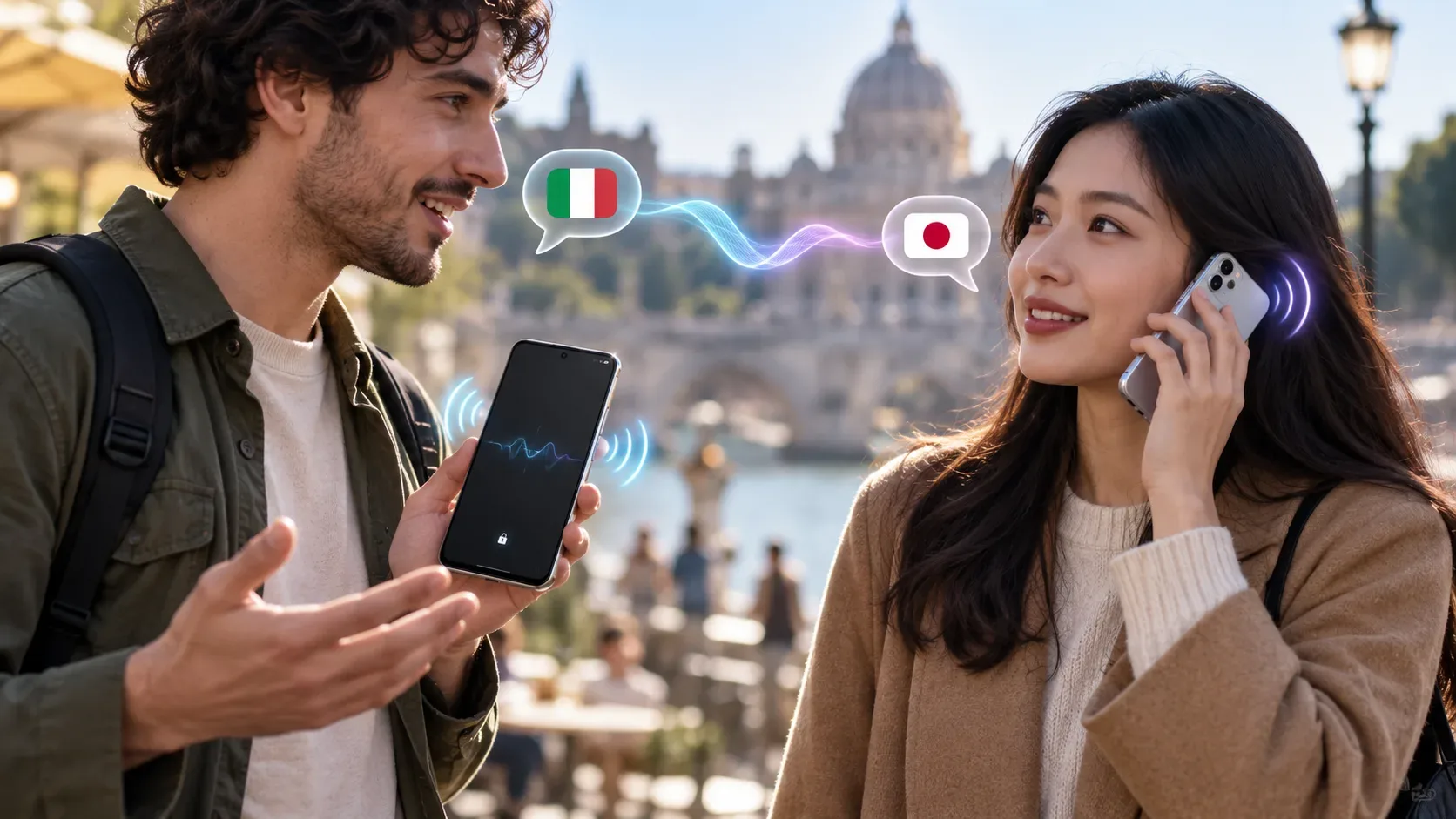
Google updated Google Translate's Live translate feature on September 4, 2026 with two different platform-specific changes. On Android, a live translation session can keep running while you use another app, minimize Translate, or lock the screen. On iPhone and iPad, the key addition is different: translations can be heard directly through the phone's earpiece, like a call, without requiring headphones. In the announcement, Google said background support on iOS was still coming later.
| Feature | Android | iPhone/iPad |
|---|---|---|
| Live translation in the background | Available: it continues when you switch apps, minimize Translate, or lock the screen. | Not yet in the September 4 announcement: Google said the feature was coming soon to iOS. |
| Listen through the phone earpiece | Available. | Available worldwide starting with the update announced on September 4. |
| Languages | Live translate provides near-real-time audio translations across more than 70 languages, according to Google. | |
How to keep Live translate running in the background on Android
First, update the Google Translate app to the latest version. Open the app, tap Live translate at the bottom, and choose the mode and languages you want to use. Google's help documentation lists modes such as Listening, Conversation, Text only, and custom settings.
- Start a Live translate session and confirm the languages.
- Begin speaking or listening to the audio you want translated.
- Once the session is running, switch to another app, minimize Translate, or lock the screen.
- The translation session continues in the background. To end it, return to Translate and exit the session.
This is especially useful for longer sessions because you do not have to keep the app visible the entire time. Google said that more than one-third of live translation sessions already lasted longer than five minutes when it announced the feature.
How to hear translations through the iPhone earpiece
On iOS, the September 4 update added the ability to route live translations directly through the phone's earpiece. The idea is to hold the device to your ear like a phone call when you do not have headphones or want to listen more discreetly in a busy environment.
- Update Google Translate on your iPhone or iPad.
- Open the app and tap Live translate.
- Select the languages and the appropriate listening mode.
- Start translating and hold the phone to your ear to hear the translated audio through the earpiece.
Google's documentation also supports using Live translate with headphones. In Conversation mode, playback can come through the phone speakers or headphones; Listening mode is designed for following spoken audio continuously.
What still does not work the same way on both platforms
The two features did not arrive on Android and iOS at the same time. Earpiece listening was already available on Android and became available worldwide on iOS with the September 4 update. Background operation, however, launched first on Android. In the announcement, Google said equivalent iOS support was “coming soon,” without giving a date.
So on iPhone, you should not assume that locking the screen or leaving the app will keep the session running just because that behavior already works on Android. Check the installed app version and current release information whenever background operation is important to your use case.
When each feature is most useful
- Travel while multitasking: on Android, you can keep translation running while checking maps, tickets, reservations, or messages.
- Airports and stations: earpiece audio can make a translation easier to hear without relying on the speaker in noisy places.
- Tours and guided visits: holding an iPhone to your ear may be more practical than playing translated audio out loud in a group.
- Longer conversations: Android background support reduces the need to keep Translate visible throughout the session.
What to check before you use it
These features depend on an up-to-date Google Translate app and availability for the language you select. Live translate covers more than 70 languages, but you should check the actual options in the app. In situations where a translation error could have serious consequences — such as medical, legal, or safety instructions — use the feature as an aid and verify the information through an appropriate source.
This guide is based on Google's official September 4, 2026 announcement and the Live translate help pages for Android and iPhone and iPad.