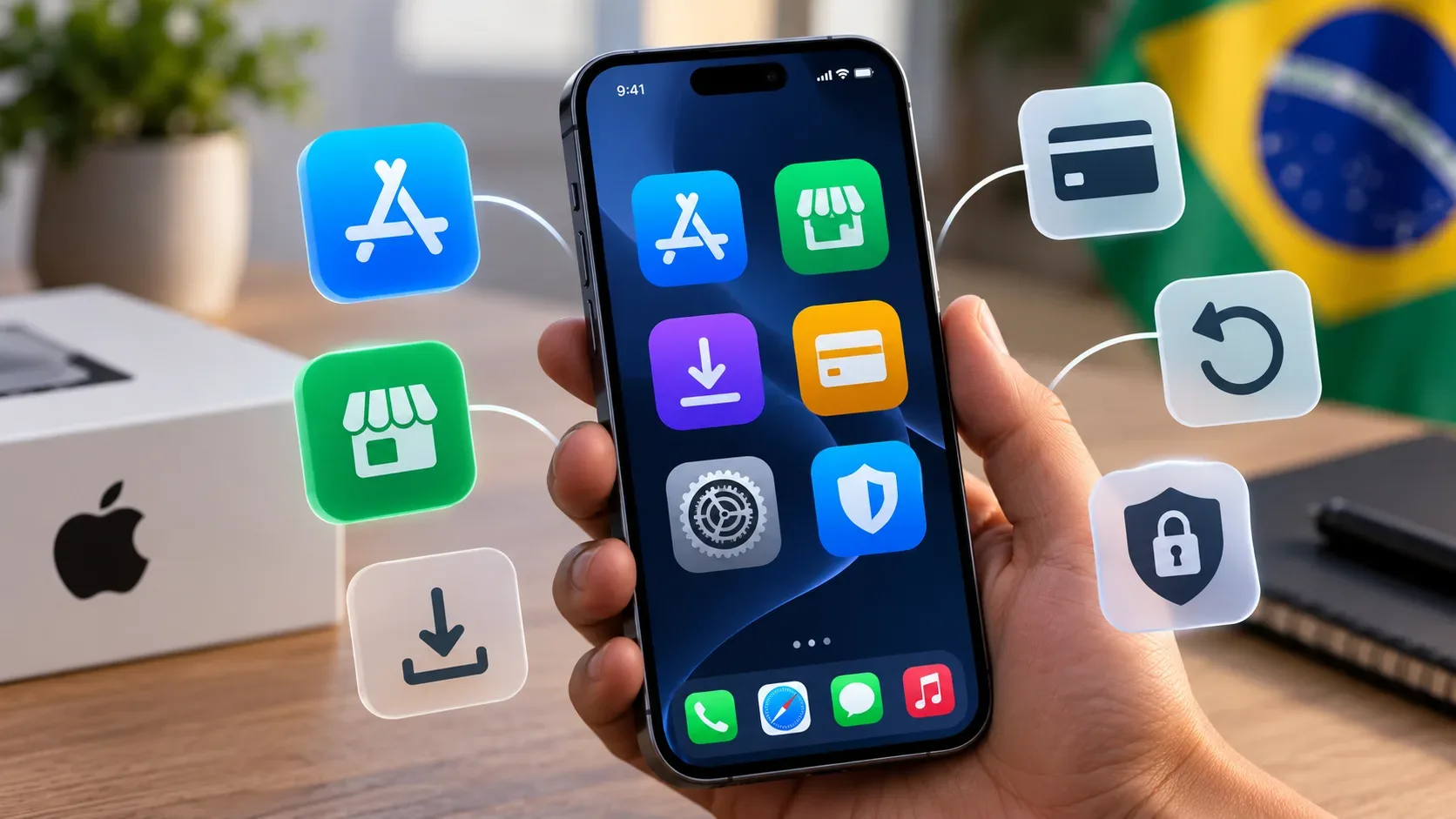
In Brazil, the main change for iPhone users is that the App Store is no longer the only possible route for discovering and installing apps, and Apple In-App Purchase is no longer the only way to pay for digital goods and services inside apps distributed through the App Store. Apple’s official implementation for the country starts with iOS 26.5. Although earlier references may mention iOS 26.2, Apple’s current documentation assigns that version to Japan and specifies iOS 26.5 or later for Brazil.
In practice, Brazilian users now may deal with more than one party responsible for installation, billing, purchase history, and refunds. That expands choice, but it also makes it important to know who distributed the app and who processed the payment before seeking support.
What changed in Brazil — and what did not
The change follows the agreement between Apple and Brazil’s Administrative Council for Economic Defense (CADE), which opened the door to alternative app marketplaces and payment options outside Apple’s traditional system. Apple announced the implementation on June 18, 2026 and states that the features are available in Brazil on iPhones running iOS 26.5 or later.
To use alternative app distribution in Brazil, the Apple Account country or region must be set to Brazil and the user must be physically located in Brazil. The App Store continues to work as usual: no one is required to install an alternative marketplace or use an external payment method.
There is also an important distinction from the European Union. In Brazil, Apple’s documentation describes installing alternative app marketplaces on iPhone and then installing apps offered by those marketplaces. Direct installation of an individual app from a developer’s website is presented by Apple as web distribution in the European Union, not as the Brazilian route.
The four routes that now matter
| Route | How the app reaches the iPhone | How the purchase is processed | History and refunds | Review and security |
|---|---|---|---|---|
| App Store + Apple In-App Purchase | Traditional installation through the App Store. | Apple processes the transaction. | The purchase appears in the Apple Account history; eligible refund requests can be submitted through Apple. | The app goes through the full App Store review process, in addition to baseline platform integrity checks. |
| App Store + alternative payment processor | The app still comes from the App Store. | Payment for digital goods or services can be handled by an external processor inside the app. | The external purchase does not appear in Apple’s purchase history, and billing and refund support moves to the developer or provider. | The app remains subject to App Store rules, but the external transaction is not processed or supported by Apple. |
| App Store + purchase on an external website | The app comes from the App Store but may direct the user to an offer on the web. | The purchase is completed outside Apple In-App Purchase. | Purchase history, cancellation, subscriptions, and refunds depend on the external seller or processor. | Apple shows disclosures and requires transparency mechanisms, but it does not control the external billing transaction. |
| Alternative marketplace + app from that marketplace | The user first installs an alternative marketplace from the operator’s website, then installs apps through that marketplace. | Apple In-App Purchase is not available in these apps; billing and subscriptions depend on the developer or marketplace. | Apple does not provide the billing support. The user must contact the app developer, the alternative marketplace, or the payment provider. | Apps go through Apple Notarization, a baseline review, but not the full App Store review process. |
How to install an alternative marketplace on iPhone in Brazil
Apple documents an explicit consent flow. On a compatible, updated iPhone, the user opens the website of the alternative marketplace in a browser and taps the installation link. iOS then sends the user to Settings, where they must open Manage App Installation, allow that marketplace, and confirm again after reading the information displayed by the system.
- Confirm that the Apple Account is set to Brazil and that the device is physically in Brazil.
- Use a browser on the iPhone to open the official website of the alternative marketplace.
- Tap the marketplace installation link.
- When iOS prompts you, open Settings and go to Manage App Installation.
- Tap Allow next to the marketplace and read the information screen before confirming.
- Complete the installation and, inside the marketplace, choose the apps you want to install.
The iPhone does not install an alternative marketplace without the user’s approval. If you do not want to use this model, you can simply keep using the App Store.
Payments: installing from the App Store does not mean Apple will bill you
A point that can easily cause confusion is separating the source of the app from the source of the charge. An app may have been downloaded normally from the App Store and still offer an external payment method for a digital service.
For App Store apps distributed in Brazil, Apple allows developers to offer an alternative processor inside the app or direct the user to an out-of-app offer, including a link to a website. When a developer presents an alternative payment option for a digital good or service, Apple’s Brazil rules require Apple In-App Purchase to be presented at the same time for that offer.
Before an alternative purchase flow, the system may also display a disclosure sheet. Its purpose is to make clear that the transaction will take place outside Apple’s purchase system. Authentication, storage of payment details, receipt issuance, and fraud checks then depend on the selected processor or seller.
Refunds, subscriptions, and purchase history depend on who charged you
When Apple handles the charge
Purchases made with Apple In-App Purchase appear in the purchase history linked to the Apple Account. When eligible, refund requests can be started through Report a Problem. Subscription management and other Apple ecosystem features also remain available for those transactions.
When the charge is external
If the payment was processed outside the App Store or Apple In-App Purchase, Apple instructs users to contact the developer or the party responsible for the charge. Apple cannot provide support for refunds, purchase history, subscription cancellation and management, payment disputes, or fraud involving those transactions.
This does not erase any consumer rights that may apply under Brazilian law; it does, however, change the practical support channel. Before paying, identify the legal or commercial name of the seller, its cancellation policy, support channel, and how to obtain receipts.
Security: Apple Notarization is not the same as full App Store review
Apps distributed through alternative marketplaces in Brazil must pass Apple Notarization. According to Apple, the process combines automated checks and human review to assess baseline platform integrity, including known malware, security threats, whether the app works as promised, and egregious fraud.
Apple also makes clear that Notarization is a baseline review. It does not apply all App Store standards covering content, business practices, quality, and user experience to alternatively distributed apps. App selection, moderation, support, and refund policies are instead the responsibility of the marketplace and developer.
External payments change the risk model in another way: payment information may be shared with companies other than Apple. That can be entirely legitimate, but it makes it more important to verify who is charging you, whether the website uses a secure connection, what data is requested, and how a subscription can be canceled.
What changes for families and parental controls
Screen Time, parental controls, and Spotlight continue to work with apps installed through alternative distribution. However, commerce features tied to the App Store do not necessarily follow those purchases. Apple cites Family Sharing for purchases, Ask to Buy, and certain In-App Purchase restrictions as examples of features that are not supported when the transaction does not go through Apple’s system.
That means parents and guardians should review both installation permissions and the purchasing rules of the alternative marketplace or payment processor. Without Apple’s purchase flow, approvals and limits may be enforced differently.
How to find where an app came from and who should support it
If you see an unfamiliar charge, an update problem, or an issue with an app, the first step is to verify where it was installed from. On iPhone, go to Settings > Apps > [app name]. Under App Marketplace Information, the system shows the marketplace or website associated with the installation when alternative distribution applies.
In the same area, Apple may show a Get Support link supplied by the developer. That helps route functionality, billing, or refund questions to the responsible party.
For purchases, there is another simple check: if the transaction appears in your Apple Account purchase history, it is within Apple’s billing ecosystem. If it does not appear and you received a receipt from another seller, bank, wallet, or processor, support is likely outside Apple.
Updates: the alternative marketplace becomes part of the maintenance chain
The iPhone can automatically check for and install updates to alternatively distributed apps when automatic downloads for app updates are enabled. But there is a new dependency: if you delete the alternative marketplace or if it shuts down, you may stop receiving updates for apps installed through it.
Apple warns that, in some cases, apps may even stop working if the marketplace ceases operations. If the same app is available from another marketplace or the App Store, it may be possible to reinstall it from another source, but previous purchases may not always be recognized and you may have to pay again.
Checklist before installing or paying outside Apple’s traditional system
- Confirm the version: in Brazil, Apple’s official reference is iOS 26.5 or later.
- Verify the source: install the marketplace from the operator’s official website and check the name shown by iOS before allowing it.
- Separate app from payment: an App Store app can still charge outside Apple.
- Read who processes the purchase: check the seller, payment method, and cancellation policy.
- Keep external receipts: they may not appear in Apple Account purchase history.
- Understand the refund route: if Apple did not process the purchase, request the refund from the responsible developer, marketplace, or processor.
- Review subscriptions: confirm where to cancel and whether automatic renewal is enabled.
- Consider family controls: Ask to Buy and other App Store commerce features may not apply.
- Keep the marketplace installed and updated: it may be required to update apps obtained through that channel.
Official sources for checking the current rules
- Apple Support — About alternative app distribution
- Apple Support — Installing apps through alternative app distribution
- Apple Support — Purchases not billed through the App Store or Apple In-App Purchase
- Apple Support — Find out where you downloaded an app from
- Apple Developer — Changes to iOS in Brazil
- Apple Developer — Payment options on the App Store in Brazil
- CADE — agreement on iOS app distribution and payments
In practical terms, the change does not turn the iPhone into a system without controls: Apple still requires user authorization before an alternative marketplace can be installed and applies a baseline review to apps. What changes is the chain of responsibility. The further installation and billing move away from the App Store, the more important it becomes to identify who distributes the app, who receives the payment, and who will handle support, cancellation, and refunds.