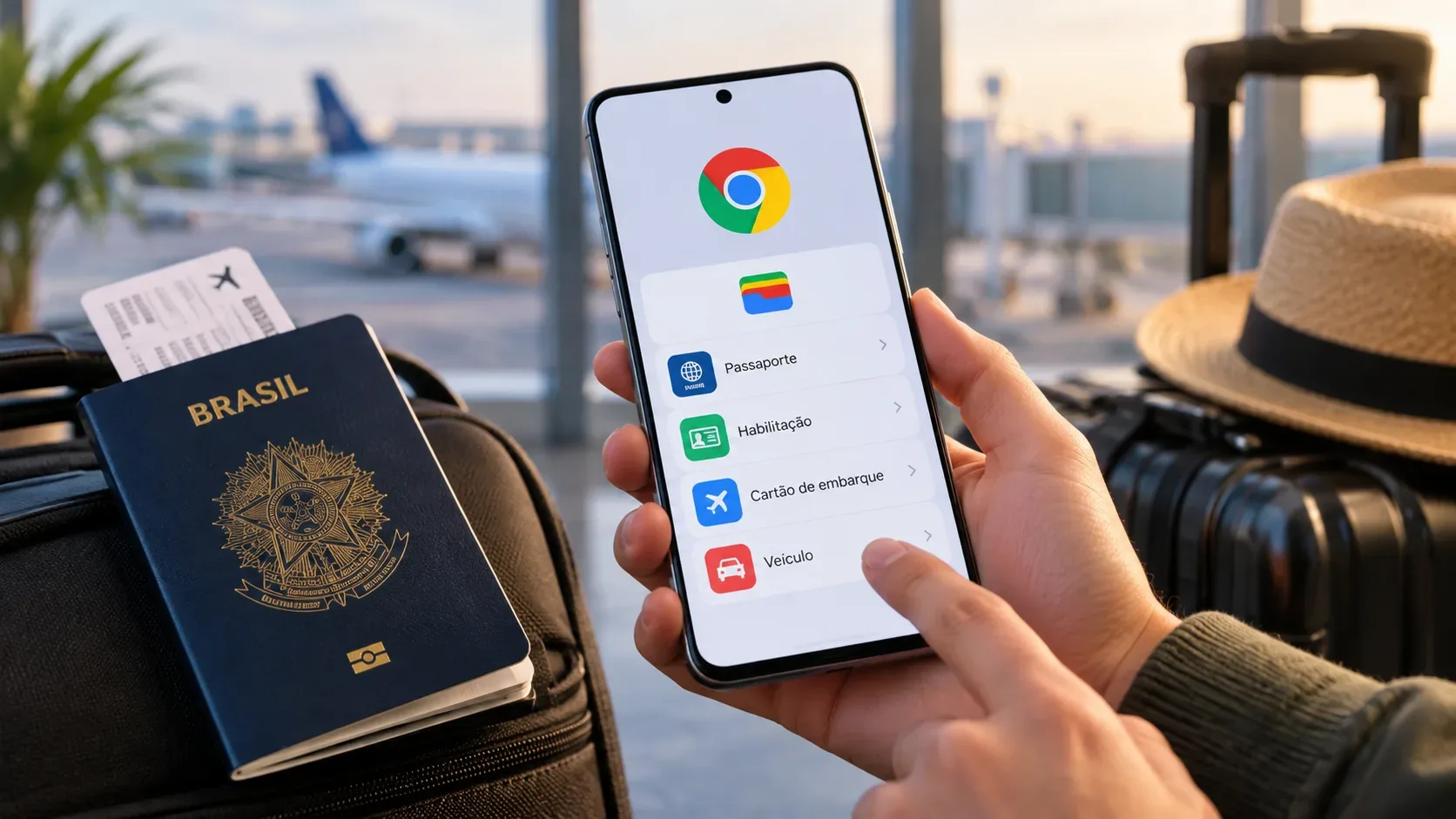
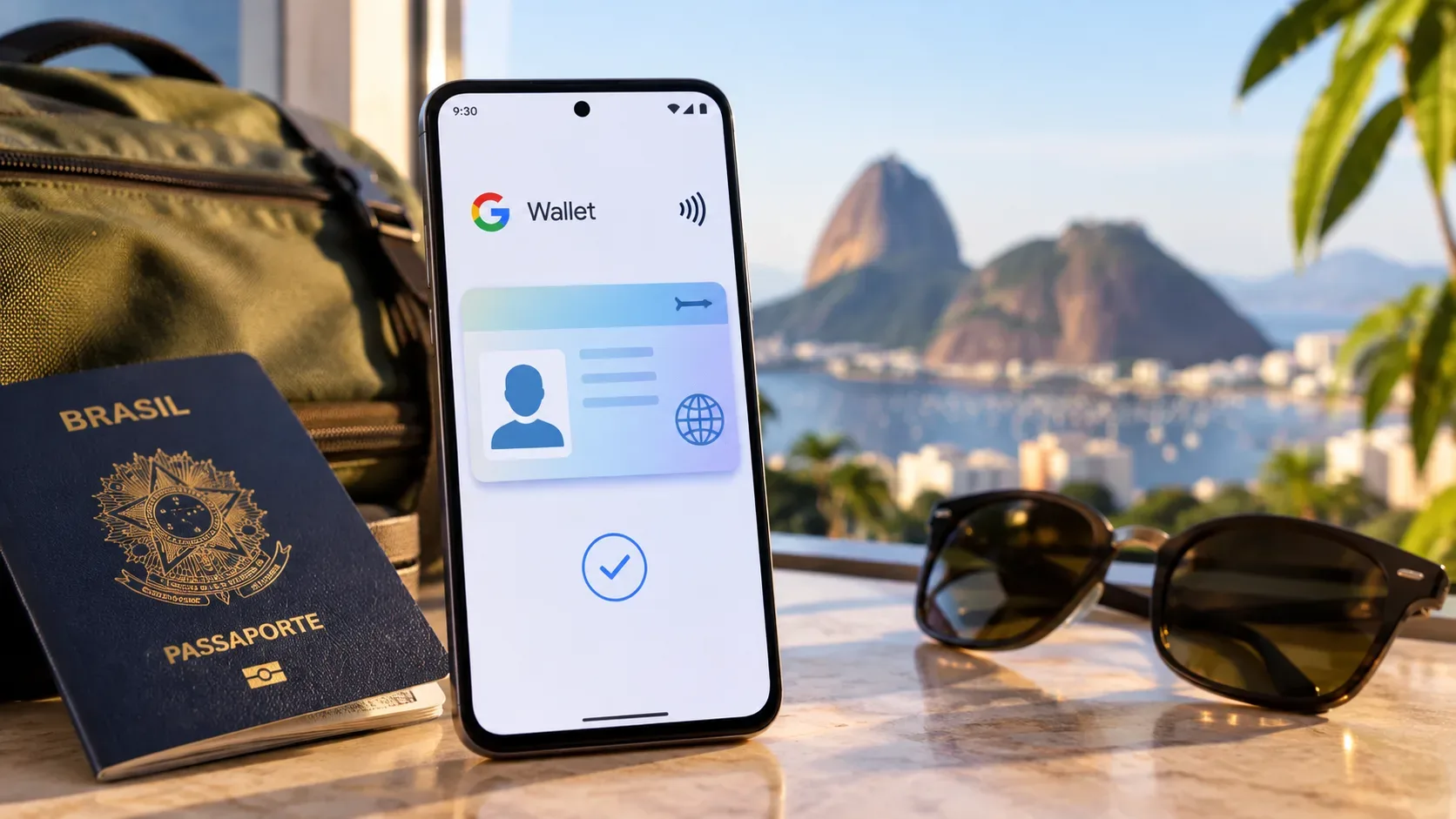
Google Wallet's ID pass arrived in Brazil as a digital credential based on verified passport data. Google Brazil announced it on April 16, 2026 to help Android users prove their age or identity in compatible in-person or online services. The key distinction is that this pass is not a digital Brazilian RG or CIN issued by the Brazilian government: Google Wallet's own documentation says it is not an official ID and does not replace physical documentation.
What the Google Wallet ID pass is
The feature creates a digital credential inside Google Wallet from a valid passport issued by a supported region. According to the official Google Brazil announcement, its purpose is to enable identity and age checks while giving people more control over the information they share.
This changes how the feature should be understood. Rather than acting as a visual copy of a document, the pass is a credential that can provide verified data to a service capable of receiving digital identity documents. Google also describes this approach as based on digital identity standards and privacy features such as selective disclosure.
How to create the pass on Android
The Google Wallet Help Center says the phone must run Android 9 or later, support NFC and have a screen lock. NFC must be enabled to create the pass; to use it, Google also requires Bluetooth and Nearby devices permission.
- Open Google Wallet and tap Add to Google Wallet.
- Choose ID and then ID pass.
- Select the passport region and accept the terms.
- Scan the passport's data page.
- Read the passport's security chip using the phone's NFC.
- Record a video of your face for the verification step.
- Choose the available review method and submit the request.
Google support says that, in some cases, a person may choose automated facial recognition or manual review. When automated recognition is used, numerical face models are created from the video and the passport photo to compare whether the images show the same person; after verification and validation of the request, Google says it deletes those face models and biometric data.
What is shared when you use the pass
The core idea is that presenting the credential does not have to mean handing over every piece of passport data. In compatible flows, Google Wallet displays the information being requested before it is shared and lets the user continue or cancel. The user must also authenticate on the device before releasing the data.
Google uses the term selective disclosure for the ability to share only the attributes relevant to a particular check. A service that only needs to know whether someone meets an age threshold, for example, may not need to receive the complete set of document details.
For some age-verification scenarios, Google says it uses Zero Knowledge Proof (ZKP) technology. When that technology is applied, the goal is to prove the required condition — for example, that the person meets an age requirement — without linking the confirmation back to the user's personal identity. This does not mean every use of the pass relies on ZKP; Google's wording limits that protection to flows in which the technology is used.
Where the pass can be used in Brazil — and its limits
| Situation | What to expect |
|---|---|
| Compatible apps and websites | They may accept the pass to confirm age or identity. The app or website must support digital identity documents. |
| Compatible in-person verification | The pass can be presented by NFC or QR code when the venue or service has the infrastructure and policy to accept it. |
| Immigration, travel and government documentation | Do not treat the Brazilian pass as a replacement for a passport or official ID. Google says that outside the United States, ID passes cannot be used for immigration or travel and do not replace government documentation. |
| Places without digital credential support | Acceptance is not universal. You need to confirm with whoever is requesting identification whether the pass is accepted in that context. |
This limitation is essential to avoid a common mistake: simply having the pass on a phone does not create an obligation for businesses, public agencies or venues to accept it. Its usefulness depends on the service requesting identification and on the infrastructure available to receive the credential.
Why it is not simply “an RG on your phone”
- Different origin: the pass is created from passport verification; it is not a digital version of Brazil's National Identity Card issued by a Brazilian civil identification authority.
- Different legal role: Google Help classifies the pass as unofficial and says it does not replace physical documentation.
- Conditional acceptance: the pass only works where the requester accepts compatible digital credentials.
- Attribute-oriented use: it is designed to prove information such as identity or age in specific flows, including the ability to share only the data needed.
In practice, the best comparison is not a photograph of an ID card stored on a phone. It is more accurate to understand it as a verifiable digital credential derived from a passport, intended for compatible interactions and built with controls over data sharing.
Privacy, storage and pass controls
According to Google Wallet support, the pass is encrypted and stored locally on the device rather than in the Google Account. Because it is sensitive data stored on the phone, the contents of the pass cannot be exported through Google Takeout. The passport used to create the pass can also be associated with this type of pass on only one device at a time.
Before each sharing action by NFC, QR code or a compatible app, the user can review the requested data and must authenticate. Pass activity history is off by default; if the user chooses to enable it, they can see who the pass was shared with, which information was disclosed and when.
If the phone is lost or replaced, Google provides ways to remove the pass. On a new device, the user must create another pass after removing the previous one.
What to check before relying on the feature
- Have a valid, supported passport available to create the pass.
- Confirm that the phone meets the Android, NFC, Bluetooth and screen-lock requirements.
- Before leaving physical documents behind, verify that the venue, app or service actually accepts the pass.
- Read the sharing screen to see exactly which attributes will be sent.
- Keep physical documentation available when it is required, especially for travel, immigration and official procedures.
In summary
Google Wallet's ID pass in Brazil turns passport verification into a digital credential that can prove age or identity in compatible services. Its value lies less in “putting an RG on a phone” and more in enabling controlled digital presentations with authentication and selective data sharing. Its limit matters just as much: it is not an official ID, it does not replace an RG, CIN or passport, and acceptance depends on each service or requester.