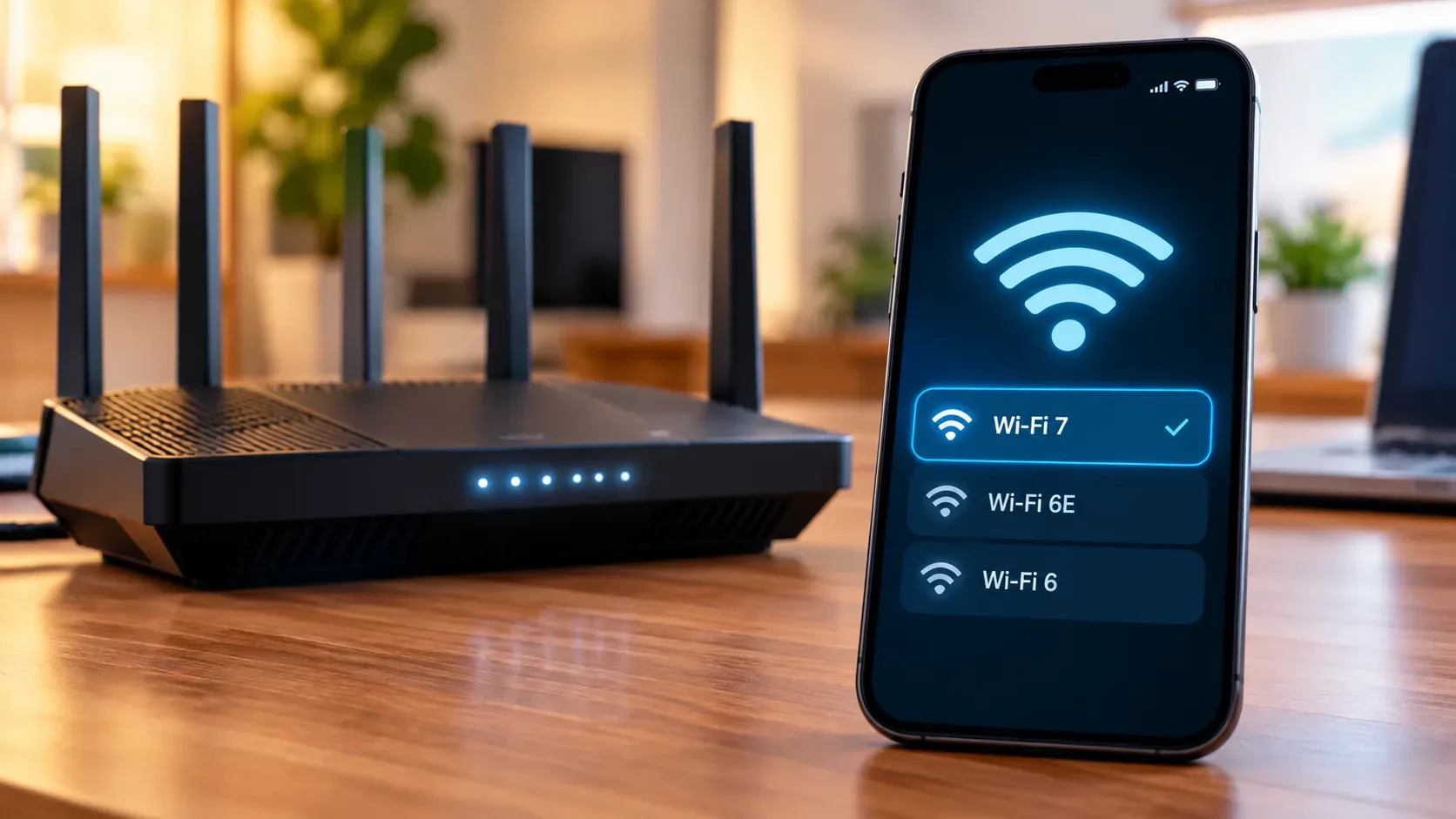

Multi-Link Operation (MLO) is one of Wi‑Fi 7’s most important changes: instead of limiting a connection to a single 2.4 GHz, 5 GHz or 6 GHz link, a compatible device can maintain more than one link within the same association. The benefit, however, depends on how both the router and the client implement those links. That is why two devices connected to the same MLO SSID can produce very different results.
What MLO changes in Wi‑Fi 7
In traditional Wi‑Fi, the client chooses one band and works through it until it needs to switch. In Wi‑Fi 7, a Multi-Link Device router (AP MLD) and a Multi-Link Device client (non-AP MLD) can negotiate several links and decide how to use them. Cisco documentation describes MLO as a mechanism for distributing traffic across bands, with the potential to increase throughput, reduce latency and improve reliability.
The key point is that “having MLO” does not necessarily mean sending data over two bands at the same time. Behavior depends on the mode supported by the client:
| Mode | How the client works | Where it tends to help most |
|---|---|---|
| STR | Uses radios capable of transmitting and receiving independently on different links at the same time. | Higher potential aggregate throughput, lower latency under load and link redundancy. |
| eMLSR | Keeps multiple links available but essentially uses one main data path at a time, switching quickly according to opportunity and channel conditions. | Latency, efficiency and reliability without requiring the same multi-radio architecture as STR. |
| MLSR | Operates with one radio and switches among links; it does not add simultaneous capacity. | Band-selection flexibility and association continuity. |
Cisco notes that client support for the more advanced modes is not uniform. In other words, the router may advertise MLO capabilities that a phone or laptop cannot exploit in the same way.
STR vs. eMLSR: why the same MLO network can produce very different results
With STR, each link can contend for the medium and carry traffic independently. In a favorable scenario, that makes it possible to use two bands in parallel, such as 5 GHz and 6 GHz. This is the closest case to the popular idea of “adding bands together.” Even then, actual performance depends on radio capability, channel width, interference, router backhaul and the traffic flow itself.
eMLSR has a different goal. The client can keep more than one link ready and quickly choose where to send or receive data, but it should not be treated as two full radios continuously working in parallel. Intel presents eMLSR as a way to keep the client available on two channels and use the free channel to reduce waiting and improve reliability, while multi-radio operation creates more room for aggregate speed.
This difference explains why a laptop can show two MLO links and still fail to double its speed. The number of associated links alone does not reveal how many radios are operating simultaneously or which policy the driver is using.
When using several bands at once really helps
- Throughput: the largest gain appears when both client and access point support truly simultaneous multi-radio operation, channels are clean, and the rest of the network — Ethernet port, backhaul, server and Internet connection — does not become the bottleneck.
- Latency: keeping more than one link available makes it possible to avoid a temporarily busy channel. This can reduce queues and delay spikes, especially for gaming, calls, virtual reality and other jitter-sensitive applications.
- Stability: if one link degrades because of interference or movement, another can provide an alternate path without rebuilding the entire connection as in a traditional band switch.
- Congested environments: the ability to choose among links can matter more than peak speed. In apartments and offices, escaping a congested band can improve consistency even when a speed test barely changes.
When MLO may not improve performance — or may even be worse
In June 2026, TP-Link updated its documentation to emphasize that client compatibility is the main variable in MLO performance and that some devices may see little improvement — or, in certain scenarios, performance below a single-band connection. This matters because the “Wi‑Fi 7” label alone does not tell you which MLO mode the client implements.
- The client may be Wi‑Fi 7 but use only eMLSR/MLSR instead of STR.
- Firmware, driver or operating system may limit band combinations, number of links or activation policy.
- The router may offer MLO across two bands while another model combines three; not every client accepts the same combination.
- The 6 GHz band can deliver excellent capacity close to the router but may lose its advantage sooner through obstacles in some environments.
- If one band is very poor, keeping it active may add overhead without a practical gain.
- An Internet speed test can hide MLO benefits when the bottleneck is the service plan, WAN port or test server.
ASUS also documents that its Wi‑Fi 7 routers can support STR and eMLSR, but stresses that final behavior depends on the modes accepted by the client device. This is why MLO should be treated as a negotiation between both ends rather than a button that guarantees a specific result.
Checklist: what to verify on the router, client and firmware
- Router: confirm that MLO is actually enabled, which bands make up the MLO network and whether a firmware update is available.
- Client: check chipset or device-vendor documentation to learn whether it supports STR, eMLSR or only a simpler form of multi-link operation.
- Driver and system: keep the Wi‑Fi driver, operating system and device firmware current; MLO capabilities can change with software.
- Bands and country: verify that 6 GHz is available and enabled in your regulatory domain and that the client supports the band.
- Infrastructure: to measure high throughput, use backhaul and wired ports capable of exceeding the expected Wi‑Fi speed.
- Telemetry: when the router exposes per-link statistics, check which bands are associated and whether real traffic is moving over more than one of them.
How to test MLO without fooling yourself
The most useful test compares equivalent situations. In the same location, measure a single-band network first and then the MLO network. For throughput, prefer a fast local wired server; for latency, observe ping and jitter while heavy traffic is also running. Take several measurements instead of drawing a conclusion from a single speed test.
If your goal is stability, walk between rooms and watch packet loss and latency spikes. If your goal is speed, confirm whether the client uses simultaneous links. If your goal is lower delay, compare latency under load. This way, MLO is measured against the problem you actually want to solve.
What to remember
MLO does not mean “add 2.4 + 5 + 6 GHz.” It creates an association with multiple links, and each implementation decides how to use them. STR offers the greatest potential for parallel use and aggregate throughput; eMLSR prioritizes fast link selection and efficiency; MLSR provides flexibility without true parallelism. That is why router, client, driver and firmware must be evaluated together.