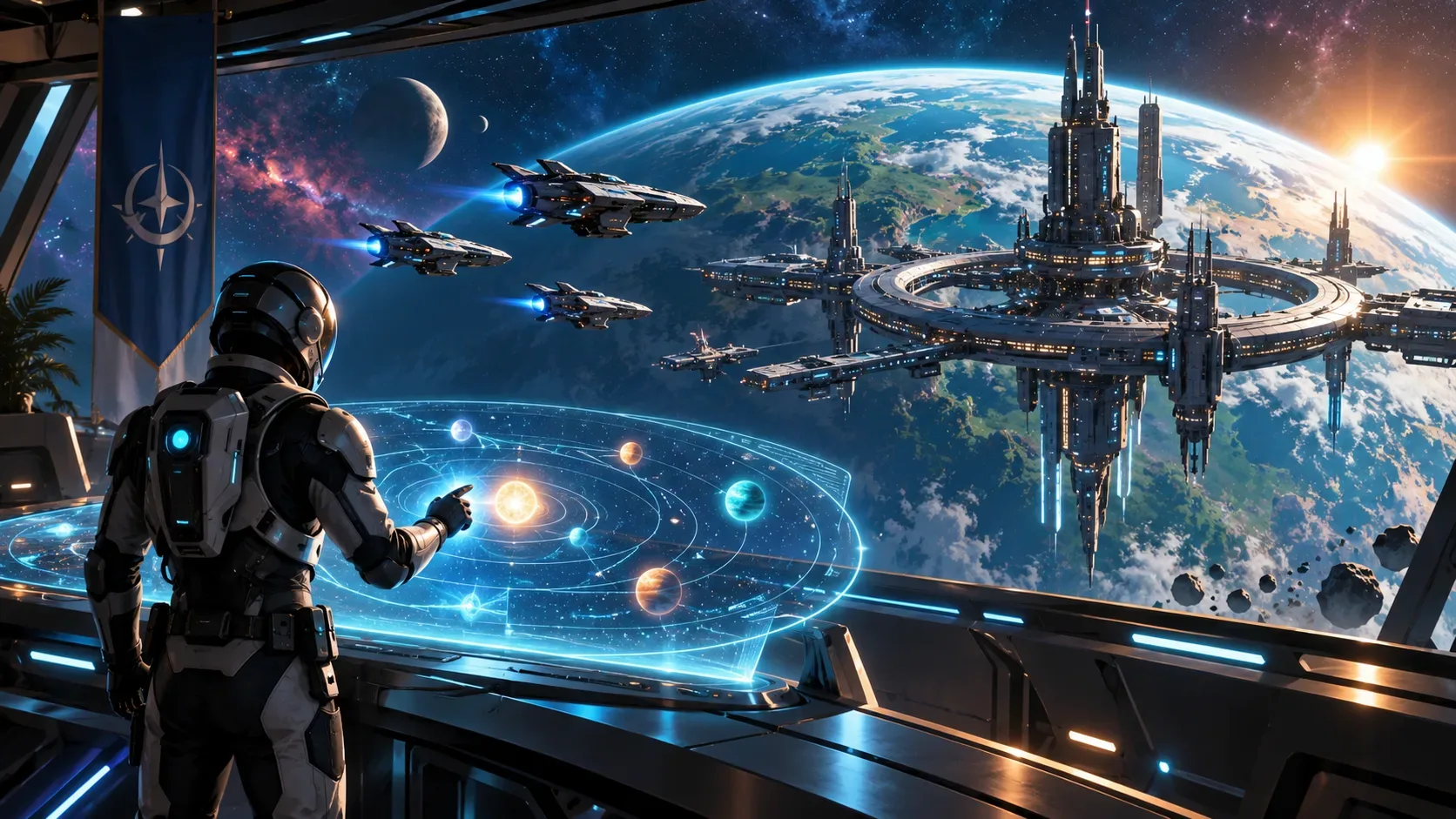
No Man’s Sky: Cosmos, Update 7.0 released on September 9, 2026, reshapes space exploration around systems with clearer practical roles: space-station directorship, player alliances, orbital construction, and a new star system map. According to Hello Games, the update is free for existing players on supported platforms.
For returning players, the most useful point is that these additions are not one single questline. The star system map is a gateway to points of interest; station directorship unlocks customization and the ability to found an alliance; and the anniversary expedition, Our Journey Continues, is a separate time-limited event.
What to do first in Cosmos 7.0
| Feature | How to start | What it unlocks | Important limit |
|---|---|---|---|
| Star system map | Open it from the Quick Menu after the save has reached the Space Anomaly | Planets, the station, deep-space POIs, signals, and navigation assistance | It maps the current system; it does not replace the Galaxy Map |
| Station directorship | Prove yourself to the local authorities to become a director | Interior renovation, exterior decoration, and expansion with new rooms | Hello Games has not published a universal cost or numeric requirement in the public patch notes |
| Alliances | Visit an alliance-owned station to join; station directors can found one | A social network of systems, teleporter access, and rankings | Each player can belong to up to three alliances |
| Orbital base | Deploy a deep-space base computer and claim a volume of space | Free-floating construction, including builds that start from asteroid platforms | It is a separate building system from station directorship |
How to get a space station in Cosmos
The update announcement uses the language of “owning” a station, while the detailed patch notes define the mechanic as Space Station Directorship. The confirmed starting point is to prove yourself to the local authorities to become a station director. Once you do, you gain editing rights over the station: you can change exterior decoration, reshape the interior layout, adjust existing elements, and add ancillary compartments connected to the main hangar.
This is not the same as simply building a base in space. The station remains the system’s large built-in structure, now with a layer of player directorship and customization. Orbital bases, by contrast, are player-built structures that can be placed in an empty volume of space or on certain natural asteroid platforms.
As a director, you can use the existing range of base parts inside the station and unlock large decorative modules for its exterior. The update also adds hundreds of station decoration pieces, with some available through the Construction Research Terminal aboard the Space Anomaly and others tied to deep-space anomaly exploration.
There is an important launch-day caveat: Hello Games’ public documentation does not provide one universal price, reputation threshold, or task count that applies to every station. The reliable approach is therefore to follow the local-authority progression presented in your game rather than assume a fixed cost.
How to form and join alliances
Galactic Alliances are Cosmos’ community layer. A station director can found an alliance, choose its name and banner, and recruit other Travellers. To join an existing alliance, the official notes say to visit one of the group’s owned stations.
The system has three practical effects. First, members can coordinate exploration and connect stations into a network. Second, alliance systems can be accessed quickly through the teleporter. Third, alliances compete on rankings displayed at the station core, with activity, population, and expansion contributing to their standing.
- Who can found one: station directors.
- Who can join: players who visit an alliance-owned station and join the group.
- How many: each player can belong to up to three alliances.
- What it is for: social play, coordinated exploration, system connections, and leaderboard competition.
In practice, this means you do not have to secure a station before trying the social system: you can join an existing alliance first. Station directorship becomes necessary when your goal is to found your own organization.
How to use the new star system map
The new Star System Map is accessed from the Quick Menu and displays the system you are currently in. It plots celestial bodies, the space station, and new deep-space points of interest. It can also show unidentified signals.
There is one confirmed progression requirement: points of interest begin appearing on the map after the save reaches the Space Anomaly for the first time. The update also adds a light tutorial mission called Signals, designed to introduce the map and navigation between deep-space locations.
The most practical action is marking a planet or point of interest. Doing so enables starship navigational assistance. The map is therefore not just an information screen; it organizes the route between the update’s new space activities.
Locations that can appear include rocky and icy asteroid belts, inhabited or infested outposts, procedurally generated hulks, debris fields, asteroid platforms, and the system’s own star point of interest. Stars can now be reached by long-haul flight, but the environment is lethal.
The exploration loop: map, salvage, process, build
Cosmos links the map to a new deep-space economy. Many points of interest can be mined or stripped for resources such as comet dust, gelatinous fibres, and contaminated metal. At outposts, these raw materials can be processed into valuable items for sale or used in space-station construction and decoration.
Derelict hulks are the riskier example. They contain technologies and cargo, but damaging their structural integrity can trigger a meltdown and explosion. For physical salvage, the update adds a Tractor Beam utility to Corvettes, purchased at the Corvette Workshop in space stations, while the Gravitino Coil is used to manipulate objects and can now be equipped inside stations.
Deep-space outposts complete the loop: an alien quartermaster trades maps and salvaged materials, while a salvage-and-delivery terminal offers contracts. In other words, the map finds the destination, exploration generates cargo, and outposts serve as processing or trading nodes.
Orbital bases and station ownership are not the same thing
The update also lets players create a free-floating orbital base. Deploy a deep-space base computer, claim a volume of space, and build from scratch or use natural asteroid platforms as a starting point. New corridor parts were added specifically for orbital construction.
The functional difference is simple: an orbital base is the player’s construction project; station directorship gives creative control over a space station already integrated into the system and also provides the prerequisite for founding an alliance. One does not replace the other.
What is permanent and what belongs to the expedition
Cosmos’ core systems — the star system map, station directorship, alliances, orbital construction, and new POIs — are part of Update 7.0. They are not presented as expedition-exclusive rewards.
Our Journey Continues, meanwhile, is Expedition 23 and was announced to begin shortly after the update and run for approximately six weeks. It revisits moments from No Man’s Sky’s ten-year history and offers commemorative rewards including framed art, titles, a golden Rasamama 36, an astronaut bobblehead, a themed Multi-Tool, a vintage Interceptor, and a diplodocus companion.
For players continuing on their main save, the key is not to confuse the two tracks: the expedition has its own event window, while the new exploration and construction systems are the underlying Cosmos changes.
A short route for returning players
- Make sure the save has reached the Space Anomaly; this enables POIs to appear on the star system map.
- Open the map from the Quick Menu and follow the Signals mission to learn the new navigation.
- Mark a POI and try the deep-space exploration loop, such as an outpost, belt, or hulk.
- If you want a station, follow the local-authority progression to gain directorship, then customize the interior, exterior, and additional rooms.
- If your goal is community play, join an existing alliance by visiting one of its stations; to found your own, become a station director.
- Treat orbital bases as a separate building project rather than a substitute for station directorship.
- Complete Our Journey Continues within its event window if you want the anniversary rewards.
The information above is based on the official Update 7.0 page and patch notes published by Hello Games on September 9, 2026. Because the update has just launched, progression details not documented in the official notes may vary by save context and future hotfixes.