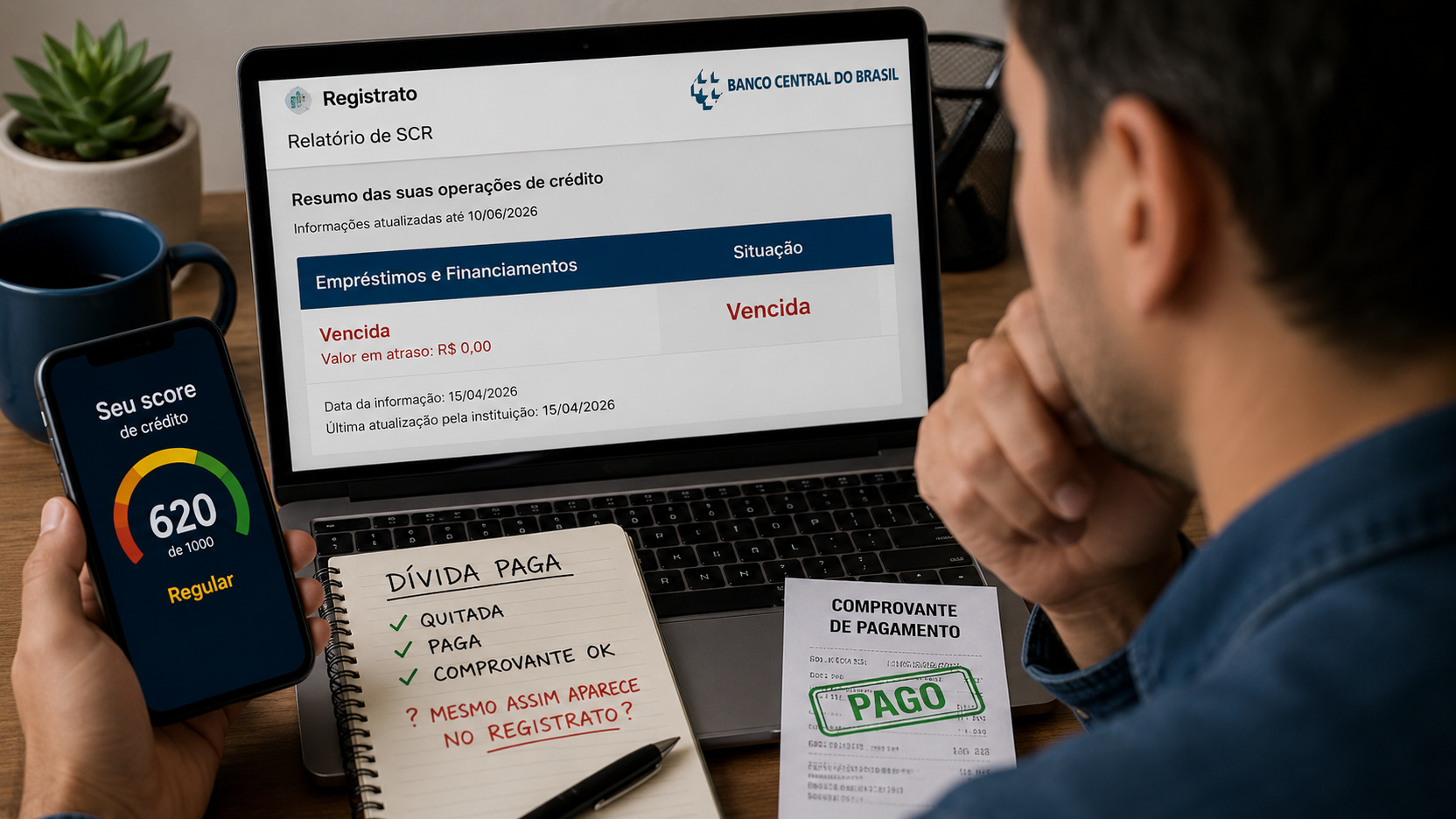
If you paid off a debt and it still appears in Registrato's Loans and Financing Report, that does not automatically mean the bank is still collecting an obligation that has already been paid. In SCR, the first thing to check is the report's reference date. The system receives information from institutions in monthly cycles and, according to the Central Bank of Brazil, the payoff usually appears in the report available at the end of the month following the payment or renegotiation.
There is also an important difference between an old position and the current situation. Payment does not rewrite previous months. If the debt was overdue on a past reference date, that historical snapshot remains recorded as overdue even after payoff. The warning sign is different: a reference date after the payment still showing a balance or status that is inconsistent with what was actually paid off.
The first question is: which reference date are you looking at?
Registrato is the channel through which you access, among other reports, information from the Credit Information System, or SCR. This report does not work like a real-time statement. It consolidates data sent by banks and other institutions to the Central Bank and shows the credit position on a specific reference date.
That is why paying today and issuing the report tomorrow is not a reliable test that the debt has been cleared. The Central Bank itself explains that SCR is not updated immediately after payment. As a rule, banks send information once a month, and the new position becomes available for consultation at the end of the following month.
An example helps. If the debt was paid off on August 12, a report whose reference date is still July cannot reflect that payment. The useful reference then becomes the position after payoff, which should appear in the next cycle. If, once that new reference date arrives, the contract is still shown as overdue or with a balance that should have been reduced to zero, then it is no longer only a matter of waiting for the SCR calendar.
The history is not erased when the debt is paid
The point that causes the most confusion is the persistence of older entries. The Central Bank expressly states that the system does not clear the history: a payment made does not change past positions, only future ones. So, if the debt was overdue in September and was paid in October, September continues to record the situation that existed in that month.
This means that finding the word "Vencida" (Overdue) when browsing previous months is not, by itself, proof of an error. What you need to compare is the sequence of dates. The month in which the delay actually existed may remain marked. The position after regularization is the one that should reflect the new reality.
This behavior also explains why SCR should not be confused with a simple negative-credit listing or with a credit score. The report shows operations, balances, limits, and the status of obligations reported to the Central Bank. Institutions may use SCR information in risk analysis, within the applicable rules, but the existence of a historical record does not mean the debt is still open today.
What changed in the SCR presentation in 2026
In April 2026, the Central Bank updated its explanation of the classification shown in the report. In the current presentation, overdue debts and amounts that previously appeared as "Em prejuízo" (Loss) were grouped under the "Vencida" (Overdue) column. The separate "Em prejuízo" column was removed, in a change associated with the rules of CMN Resolution 4,966/2021.
The Central Bank also states that, under this classification, installments that are not yet due or are overdue by up to 14 days appear as "Em dia" (Current), while installments overdue by more than 14 days appear as "Vencida" (Overdue). For this reason, tutorials based on the old interface can lead to an incorrect reading of the current screen.
This presentation change does not alter the main logic for someone who has already paid: you need to look at the reference date and determine whether the marking refers to a past month or to a position after payoff.
How to distinguish normal reporting lag, history, and a possible error
You paid recently and the reference date is still before the payoff In this case, the most likely explanation is the normal SCR reporting lag. Keep the payoff receipt and wait for the next reference date to become available. If you need to prove there is no outstanding balance before Registrato updates, ask the institution for proof of payoff. That document proves the payment, but it does not bring forward the report update.
Older months show arrears, but the later position is regular
Here, the behavior is consistent with the system's history. The old entry remains because it recorded a situation that was true at that time. There is no reason to require the bank to erase a past month simply because the debt was paid later.
A reference date after payment still shows the debt as overdue
This is the scenario that deserves investigation. There may be a delay in sending the information, a registration error, a residual balance, a payment applied to a different contract, or another discrepancy that only the responsible institution can clarify. The Central Bank makes clear that the information sent to SCR is the responsibility of the reporting institution, including additions, corrections, and deletions.
When to contact the bank and what to ask for
If the next reference date is already available and still does not correctly reflect the payoff, contact the institution that appears in the report. Have the payment or settlement receipt, the contract identification, the date on which the obligation was paid off, and a copy or screenshot of the report showing the discrepancy. Ask the bank to confirm which reference date it sent to SCR and what status it reported for that operation.
It is useful to record a protocol number and ask for an objective answer about whether any balance remains. If the bank acknowledges an error and sends a correction to SCR, the Central Bank states that the corrected data will be reflected in Registrato within up to 7 calendar days. This period of up to 7 days applies to the correction after the error has been identified and the institution has sent the new data. It does not replace the normal monthly update calendar after an ordinary payment.
When to complain and through which channel
The correction starts with the financial institution responsible for the data. The Central Bank advises first using the bank's primary service channels, such as the branch, customer service, or SAC. If the issue is not resolved, the next step is the institution's own Ombudsman.
If the discrepancy persists, you can file a complaint with the Central Bank. The complaint supports supervision and is answered by the institution complained about, but the Central Bank explains that it does not act as a consumer protection agency to decide your individual contractual case. Depending on the problem, it may also make sense to contact Procon or Consumidor.gov.br.
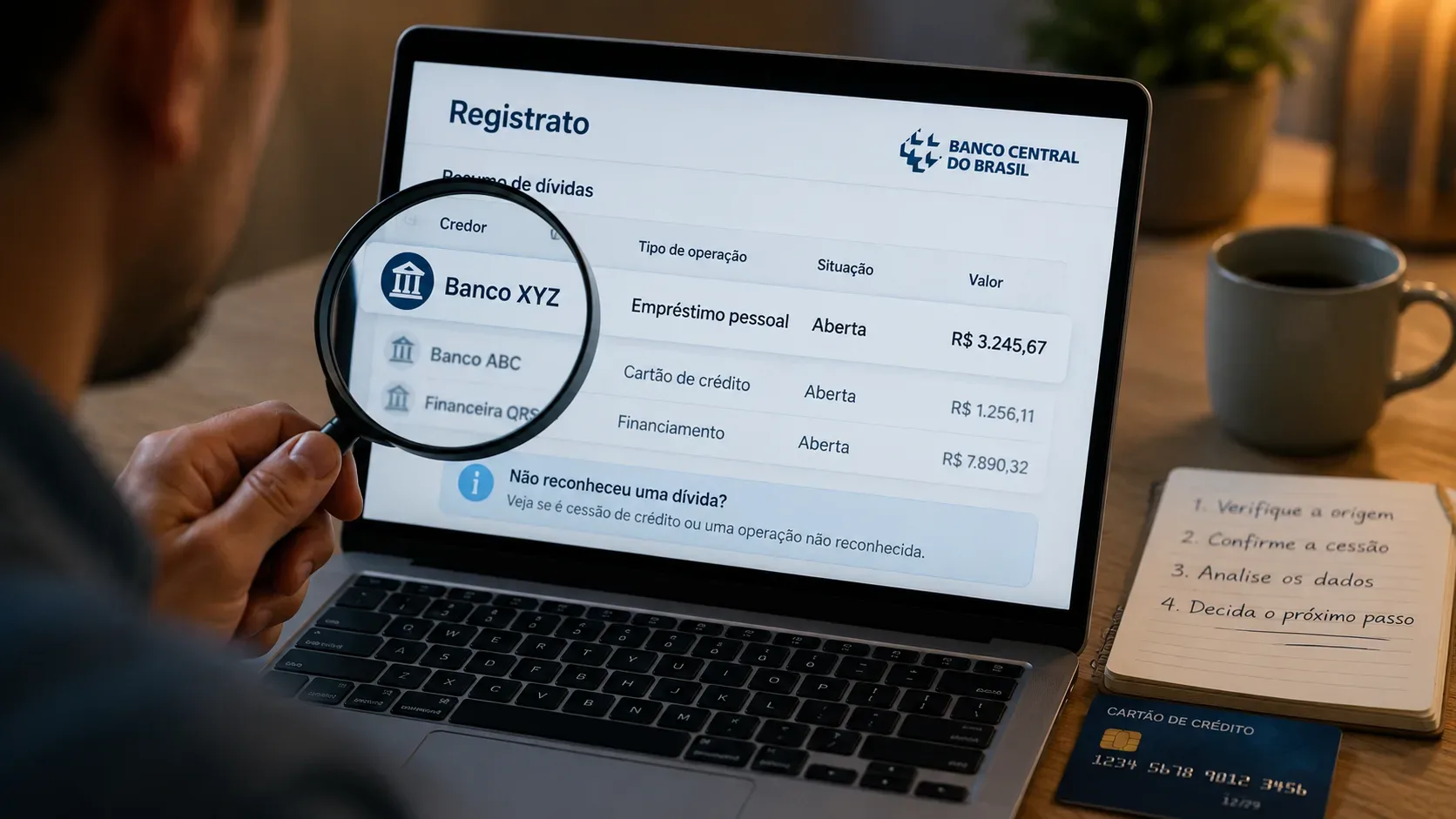
In practical terms, a complaint makes sense when the reference date that should already reflect the payoff remains incorrect, when the institution cannot explain a residual balance, when an operation you do not recognize appears, or when the bank confirms there was an error and the correction does not materialize within the stated period.
A quick way to read your report without confusing past and present
Start with the reference date, not the word "Vencida". Then compare that date with the day of payment. If the report still portrays a period before payoff, wait for the next cycle. If you are looking at an old month in which there really was a delay, treat it as history. If there is already a position after payment and it still shows overdue debt or an inconsistent balance, take the case to the bank with the receipt and request correction of the data sent to SCR.
The central rule is simple: paying off the debt changes the future of the record; it does not erase the past. The difference between a legitimate historical entry and an error lies in the reference date and the status reported after payoff. That comparison is what prevents you from complaining too early or, at the other extreme, accepting as normal information that should already have been corrected.