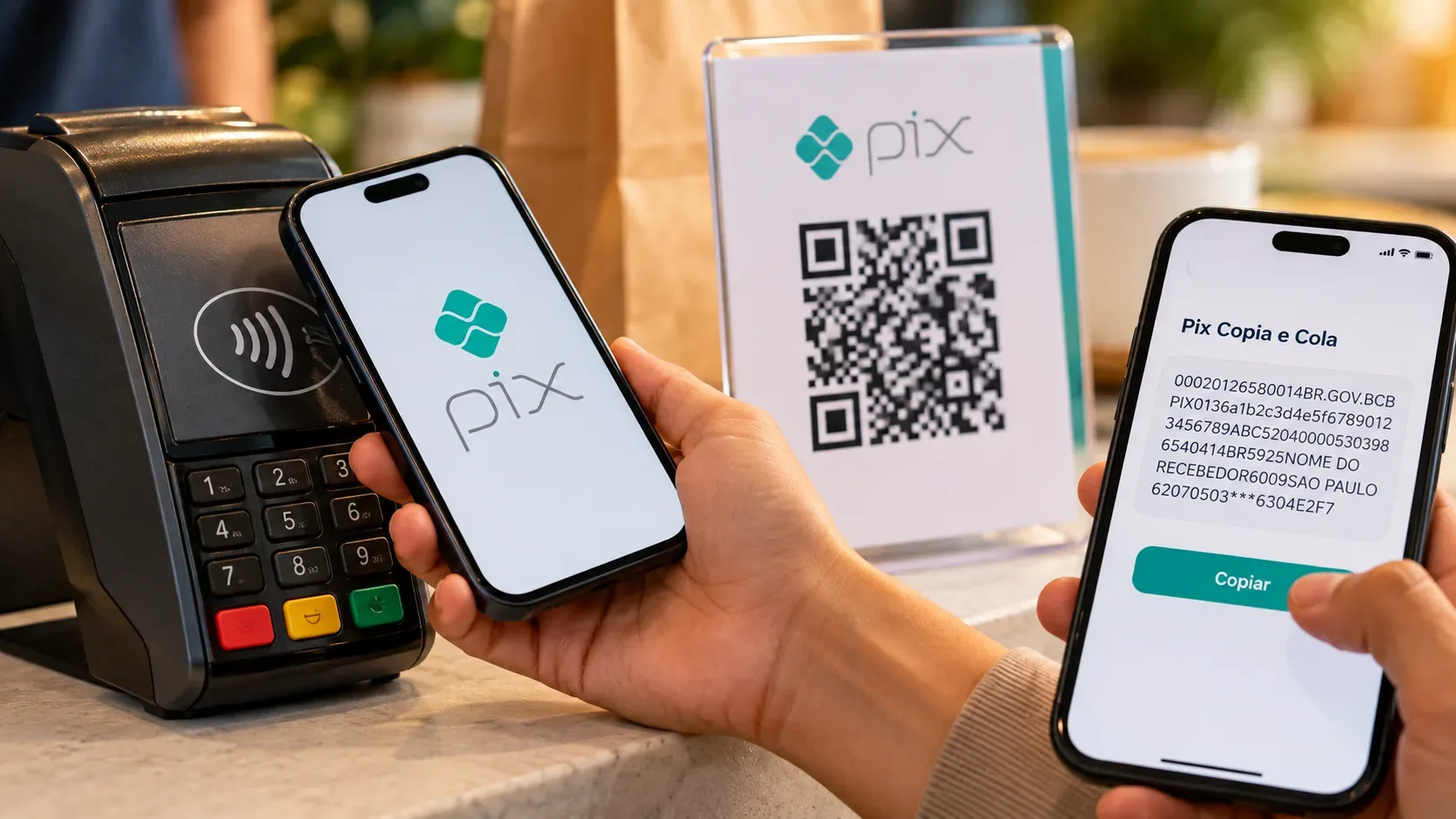
Reviewed on September 28, 2026. Contactless Pix, QR Code and Pix Copy and Paste initiate the same type of instant payment, but they differ in how the payment data reaches the app and, in the case of contactless payments through a digital wallet, where the account authorization takes place. The common point is that the payer should check the displayed data before confirming, while the institution applies authentication and security checks.
Quick comparison: what changes between contactless, QR Code and Copy and Paste
| Method | How the payment starts | Authentication and authorization | What to check before confirming | Security point |
|---|---|---|---|---|
| Contactless Pix | The payment data is received through NFC when a compatible phone or watch is brought close to an enabled terminal. | In the bank app, the user opens the app and authenticates before approaching the terminal and confirming. In a digital wallet, the account is linked in advance through Open Finance and the transaction is confirmed in the wallet, with device authentication. | Amount, recipient and other information shown on screen. | The Pix manual requires the security checks applicable to QR Code payments to also apply to contactless Pix. |
| QR Code | The app scans the code presented by the recipient with the camera. | In the usual journey, the payer's institution app interprets the payment request, displays the data and asks for confirmation in the authenticated environment. | Recipient, amount and payment information displayed by the app. | The QR Code is a way to transport payment data. The decision should be based on the app's confirmation screen, not only on the image of the code. |
| Pix Copy and Paste | The user pastes into the app the character sequence corresponding to the same BR Code that could be read as a QR Code. | After interpreting the code, the app follows the payment review and confirmation journey. | Recipient, amount and information shown after the code is processed. | The format does not remove the app's checks. The main precaution is to verify the source of the code and the final data before authorizing. |
What really changes: how the payment data is captured
With a QR Code, the camera captures the BR Code. With Pix Copy and Paste, the same information is entered as text. The Banco Central Manual of Standards for Pix Initiation states that Copy and Paste must reproduce exactly the character sequence that would be read by the QR Code reader. This alternative is useful, for example, when the QR Code is displayed on the same phone screen and cannot be scanned by that device.
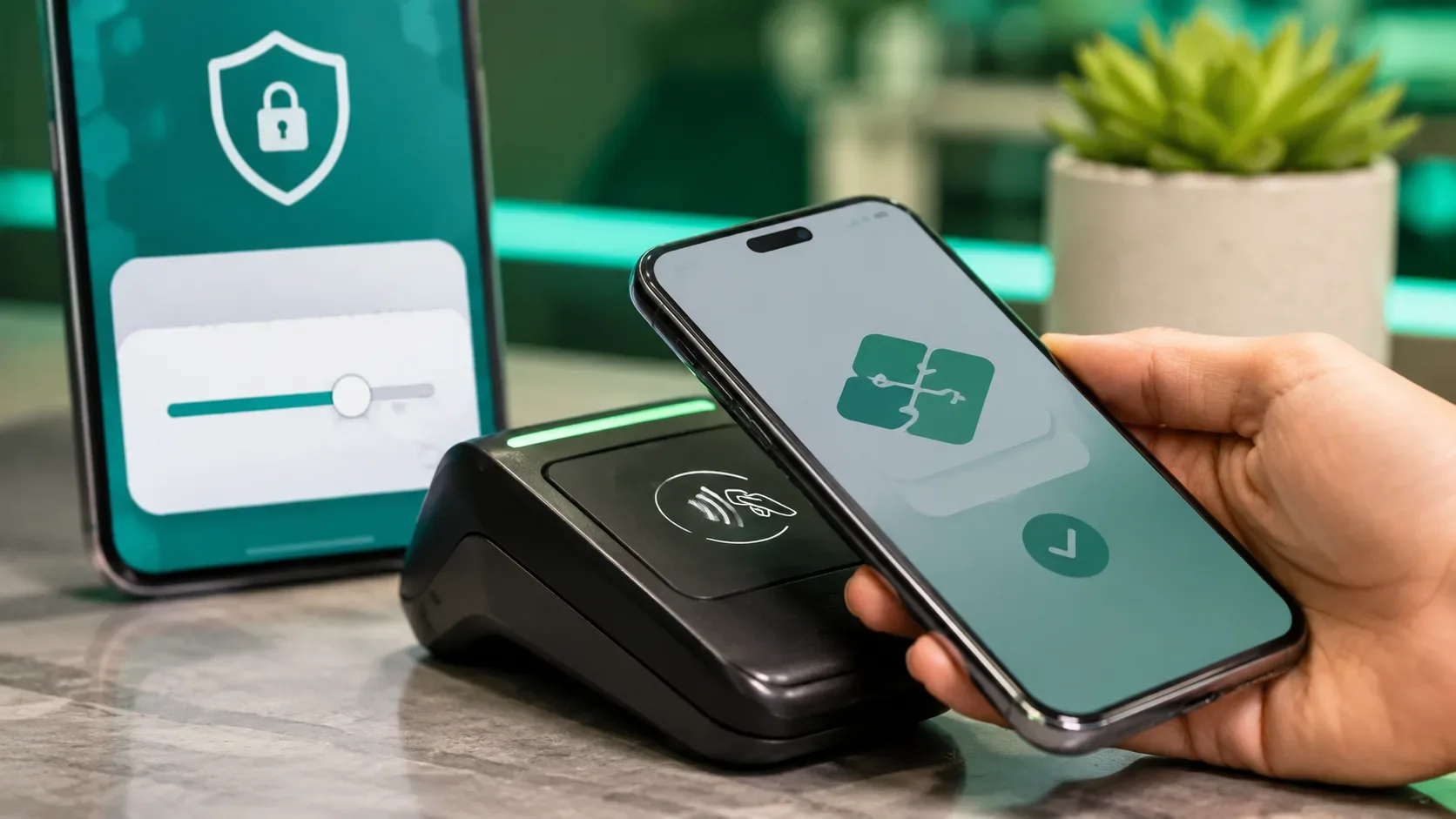
With contactless Pix, the capture happens through NFC. The recipient's device transmits content equivalent to a Pix Copy and Paste code encoded for that communication. Once the app obtains the data, the flow follows the QR Code payment path, including the presentation and confirmation of payment data. Bringing the phone close to the terminal therefore does not mean skipping the recipient or amount review.
Contactless Pix: there are two journey models
Through the bank app or the institution that holds the account
In this model there is no previous account-linking step. At the time of payment, the user opens the app, goes through the authentication required by the institution, brings the device close to the NFC terminal, checks the data and confirms. Authentication can use the app and device security mechanisms, such as a password or biometrics, according to the institution's implementation.
Through a digital wallet
To use a compatible digital wallet, the account must first be linked. This linkage uses the Open Finance infrastructure: the user is redirected to the environment of the institution that holds the account to authorize the connection. Once this step is completed, the wallet can initiate payments without redirecting the customer to the bank app for every purchase.
This reduces steps, but it does not turn the wallet into unrestricted authorization for any payment. For each transaction, the wallet must present the relevant information, and confirmation is protected by device authentication such as biometrics or a password. To offer this initiation service, the wallet must operate as a payment initiator authorized by Banco Central.
QR Code: the camera starts the reading, but confirmation stays in the app
A QR Code can represent a static or dynamic payment request. For dynamic requests, the payer's app uses the information in the code to retrieve the payment data and perform the required validations before presenting the transaction to the user. The official flow provides for the payer to check the data and confirm the transaction.
In practical terms, the appearance of the QR Code, the place where it is printed or the message in which it was received do not replace the confirmation screen. If the recipient name or amount shown by the app does not match what was expected, the safer action is not to confirm and to ask the recipient for a new payment request.
Pix Copy and Paste: the same QR content through another input
Pix Copy and Paste is not a second type of Pix. It is another way to provide the app with the content that would be carried in the QR Code. The feature can be used with static, dynamic and other QR formats supported by the Pix standard.
From the review standpoint, the logic is the same: pasting the code should not make the user trust the text received in a message, email or website. What matters for the payment decision is the information the app presents after interpreting the code. If the recipient or amount does not make sense, the transaction should be stopped before confirmation.
Authentication, authorization and confirmation are different concepts
Authentication is the step used to prove that the person operating the app or device is the authorized user, for example with a password, biometrics, facial recognition or token. Banco Central requires authentication layers for Pix transactions.
Linking authorization is a specific step in journeys such as a digital wallet. The customer allows an authorized initiator to connect to the account and initiate payments through Open Finance. This authorization takes place in the account-holding institution's environment and is not required in the normal QR Code or Copy and Paste journey inside the bank's own app.
Payment confirmation is the decision about that specific transaction. This is when the user should check the recipient, amount and other displayed information. A journey with fewer screens does not remove the need to review the transaction.
What changes for contactless Pix limits on October 1, 2026
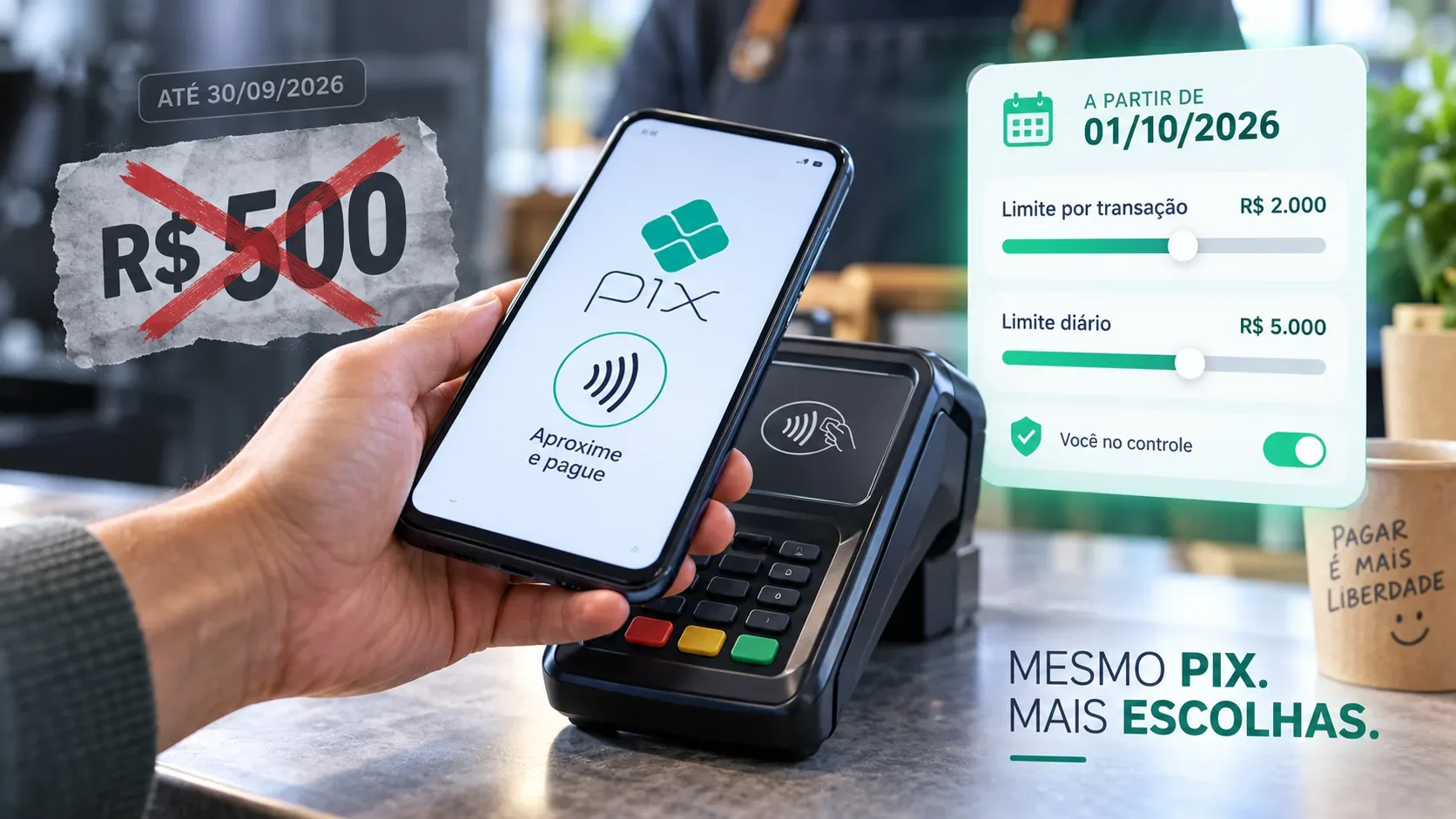
On September 28, 2026, the specific cap of R$ 500 per transaction for contactless Pix is still in force, without prejudice to lower limits applicable to the account or set by the user. A specific daily limit can also be defined.
Starting on October 1, 2026, the rule that removes this fixed R$ 500 cap takes effect. Contactless Pix and transactions using the Open Finance No-Redirect Journey will follow the general Pix limit-management logic. Users will be able to request increases or reductions in per-transaction and daily limits through their institution's channels, subject to the security rules and limits applicable to the account.
The limit change does not remove authentication, the display of payment data or transaction security checks. It mainly changes the rule that currently imposes a specific maximum amount on contactless initiation.
All three methods remain subject to the general Pix security layers
In addition to authentication, institutions apply risk-analysis mechanisms and device-use rules. For individuals, Banco Central classifies transaction initiation as a sensitive process and provides restrictions for transactions performed on devices that have not been previously registered. The Pix security page states limits of R$ 200 per transaction and R$ 1,000 per day for transactions made from unregistered devices.
These rules do not make any of the three methods automatically safe in every situation. Protection depends on the payment request coming from a trusted source, the app or wallet being legitimate, authentication being protected and the user checking the final screen before confirming.
Simple checklist before authorizing a Pix
- Use your institution's official app or a compatible digital wallet authorized for payment initiation.
- Before confirming, read the recipient name and amount displayed by the app, even when the QR Code, Copy and Paste code or payment terminal looks legitimate.
- If the displayed data differs from what was agreed, cancel the transaction and request a new payment charge instead of completing it based on assumptions.
- Protect the device with screen lock, biometrics or a strong password and keep the app's security mechanisms enabled.
- Set Pix limits that fit your use. For contactless payments, remember that the specific rule changes on October 1, 2026.
So what is the security difference?
QR Code and Pix Copy and Paste use essentially the same payment content and differ mainly in how the data is entered. Contactless Pix replaces the camera or text paste with NFC and, when used through a digital wallet, adds a previous account-linking step through Open Finance. After the data reaches the app, the security logic converges: authenticate the user, validate the transaction, display the relevant data and require payment confirmation.
The main change for the user is therefore the journey and convenience, not the creation of a Pix method with fewer controls. The decisive step remains checking what the app or wallet shows before confirmation.
Sources and references
- Banco Central: Contactless Pix
- Banco Central: Contactless Pix FAQ
- Banco Central: Manual of Standards for Pix Initiation
- Banco Central: Pix Security
- Banco Central: change to contactless Pix limits
- Banco Central: Normative Instruction BCB No. 746 of June 16, 2026
- Banco Central: How to make a Pix payment
- Banco Central: Pix Billing