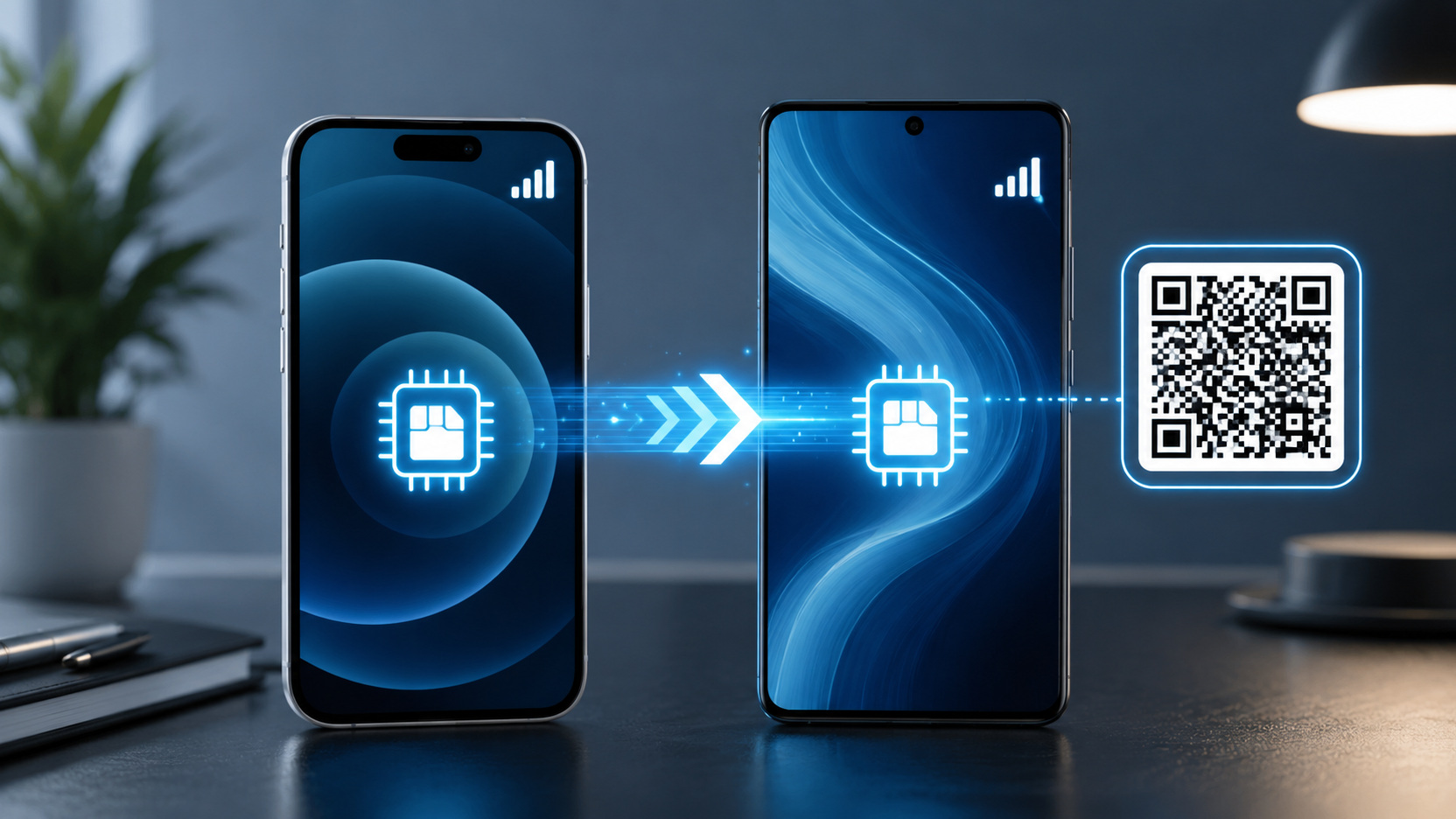
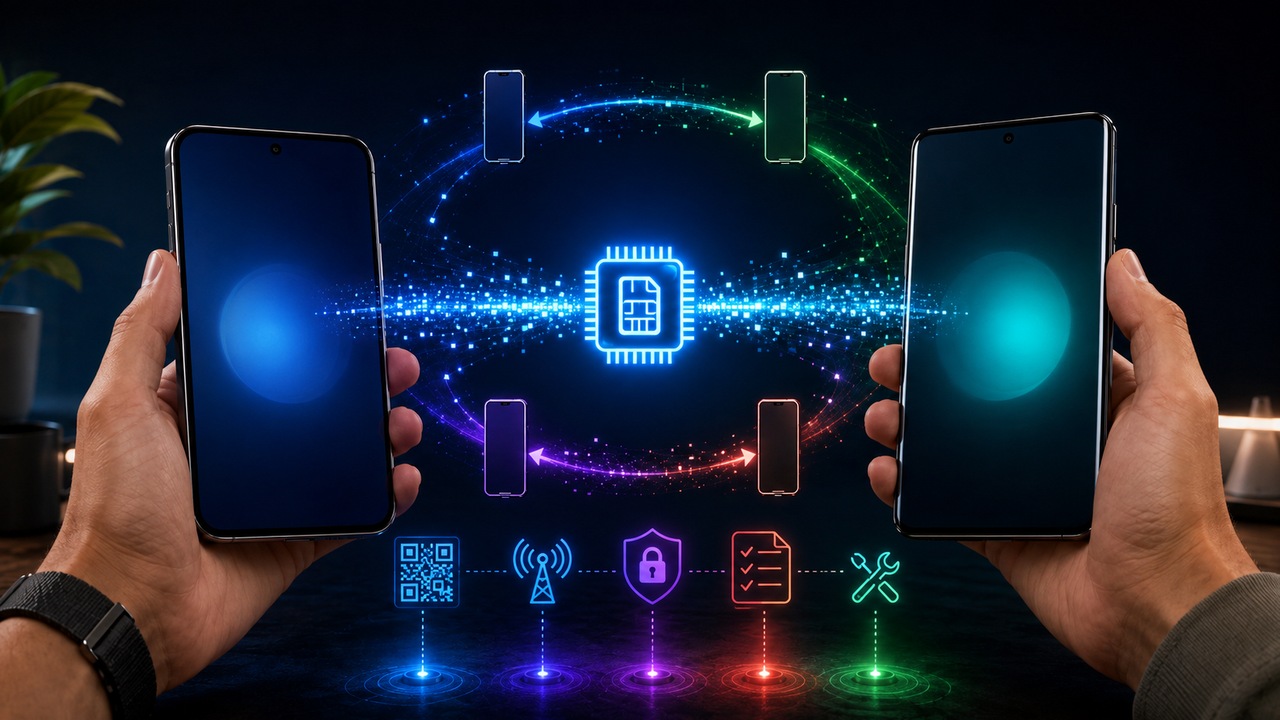
Changing cell phones has become simpler with eSIM, but there is still no single procedure that works for any combination of device and operator. In Brazil, the same line can be moved by transfer integrated into the system, by the operator's application, by a new QR Code or by a reactivation process. The choice depends on three factors at the same time: which device the line is coming from, which device it goes to and which operator manages the number.
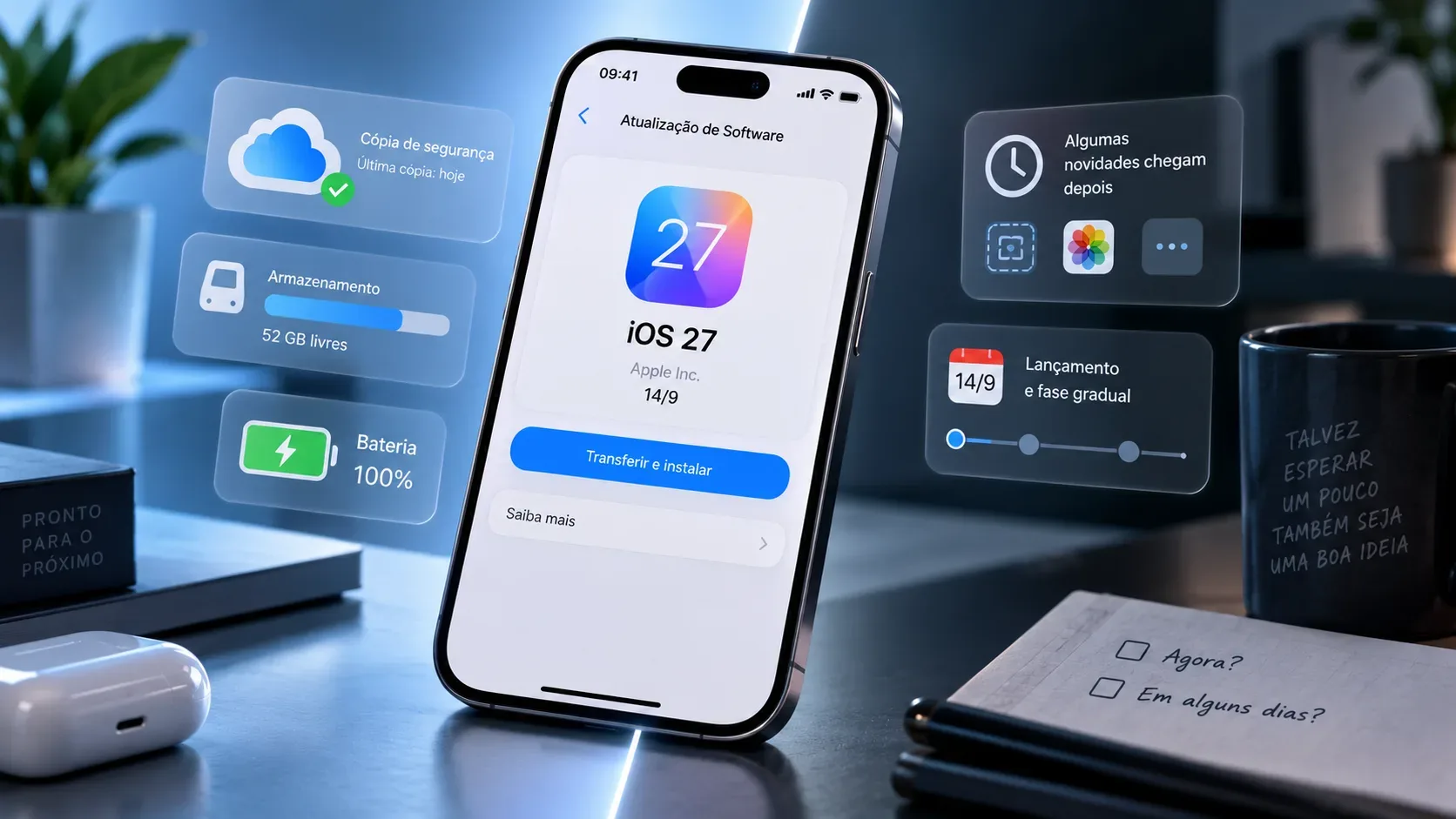
The most important rule is practical: do not erase the eSIM or format the old device before confirming the transfer path and testing the line on the new device. In many streams, the old phone needs to remain unlocked, nearby, and connected until completion. When the migration is complete, the old profile is usually automatically deactivated or stops working. Situation verified with official documentation available in August 2026; As this type of support changes with system versions and operator policies, it is worth checking again if the procedure is carried out much later.
The eSIM is not a file that you simply copy
The number remains linked to the operator, while the eSIM is a digital profile provisioned on the device. Therefore, changing phones does not mean copying a file from one device to another. In a native transfer, the systems of both devices and the operator coordinate the change. In other cases, the operator needs to issue or release a new profile for the target device.
This difference explains why an old QR Code may no longer work, why a transfer option appears on one model and not on another and why two people with similar cell phones may receive different procedures. It also explains why deleting your old eSIM prematurely can turn a simple exchange into a reactivation that requires an application, identity validation, a new QR Code or customer service.
Brazil Matrix by origin and destination
iPhone to iPhone
It is today the most standardized scenario. Apple lists Claro, TIM and Vivo among the Brazilian operators compatible with Fast eSIM Transfer on the iPhone. When the option is available, the new iPhone shows the alternative of transferring the line from a nearby iPhone, and the old device participates in the confirmation. This avoids relying on an already used QR Code.
Even so, each operator maintains its own requirements. Claro documents the line transfer between iPhones and also offers a journey through Minha Claro. Vivo recommends keeping Wi-Fi and Bluetooth active, the devices unlocked and the Apple account configured during the transfer. TIM informs additional requirements in its flow, such as updated iOS and a 24-hour window related to line use before certain transfers; also logs exceptions for older models. Therefore, seeing the transfer button on the iPhone does not eliminate the need to comply with the carrier's conditions.
If the new iPhone does not offer transfer from the nearby device, the next option is to check activation via the operator's app, by QR Code or by direct activation from the operator itself. It is not recommended to erase the line on the old iPhone just to try to make the option appear.
Android for Android
On Android, support is more fragmented because it depends on the manufacturer, system version and carrier integration. Vivo is the broadest case among the verified sources: it maintains direct transfer instructions between two Samsung Galaxy and also between compatible Motorola devices. Samsung itself lists Vivo in Brazil among the operators that can allow instant eSIM transfer between compatible Galaxy or Android devices.
At TIM, the current documentation focuses on direct transfer between Android devices in specific models and versions, with emphasis on Motorola with Android 15 or higher. The operator also advises that, when the device is not compatible with direct transfer, the user may need to remove the old profile and install the eSIM on the new device, following the official flow; If the QR Code is no longer available, TIM offers to generate a new code through the Troca Chip Portal.
At Claro, there is an alternative independent of the native Android transfer: Minha Claro has a journey called device exchange. It validates the customer's identity, allows them to choose another device and, at the end, offers installation of the new eSIM via QR Code or activation code. In practice, this is especially useful when Android's own menus don't offer a direct migration between the two models.
Android for iPhone
This route changed significantly in 2026. On July 24, 2026, Apple published the SIM transfer flow from Android to iPhone with iOS 26. For Brazil, the operator listed as compatible with this feature is TIM. The process requires an iPhone compatible with iOS 26, an Android compatible with Android 16 or later, manufacturer support, active Wi-Fi and Bluetooth. The iPhone generates a pairing QR Code, Android chooses the line and the transfer is completed between the devices.
The important point is not to generalize this feature to Claro and Vivo. If the combination of carrier, Android and iPhone is not within native support, Apple itself recommends using the carrier to activate the eSIM using another method, such as carrier activation or QR Code.
In this scenario, the number remains the same; What changes is the way to provision the eSIM on the new iPhone.
For Claro customers, Minha Claro offers the exchange of device with profile broadcast to another device. For Vivo customers, the Vivo App allows you to manage, transfer and reactivate eSIM, in addition to manufacturer-specific flows. Thus, the absence of the native Android button for iPhone does not mean that migration is impossible; it just means that the path can pass through the carrier.
iPhone for Android
There is also an integrated transfer in specific combinations, but it is not uniform in Brazil. Apple began to document, with iOS 26.3, the transfer of eSIM from iPhone to compatible Android devices and makes it clear that availability varies depending on the operator. TIM has official instructions for transferring an iPhone line to Motorola, using pairing between devices and QR Code during the process.
This should not be understood as an iPhone guarantee for any Android. Samsung's documentation, for example, maintains its own list of carriers compatible with instant transfer from iOS to Galaxy; In the information verified, there is no Brazilian operator indicated in this specific list. In this case, the safest way is to treat the migration as a new eSIM activation on Android, using the app, QR Code, activation code or operator support.
At Claro, Minha Claro can conduct the switch to another device and generate the installation data for the new eSIM. At Vivo, the Vivo App allows you to transfer the line to another cell phone and reactivate the eSIM, although the exact way depends on the model. The rule of thumb is simple: If new Android shows an explicit option to transfer from iPhone and your carrier confirms support, use native streaming. If this option does not exist, do not force delete the eSIM from the iPhone; Migrate through the operator's channel.
What changes between Claro, Vivo and TIM
Of course: quick transfer on iPhone and switch devices via the app
For iPhone, Claro participates in the Fast eSIM Transfer recognized by Apple and maintains its own tutorial to move the line between compatible iPhones. There are version, model, and plan specific conditions in the carrier guides, so it's best to follow the page corresponding to your current device rather than assuming that all iPhones behave the same.
Outside this scenario, Minha Claro is the main alternative path. The device exchange journey performs security validation and allows you to install the eSIM on another device using a QR Code or activation code. During the process, Claro itself warns that the line may be temporarily without signal. This is different from simply erasing the old eSIM and trying to reuse a saved QR Code.
Vivo: more integration between iPhone, Galaxy, Motorola and Vivo App
Vivo combines fast transfer between iPhones, native transfer on compatible Android families and management via the Vivo App. In current guides, the operator documents transfers between two iPhones, between two Samsung Galaxy and between Motorola devices. In Galaxy, Samsung also recognizes Vivo as a Brazilian operator compatible with instant eSIM transfer.
The Vivo App works as an important contingency plan because it allows you to activate, transfer to another cell phone and reactivate the eSIM. This reduces the dependency on an old QR Code. Still, the new device must be eSIM compatible, and integrated streams may require Wi-Fi, Bluetooth, configured blocking method, and minimum system versions.
TIM: greater emphasis on transfers between systems in 2026
TIM appears in more direct transfer scenarios between systems in current sources. In addition to transferring eSIM between iPhones, it is the Brazilian operator listed by Apple for native transfer from Android to iPhone in the iOS 26 flow. TIM also documents transfer from iPhone to Motorola and transfer between compatible Android devices.
At the same time, there are specific restrictions. In the flow between iPhones, TIM informs a 24-hour window related to the use of the line before certain transfers and a new 24-hour wait after a transfer. On Android, direct availability varies by manufacturer and version, with emphasis on Motorola on Android 15 or higher. For incompatible devices or when the QR Code has been lost, the operator directs the customer to the Troca Chip Portal to generate a new form of activation.
Checklist before formatting your old cell phone
Confirm that the new device actually accepts eSIM
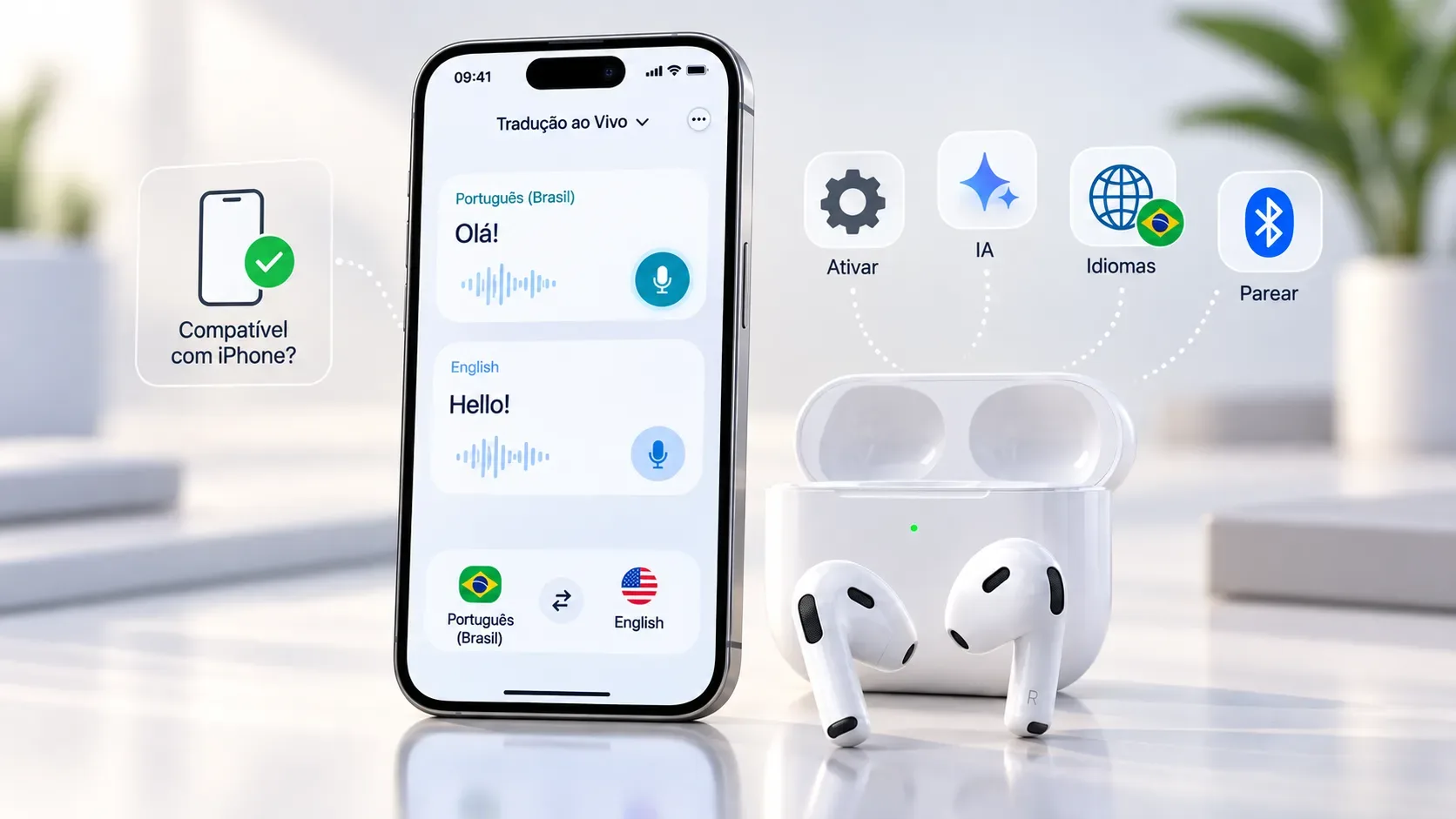
It is not enough for the model to exist in a compatible family. Variants sold in certain markets may have hardware or support differences. Open the new device's settings and confirm the presence of the option to add eSIM; If in doubt, consult the manufacturer and carrier page for that specific model.
Update both devices before starting
Much of the transfers depend on functions that arrived in recent versions of iOS and Android. Update systems, restart if update is pending, and keep Wi-Fi and Bluetooth active. In proximity transfer flows, leave the devices side by side, unlocked and with enough battery to complete the activation.
Grant access to the app and operator data
If the native transfer fails, plan B almost always goes through the operator's channel. Before deleting anything, confirm that you can access Minha Claro, App Vivo or TIM's digital channels and that you can complete any identity validation. This is especially important if your old cell phone still receives authentication codes.
Do not depend on a saved QR Code as the only way out
An eSIM QR Code represents an activation process and may not be reusable in the way you expect. TIM, for example, advises you to generate a new code through the Troca Chip Portal when the old one is not available. Claro and Vivo also maintain new installation or transfer days. Keep useful information, but treat the old QR Code as a possibility, not a guarantee.
Test the line on the new device before turning off the old one
After activation, make a call, receive a call, test SMS when necessary and confirm mobile data. Also check that the correct line is set for voice and internet when the device has more than one SIM. Only then remove accounts, delete content and format
old device.
What to do when the transfer fails
The transfer option does not appear
First, check that both devices are up to date and that the combination of origin, destination and operator actually offers native transfer. On iPhone to iPhone, Claro, TIM and Vivo support Quick Transfer, but there are their own requirements. On Android, support may change depending on manufacturer and version. If the option is still missing, change your strategy: use the operator's app or request a new eSIM profile.
Pairing begins, but migration does not end
Do not erase the old eSIM as the first fix attempt. Confirm Wi-Fi, Bluetooth, proximity, device unlocking and battery. Restarting both devices may be helpful before trying again. If the process has already deactivated the line on the old device and has not completed on the new one, use the operator's channel to reactivate or reprovision the eSIM.
The QR Code appears as invalid or already used
Do not automatically conclude that the number has been lost. The problem is usually with the activation profile, not the line number. Generate or request a new activation through official channels. At TIM, there is the Troca Chip Portal for this type of situation. At Claro, changing devices through the app may provide a QR Code or activation code. At Vivo, the Vivo App allows you to create, transfer and reactivate the eSIM according to the journey available for the line.
The old cell phone has already been deleted
At this point, proximity transfer is no longer the best option because the originating device can no longer confirm the migration. The solution goes through the operator. Enter the app or service, validate your identity and request the installation or reactivation of the eSIM on the new device. Depending on the operator and plan, this can be resolved remotely; In specific cases, in-person assistance may be necessary.
The eSIM appears installed, but the line does not work
Wait a few minutes for network activation to complete and confirm that eSIM is enabled in settings. Make a call to test. If the line remains out of service, do not repeat deletions and installations indefinitely; Contact the operator with the new device in hand to check the line provisioning.
When is it safe to erase the eSIM from your old device
The safe moment is after the number is active on the new device and the basic tests have worked. In many native transfers, the old device profile is automatically deactivated when the line migrates. In other procedures, the operator will advise when to remove the previous profile.
The exception is when the official flow itself orders the removal of the old eSIM before installing the new one in a combination that is incompatible with direct transfer. In this case, follow the order defined by the operator and have the new activation method on hand before deleting the profile. The most common mistake is to reverse this logic: delete first and only then figure out how to get the new eSIM.
The safest decision in each scenario
If the exchange is from iPhone to iPhone with Claro, Vivo or TIM, first try the quick transfer using iOS itself and confirm the specific carrier requirements. If it's from Android to Android, look for the manufacturer's native transfer; Vivo has documented support on Galaxy and Motorola, while TIM maintains direct support on specific Android combinations and Claro offers a strong alternative through Minha Claro.
If the source is Android and the destination is iPhone, the native transfer introduced in 2026 must be treated as specific compatibility: in Brazil, Apple lists TIM in this flow. For Claro and Vivo, or for devices that do not meet the requirements, use the operator's method. If the source is iPhone and the destination is Android, confirm that the model and carrier are explicitly shown as compatible; TIM documents iPhone for Motorola, but it is not safe to extend this to any Android.
In all cases, the best plan B is the same: keep the old device intact, guarantee access to the operator's account and only format it after the line is working on the new phone. This sequence reduces the chance of running out of service and avoids turning a simple migration into an eSIM recovery.