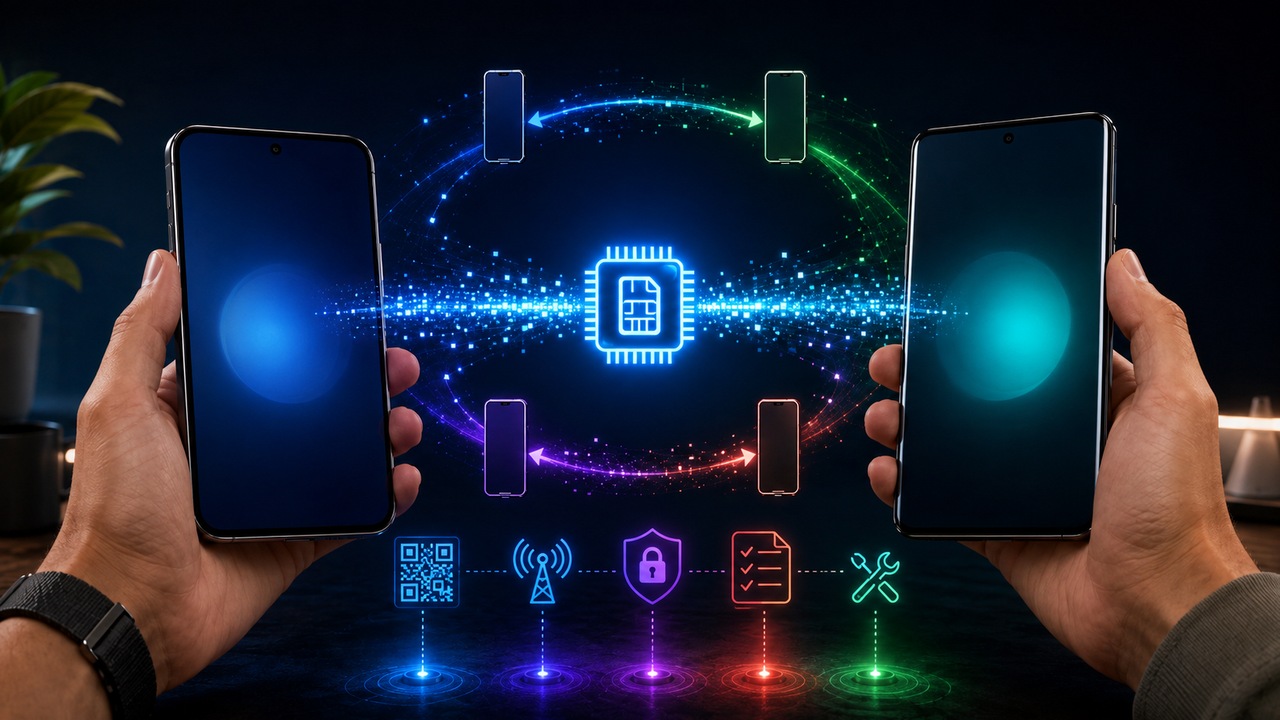
Changing a cell phone with an eSIM is not the same as copying photos, applications and contacts. The number continues to belong to your line, but the digital profile that authenticates the device on the network needs to be transferred, converted or activated again. In 2026, some devices and operators will already do this directly between two cell phones; in other combinations, the path continues through the operator's application, QR Code, activation or service code.
The most important rule of thumb is simple: do not erase, restore or hand over your old device before confirming that the line works on the new one. Make at least one call, test mobile data and, if you use SMS for authentication, confirm that the messages reach the new device. Only then treat the old phone as ready for sale, exchange or restoration.
Transferring, converting and activating a new eSIM are different operations
Transfer means taking the same line from the old device to the new one through a flow recognized by the system and the operator. On a successful transfer, the previous profile is typically deactivated when the new one goes live. It's the closest scenario to the idea of "moving" the eSIM.
Converting is another thing. In this case, the line is still on a physical SIM and the goal is to turn it into an eSIM. Some iPhones, Motorola and Samsung devices offer this option in the menu itself, but it only appears when the operator and model allow it. Conversion should not be confused with exchanging one cell phone for another.
Activating a new eSIM is the path used when there is no direct transfer for that combination of devices or when the operator prefers to reprovision the line. The user receives a new profile via QR Code, link, application, activation code or automatic activation from the operator. The number may remain the same, but the installed profile is new.
This difference explains why two people with eSIM can have opposite experiences when changing cell phones. One taps "Transfer" and finishes in minutes. Another needs to open the operator's app, validate identity and receive a new QR Code.
Before touching the old device, check three dependencies
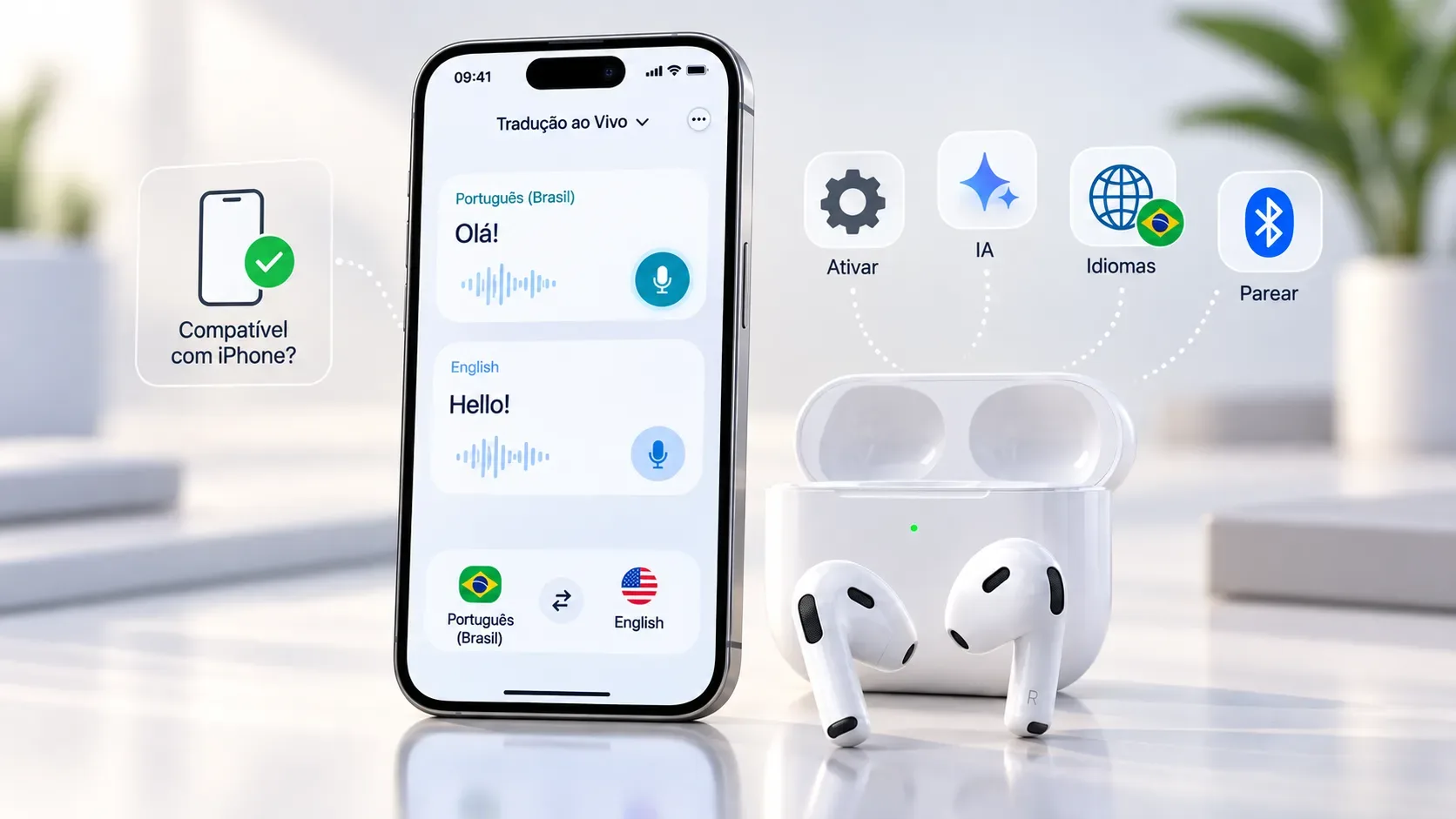
The first is the compatibility of the new device with eSIM. It is not enough for the model to have a version sold with eSIM in another country: regional variants may change. The manufacturer itself is the safest source to confirm the exact model.
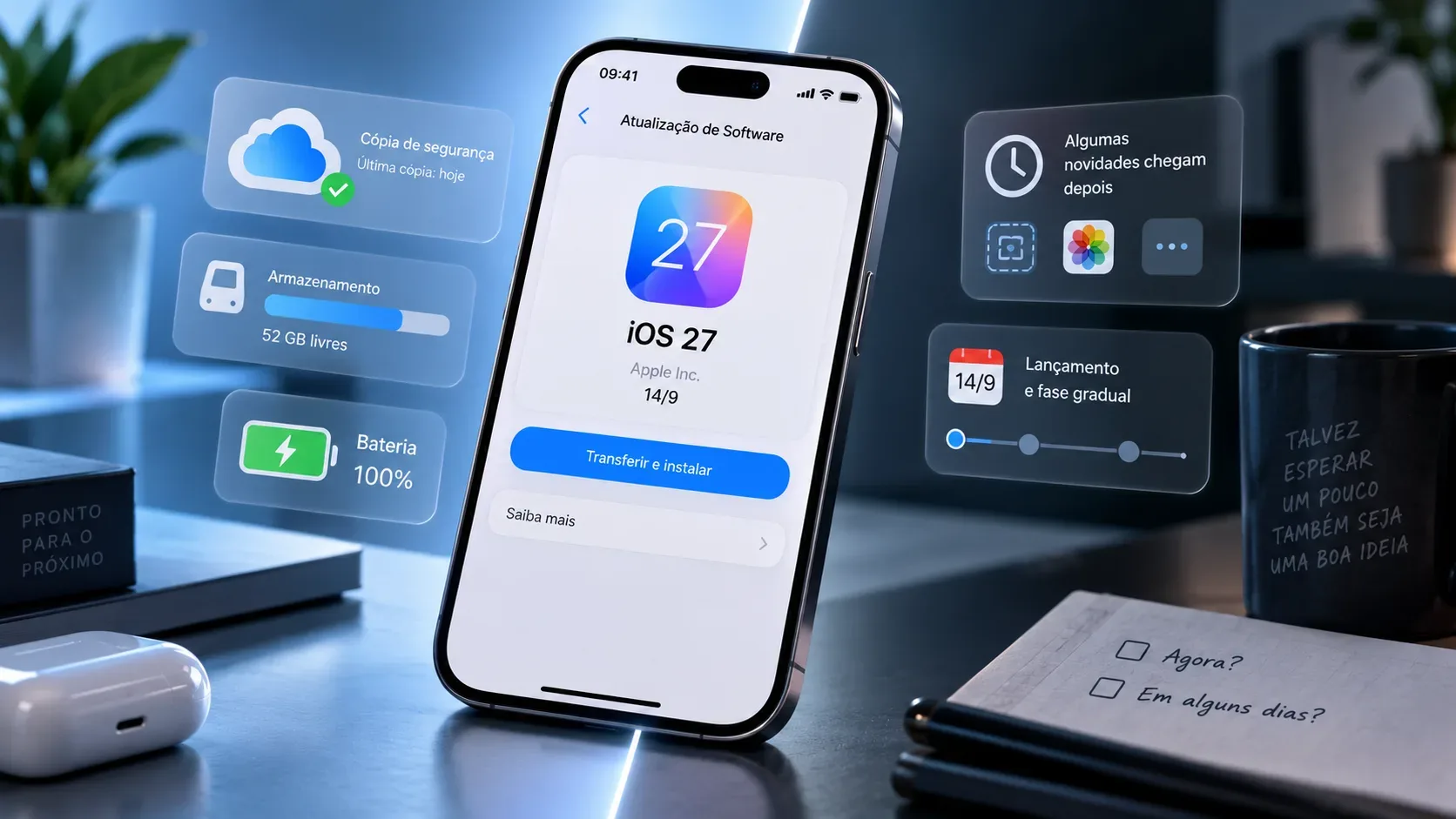
The second is software. Apple requires minimum versions of iOS in its quick transfer flows, and Android also conditions automatic transfer on system versions, Google Play Services, screen lock and manufacturer support. On Galaxy, Motorola and Pixel devices, menus and requirements may vary.
The third is the operator. The eSIM may be supported by the operator and yet a certain transfer method may not be supported. Supporting eSIM, supporting QR Code and supporting direct transfer between two devices are different things.
iPhone for iPhone: it is the most predictable scenario in Brazil
Apple lists Claro, TIM and Vivo in Brazil as operators that support eSIM Fast Transfer on the iPhone. This feature allows you to take the number from your old iPhone to your new one without having to talk to your carrier, as long as the line, devices and software meet the requirements.
In Apple's current instructions, the two iPhones must be close together, have Bluetooth turned on, and the old device must be unlocked. The company also informs iOS version requirements and Apple Account login. The transfer may appear during setup on your new iPhone or be initiated later in Settings.
When activation ends on the new iPhone, the previous SIM is deactivated. Therefore, the correct procedure is to keep both devices close by until completion and test the line on the new one before turning off the old one.
If the transfer option does not appear, it does not mean that the eSIM has run out or that the number has been lost. The next way is to check the method offered by the operator: automatic activation, app, QR Code, link or service. Apple lists Algar, Claro, TIM and Vivo among the Brazilian operators that offer other eSIM activation methods, while Fast Transfer appears for Claro, TIM and Vivo.
Android to Android: the keyword is compatibility
On Android, there is no one-size-fits-all answer for all manufacturers. Google offers a SIM or eSIM transfer flow during setup or later in Settings, but points out that availability depends on the carrier. For automatic transfer, the Pixel documentation cites Android 12 or higher on both devices, updated Google Play Services and configured screen lock.
In practice, what appears in the new cell phone's menu depends on the combination of manufacturer, Android version and operator. If the automatic transfer is not detected, Google itself advises you to contact your operator to activate the eSIM.
Samsung Galaxy
Samsung offers the option to transfer a SIM or eSIM from another Galaxy or Android to a new Galaxy on compatible devices. Phones must be nearby, with Wi-Fi and Bluetooth, and the new device must have a security method configured.
In the current list of operators that can allow instant eSIM transfer on Galaxy devices, Samsung cites Vivo for Brazil. This does not mean that Claro and TIM do not have eSIM on Galaxy: Samsung itself lists Claro, TIM and Vivo as Brazilian operators that support eSIM. The difference is the type of flow available.
Vivo also publishes a specific step-by-step guide for transferring between two Samsung Galaxy devices, carried out using the Chip Manager, with confirmation on both devices and a validation code.
Motorola and Android compatible
Vivo publishes a direct transfer flow between Motorola devices, including during initialization, using QR Code to pair the phones and confirmation on both devices. TIM also publishes eSIM transfer between Androids, but currently informs that this flow is available, in its support, for Motorola with Android 15 or higher.
The practical consequence is important: "Android for Android" is still too broad a category. Before deleting any profile, look on your new device for the option to transfer a chip from another device and confirm on your operator's page whether your model is part of the supported flow.
Android to iPhone: direct transfer exists, but it is not universal
iOS 26 expanded migration between ecosystems. Apple now offers a flow to transfer the SIM or eSIM from a compatible Android to the iPhone, using nearby devices and a pairing QR Code. When the transfer finishes, the SIM on Android is deactivated.
In Brazil, Apple's current list for this modality mentions TIM. The documentation states that a compatible Android smartphone and recent version of the system are also required, in addition to Wi-Fi and Bluetooth. Therefore, having a TIM line does not alone guarantee that any Android will be able to transfer: the manufacturer and model also need to offer support.
TIM publishes its own procedure for migrating from Android to iPhone and advises keeping devices with sufficient battery power and connected to Wi-Fi. As support may change by model, confirmation on the device and on the operator's current page is safer than following a generic tutorial found on the internet.
If the "Transfer from Android" option does not appear or fails, Apple advises you to contact your carrier to activate the eSIM, usually via carrier activation or QR Code. In this case, treat the operation as a new activation of the same line, not as a manual copy of the old profile.
iPhone for Android: support still fragmented in Brazil
Apple also introduced, in iOS 26.3, a process to transfer data and eSIM from iPhone to certain Android devices. Android 17 brings an updated migration experience on select devices, including recent Pixel and Galaxy models, with eSIM support in-stream when carrier supported.
The caveat is decisive for those in Brazil: in the list published by Apple for the native eSIM flow from iPhone to Android, a Brazilian operator currently does not appear. This prevents treating the function as universal in the country.
At the same time, TIM maintains its own guidance for transferring eSIM from iPhone to certain Motorola. This difference between Apple's generic list and the flow published by the operator shows the central problem of the topic: real support is defined by the combination of operator, manufacturer, model and system version.
If you're switching from an iPhone to an Android and the transfer doesn't appear on your new device, don't try to erase the eSIM from your iPhone. Open the operator's official channel and look for the option to change device, transfer eSIM or issue a new eSIM.
When you need a new QR Code
The QR Code comes into play mainly when the new device is unable to receive the profile via direct transfer, when the operator reprovisions the line or when the previous profile has been removed and needs to be installed again.
There is no national rule for reusing the same QR Code. Claro informs, for example, that after adding the eSIM to a device, the same QR Code cannot be reused on another device. TIM, in turn, advises that the customer can generate a new QR Code through the Troca Chip Portal when they no longer have the previous one and provides specific recommendations for restoring the device. At Vivo, the Vivo App allows you to activate, reactivate and transfer eSIM, and the operator also uses QR Code on certain channels and plans.
Therefore, saving an old QR Code capture should not be treated as a recovery plan. What matters is having access to the operator's account, the means of identity validation and, when applicable, the email to which a new code will be sent.
What each Brazilian operator looks like in 2026
Of course
On the iPhone, Apple lists Claro for Fast eSIM Transfer. In addition, Claro offers activation via QR Code and a flow on Minha Claro to exchange the eSIM or physical chip for another device. This process includes biometric validation and then installation of the eSIM on the target device via QR Code or installation code, depending on the device.
Claro warns that the line may be temporarily without signal during the exchange and informs that a QR Code already used to add the eSIM to one device cannot be reused on another. If direct system transfer is not available, the carrier app is therefore an important official route.
TIM
On the iPhone, TIM appears on Apple's list for Quick Transfer. In 2026, it is also the Brazilian operator listed by Apple for the stream of compatible Android for iPhone.
On Android, TIM publishes transfer between devices in specific scenarios and informs, on its current page, Android transfer support for Motorola with Android 15 or higher. The operator also documents migration between iPhone and certain Motorola and maintains the Chip Exchange Portal for conversion, exchange and generation of new QR Code.
TIM makes a particularly useful warning before restoring the device: if you are going to change your cell phone, transfer the eSIM first. If you are not transferring at that time, the operator recommends removing the eSIM before restoring to preserve the reinstallation flow; If the device is restored with the eSIM still configured and the customer has not prepared the exchange, it may be necessary to obtain a new profile via customer service.
Alive
On iPhone, Vivo is also on Apple's list for Fast eSIM Transfer. The operator also offers management via the Vivo App, including activating, reactivating and transferring the eSIM to another cell phone.
On Android, Vivo publishes its own streams for Motorola and Samsung. On the Galaxy, there is a direct transfer between two compatible devices using the Chip Manager. Samsung, in its instant eSIM transfer list, cites Vivo as a supported operator in Brazil for this flow.
For digital plan customers, the channel may also change. Vivo informs that Easy Lite can use eSIM and that activation involves the Vivo Easy app and validation via email. Therefore, anyone using a digital modality should check the app itself before looking for a store.
Algar
Apple lists Algar in Brazil among the operators that offer other eSIM activation methods, but does not include it in iPhone Quick Transfer. The safest advice is to wait for an activation or reprovisioning flow from the carrier, such as a QR Code or specific instruction, rather than assuming that the profile can be moved directly between devices.
A simple decision tree so you don't lose track
If the old and new device are iPhones
First, look for number transfer when setting up your new iPhone or in Settings. If the line is Claro, TIM or Vivo and the option is available, this is the most direct route. Keep both devices close, updated and with Bluetooth active. After completion, test calls, data and SMS on the new device before erasing the old one.
If both devices are Android
Look on your new device for the option to add an eSIM and transfer a chip from another device. If it appears, continue pairing by keeping both phones close and connected. If it doesn't appear, check your manufacturer and carrier support. At Vivo, there is specific documentation for Samsung and Motorola; at TIM, there is specific Android flow for Motorola in compatible versions; at Claro, the Minha Claro app offers an exchange for another device with a new eSIM installation.
If you're switching from Android to iPhone
In Brazil, the first case to check is TIM with a compatible Android device and an updated iPhone, because Apple lists this operator combination for direct flow. If the feature does not appear, use the method indicated by your carrier to activate the eSIM on your iPhone.
If you're switching from iPhone to Android
Start with the Android setup wizard and see if the device offers eSIM transfer. Don't assume the feature will work with any Brazilian carrier. If the stream is not available, use the carrier's app or portal to change devices or issue a new eSIM. For TIM and certain Motorola, there is specific transfer documentation; in other combinations, the procedure may be different.
What to do before restoring, selling or handing over your old cell phone
First confirm that the new device is connected to the cellular network with the correct line. The signal icon alone isn't enough: make a call, turn off Wi-Fi and open a page using mobile data. If you receive security codes via SMS, test this step as well.
Check that the new phone shows your number and that the voice and data settings are pointing to the correct eSIM, especially if there are two lines. On dual SIM devices, one line may be installed but not defined as primary for data or calls.
Only after validation treat the old device. In direct transfers, the previous profile is typically automatically deactivated. For manual activations, follow the operator's guidance before deleting the old profile, as the QR Code and reactivation policy varies.
If the phone is going to be sold or given to someone else, also complete the normal account removal and system restore procedures. eSIM transfer resolves cell line; It does not replace data backup or removal of Apple or Google accounts.
If the transfer fails, preserve the profile that still works
When the transfer stops halfway through, the best diagnosis is to first check which device the line still works on. Google advises that the current device or eSIM may continue to work when the transfer is not completed. This is better than deleting profiles trying to "force" a new activation.
If the old device still receives a signal, keep it intact while you repeat the process or open the operator's channel. If neither device connects, use Wi-Fi and look for the app, portal or official service to reprovision the line. Avoid relying on an old QR Code without confirming that it is still valid for that operator.
Exchanging an eSIM became simpler in 2026, but there is still no single procedure. iPhone to iPhone is the most standardized scenario in Brazil; Android to Android largely depends on the manufacturer; Android for iPhone gained a direct path with TIM in compatible combinations; and iPhone for Android still requires close attention to carrier- and device-specific support.
The point that doesn't change is the order of actions: prepare both cell phones, try the supported transfer, activate the line on the new device, test voice, data and SMS and only then delete the old one. This sequence reduces the risk of being left without service at the moment when you need the line most to confirm identity and complete the exchange.