Procon de João Pessoa notified iFood on August 3, 2026 to request clarification on complaints involving prices displayed to Clube iFood subscribers. According to the agency, consumers sent screenshots in which the value after the discount would appear equal to or close to the price available to other users.
The notification initiates an investigation stage. It does not represent a final decision, conviction or proof of fraud. iFood was given a period of five working days, counting from receipt of the notification, to present its justification. The deadline cannot be calculated just from the publication of the news, because the agency did not inform when the company formally received the document.
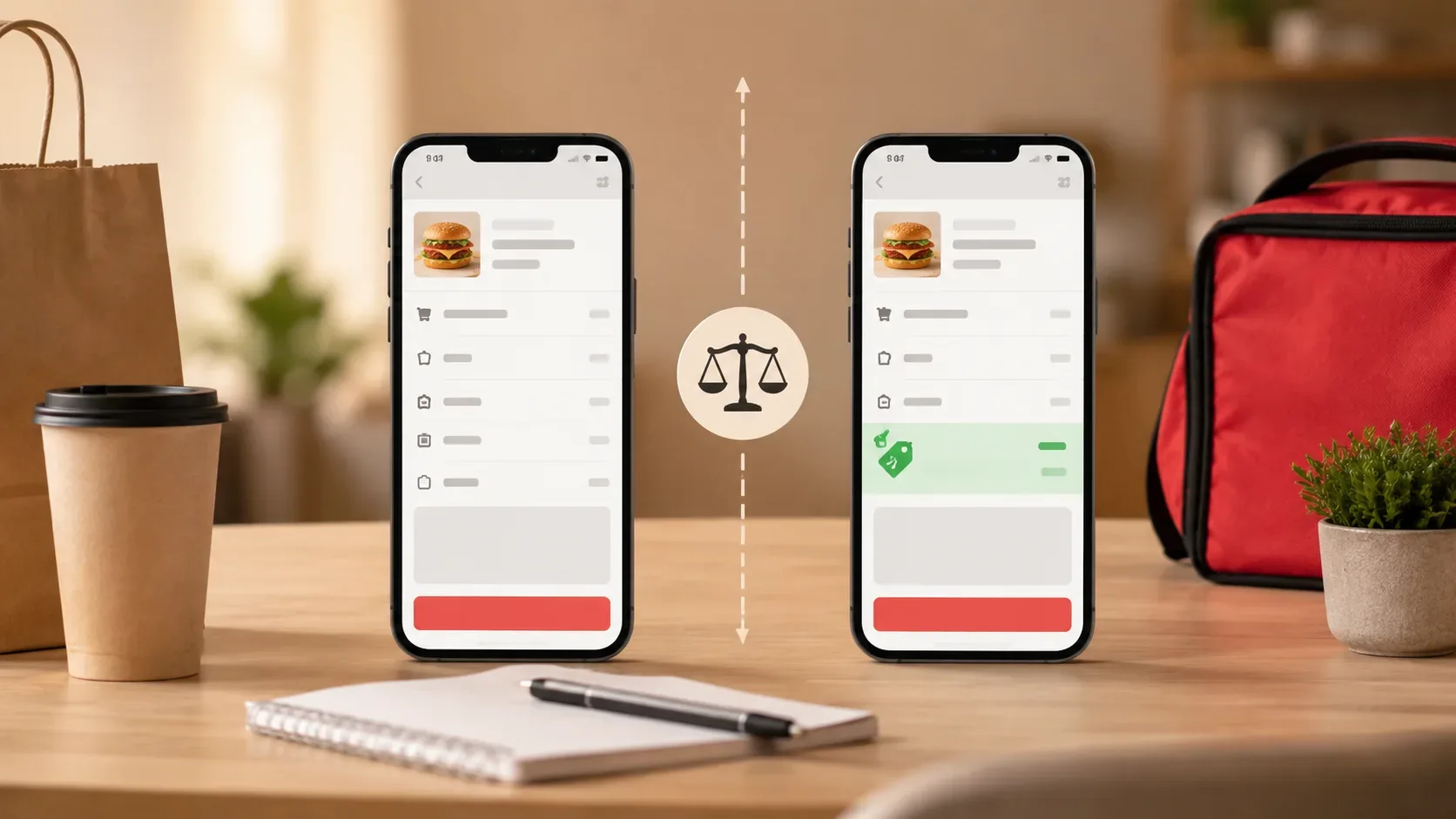
For the consumer, the most important point is practical: comparing only the price shown on the home screen can produce the wrong conclusion. A useful test needs to keep things the same and arrive at a breakdown of the total in the cart.
What the iFood Club announces
The institutional material consulted on August 3, 2026 informs that the iFood Club includes five 25% discount coupons, with a limit of R$ 10 per coupon. The platform itself also informs that coupons are not applied to delivery and service fees and may not be valid for certain promotional items. The conditions actually available must be checked in the application, as benefits, eligibility and campaigns may change.
When the displayed coupon is 25% limited to R$10, the basic calculation is:
Expected discount = 25% of the eligible value, respecting the ceiling of R$10.
| Eligible value of items | 25% calculation | Maximum expected discount |
|---|---|---|
| R$ 20 | R$ 5 | R$ 5 |
| R$ 40 | R$ 10 | R$ 10 |
| R$ 60 | R$ 15 | R$ 10 |
The discount can only apply to eligible items. Delivery, service fee and other amounts presented separately continue to make up the total.
In a hypothetical example, an order with R$40 in items, R$6 delivery and R$1.99 service fee would have an initial total of R$47.99. With a valid 25% coupon limited to R$10, the expected total would be R$37.99 — as long as all R$40 was eligible and no other conditions interfered.
Why two different prices alone do not prove an irregularity
The conditions of a purchase may vary between accounts. iFood's terms of use say that each partner establishment determines the price of its products and that any fees charged by the platform are not included in the price of the items. The terms also provide for promotional coupons provided by iFood or by establishments, according to their own rules.
In addition, iFood institutional materials mention targeted campaigns and specific coupons for recurring users. Thus, two accounts may receive different promotions for reasons unrelated to the Club subscription.
This does not prevent a complaint when there is a disagreement. It just means that the comparison needs to separate:
- normal price of the item;
- promotion applied by the restaurant;
- coupon available for that account;
- Club-specific discount;
- delivery fee;
- service fee;
- final total.
A capture showing only the price of the dish in the window does not necessarily reveal all of these components.
Secure test: the six elements that must remain the same
To check the iFood Club discount in a reproducible way, use an account with a signature and another without a signature, belonging to a person who has authorized the comparison. There is no need to complete or pay for the order.
Keep these six elements the same:
- Restaurant and location: confirm that it is the exact same branch, not just the same brand.
- Product and quantity: choose the same dish, size, version and number of units.
- Complements: check the same flavors, extras, drinks, sides and mandatory options.
- Shipping address: use the same full address on both accounts.
- Comparison time: make the records a few minutes apart.
- Final cart stage: proceed through both accounts to the screen that lists subtotal, discounts, delivery, service and total.
When possible, also maintain the same delivery method and the same payment category. Remove non-trial related coupons. If an automatic promotion cannot be withdrawn, record its name and value instead of ignoring it.
Step by step to compare the discount
1. Register coupon rules
Before choosing the restaurant, open the Club area and capture:
- promised percentage;
- maximum limit;
- validity;
- minimum order, if any;
- eligible restaurants or items;
- accumulation restrictions;
- Indication of fees.
Take the capture with the date and time visible on the device. Do not publish personal data, balance, telephone number, address or payment methods.
2. Open the same establishment
In both accounts, check the name of the unit and the address of the restaurant. Chains may have several stores in the same city, with different prices, promotions and deliveries.
A comparison between different units is inconclusive, even when the name and menu photos look the same.
3. Assemble identical carts
Add the same item and make exactly the same choices. An additional marked on just one account can change the price and even coupon eligibility.
Record the product screen, but don't stop there. The decisive data usually appears when closing the cart.
4. Identify each line of the total
In both accounts, write separately:
- subtotal of items;
- restaurant promotions;
- other coupons;
- discount attributed to the Club;
- delivery fee;
- service fee;
- final total.
Do not treat as “dish price” an amount that already includes shipping, service or other discount.
5. Record the complete sequence
A screen recording may show that the restaurant, product and address remained the same until checkout. Record first on one account and then on the other, or use two devices side by side.
Also save static captures of the main screens, as they are easier to attach to service forms.
6. Repeat before generalizing
A single result can document that order, on that account and at that time. It does not automatically prove a systematic practice.
If the divergence persists, repeat the procedure:
- after updating the screens;
- with another item from the same establishment;
- at another time;
- checking if any automatic promotions have changed.
No need to place multiple orders or spend money. The comparison can be closed before confirming the purchase.
How to interpret the result
| Observed result | What it indicates | Next step |
| Same subtotal and lower total with coupon | Operation apparently compatible with the discount | Save the record if you want to monitor the economy |
| Same subtotal, but smaller discount than expected calculation | There may be ineligible item, limit, minimum order or failure | Check the conditions and ask for an explanation |
| Highest subtotal on the subscriber account and total equal to the other account | Relevant divergence, but not yet conclusive | Check different promotions and record all lines |
| Account without a Club received another coupon or automatic promotion | The comparison does not isolate the benefit of the subscription | Remove the promotion or identify it in the report |
| Different delivery rates | Address, unit, modality or logistics may not be the same | Rerun the test with the aligned conditions |
| Difference only appears in the window, but disappears in the cart | The initial screen was not enough to complete | Use the total as a reference |
| Same conditions and repeated divergence, with no apparent explanation | Useful evidence for assistance and investigation | Open protocol and attach the original files |
Even when the final value is the same, this does not necessarily demonstrate that the discount was “void”. The non-subscription account may have received another promotion, while the subscriber account applied the Club coupon. The test should show which discount was applied on each side.
On the other hand, if the base price of the same item appears higher only for the subscriber account and the difference exactly follows the value of the coupon, the record deserves clarification. The correct wording is: “a price divergence was observed under these conditions”, not “the company committed fraud”.
How to store evidence that can be understood
Create a folder just in case and preserve the original files. A simple organization might include:
- 01-coupon-rules;
- 02-product-subscriber-account;
- 03-conta-sem-clube-produto;
- 04-subscriber-cart;
- 05-cart-without-club;
- 06-comparison-recording;
- 07-service-protocol;
- 08-reply-from-the-company.
Avoid cropping or editing the originals. To share publicly, make copies with personal data hidden, keeping the files intact in a private location.
Also prepare an objective summary:
On [date], at [time], I compared the same item from unit [identification], to the same address. In the subscriber account, the subtotal was R$ [value], the Club discount was R$ [value] and the total was R$ [value]. In the other account, without a related coupon, the subtotal was R$ [value] and the total was R$ [value]. I request a breakdown of prices and discounts applied.
Do not publish the name or details of the person who provided the second account. Also do not share your full address, phone number, social security number, card number or authentication information.
What the Consumer Protection Code establishes
The Consumer Protection Code prohibits misleading advertising, including communication capable of misleading the consumer about the price. The law also determines that whoever sponsors advertising must demonstrate the veracity and correctness of the information disclosed.
The application of these provisions to a specific case depends on the analysis of the conditions of the offer, the evidence, the company's statement and the investigation by the competent body. Therefore, the existence of the Procon-JP notification should not be presented as confirmation of misleading advertising.
Where to complain when the divergence is documented
For problems related to a completed order, iFood advises you to open service in the application in Orders, select the order and access Help. The contact history remains recorded in the app, so it is important to also save the protocol number and the response received.
When opening the request:
- describe the values without adjectives or accusations;
- enter date, time, restaurant and item;
- attach the screens of both accounts;
- identify the coupons and promotions applied;
- ask for calculation memory or explanation of the divergence;
- Say clearly what solution you want.
If direct assistance does not resolve the issue, the consumer can check the company's availability on Consumidor.gov.br. The Ministry of Justice recommends gathering the request number, receipts, protocols and messages, in addition to describing dates, values and the desired solution. On the platform, participating companies have up to ten days to respond.
It is also possible to search for the Procon in the city or state. Procon-JP asked consumers to continue reporting possible cases while the issue is under investigation.
What to avoid when reporting the case
Do not present as definitive proof:
- comparison between different restaurants or branches;
- screens recorded at very distant times;
- products with different complements;
- accounts with different unidentified coupons;
- only the price displayed in the search or in the window;
- cropped capture that does not show the context;
- assembly with third-party images;
- fraud claim based on a single case.
Objective reports are often more useful than accusations. Instead of “the discount is false”, write: “under the conditions recorded, the total with the coupon coincided with the value displayed on the other account; I request clarification on the price formation”.
The investigation continues
Until the closing of this publication, on August 3, 2026, the confirmed fact was the notification and the opening of the deadline for clarifications. There was no final decision released by Procon-JP.
A specific statement from iFood regarding this notification was also not found in the institutional channels and public results searched until 5:32 pm in the Maceió time zone. There was no direct contact between the editorial team and the company. The article should be updated when a public response or agency decision is available.
Save the checklist before comparing. The most useful record is not the one that looks most shocking, but the one that allows someone else to replay the test and understand how each value arrived at the final total.
Sources consulted
- Procon de João Pessoa — statement about the notification to iFood, published on August 3, 2026.
- iFood — institutional guide to Clube iFood’s benefits and conditions.
- iFood — help page about the iFood Club.
- iFood — Terms and Conditions of Use of the platform for users.
- Presidency of the Republic — Consumer Protection Code, Law No. 8,078/1990.
- Ministry of Justice and Public Security — guidance for complaints on Consumidor.gov.br, published on July 10, 2026.